
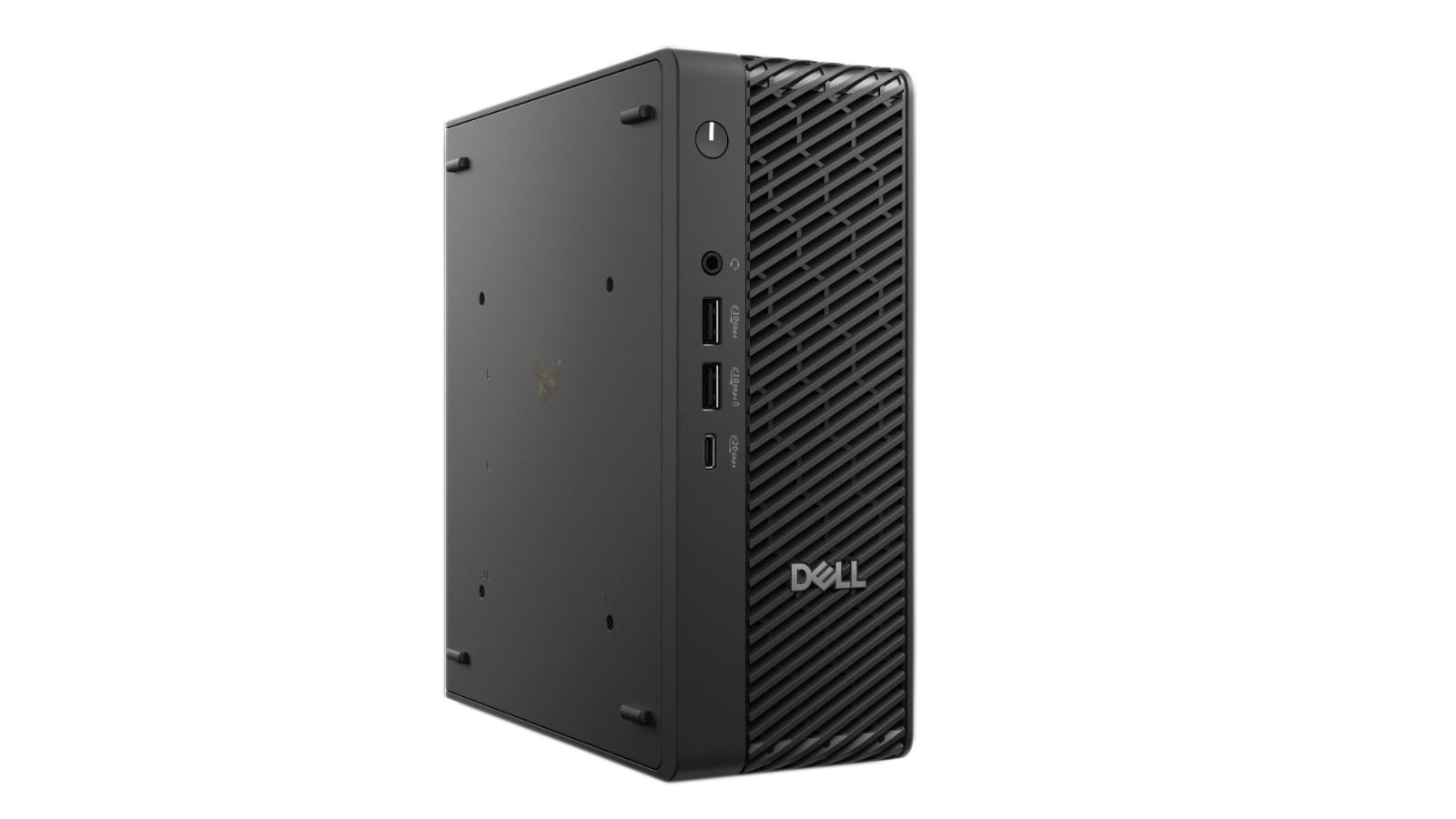
Preparing for Computer Replacements Before Equipment Becomes Unreliable
Small offices often continue using computers until a machine becomes too slow, stops starting, or develops a problem that interrupts daily work. This reactive approach can turn a manageable equipment decision into an urgent replacement involving unexpected expenses, rushed purchasing, missing files, incompatible software, and avoidable downtime.
Computer replacement planning provides a more organized way to manage aging workstations. Instead of replacing every computer at the same age or waiting for complete failure, the office evaluates each system according to its condition, performance, business role, software requirements, and remaining usefulness.
A practical replacement plan does not require a large IT department. Even a small business with only a few computers can benefit from maintaining basic equipment records, identifying its most important systems, and preparing for replacements gradually rather than handling every aging machine as an emergency.
Replacement Planning Is More Than Tracking Computer Age
The age of a computer is useful information, but it should not be the only factor used to decide when replacement is appropriate. Two computers purchased at the same time may experience very different levels of wear depending on their hardware, workload, operating environment, maintenance history, and daily use.
A workstation used for email and basic documents may remain suitable longer than a computer responsible for accounting software, large databases, design work, multiple displays, or other demanding tasks. A lightly used reception computer may also age differently from a system that operates continuously throughout the workday.
| Planning Factor | What It Helps Determine |
|---|---|
| Computer age | How long the system has been in service |
| Hardware condition | Whether physical components remain dependable |
| Performance | Whether the computer still handles its assigned workload efficiently |
| Software compatibility | Whether required programs and operating systems remain supported |
| Business importance | How disruptive an unexpected failure would be |
Different Computers Carry Different Levels of Business Risk
Not every office computer has the same effect on business operations. Some systems can remain unavailable briefly without creating a major disruption, while others may be essential for billing, scheduling, customer records, communication, inventory, production, or access to specialized equipment.
Replacement planning becomes more effective when computers are evaluated according to the consequences of failure. A system that supports a critical business function may need to be replaced earlier or supported by a prepared backup computer, even if it still appears to be operating normally.
The most important replacement question is not simply how old a computer is, but what would happen to the business if that computer stopped working without warning.
Signs That a Workstation Is Approaching Replacement
A computer does not always need to fail completely before replacement becomes reasonable. Gradual changes in reliability, compatibility, and everyday performance can indicate that the system is reaching the point where continued repairs or upgrades may no longer provide sufficient value.
- Routine tasks take noticeably longer than they do on other office computers.
- The system cannot support required operating system or software updates.
- Replacement parts are becoming difficult or disproportionately expensive to obtain.
- The computer experiences repeated hardware or startup problems.
- New business software performs poorly because of limited hardware resources.
- The workstation depends on outdated connections or accessories that restrict compatibility.
One isolated problem does not always justify replacing an entire computer. However, several limitations occurring together may show that the system is no longer a dependable long-term workstation.
Repairs, Upgrades, and Replacements Serve Different Purposes
Replacement planning does not mean discarding every computer that develops a problem. Some systems remain suitable after a practical repair or upgrade, particularly when the underlying hardware still meets the office’s requirements.
A storage upgrade, additional memory, battery replacement, cooling service, or operating system repair may extend the useful life of a computer. The decision depends on the cost of the work, the expected improvement, the machine’s overall condition, and how long it is likely to remain compatible with the business’s software and security requirements.
| Option | When It May Be Appropriate |
|---|---|
| Repair | A specific failure can be corrected without revealing broader reliability concerns |
| Upgrade | The computer remains compatible but needs additional performance or capacity |
| Replacement | The system has multiple limitations, poor reliability, or insufficient long-term compatibility |
Planning Prevents Every Computer From Becoming Urgent at Once
When several office computers were purchased during the same period, they may also begin reaching the end of their useful service lives around the same time. Without planning, the business can suddenly face multiple replacements, large unplanned expenses, and several complicated data transfers within a short period.
Maintaining a replacement schedule allows the office to spread purchases across different months or budget periods. This approach also creates time to select appropriate hardware, verify software compatibility, organize user data, and prepare each new workstation before the existing computer becomes unusable.
Creating an Inventory Before Replacements Begin
An organized replacement plan begins with knowing exactly what equipment the business owns. Even small offices benefit from maintaining an inventory that identifies each workstation, its primary user, purchase date, hardware specifications, operating system, warranty information, and business function.
Accurate inventory records make it easier to identify aging systems, prepare future budgets, verify software compatibility, and prioritize which computers should be evaluated first. They also simplify equipment management when employees change roles or new computers are introduced into the office.
| Inventory Information | Reason for Tracking |
|---|---|
| Computer model | Identifies the exact hardware platform |
| Purchase or deployment date | Helps estimate service life |
| Assigned employee or department | Shows who depends on the system |
| Business function | Determines operational importance |
| Warranty status | Assists with repair and replacement decisions |
Budgeting for Gradual Hardware Refreshes
Replacing several computers at the same time can place unnecessary pressure on a small business budget. A gradual replacement schedule allows equipment purchases to be distributed over longer periods, making costs more predictable while reducing the likelihood that multiple aging systems will fail within the same year.
This approach also gives the business additional time to compare hardware options, evaluate changing software requirements, and coordinate upgrades with normal business operations rather than emergency situations.
Planning replacements over time helps transform unexpected expenses into scheduled business investments.
Preparing User Data Before Moving to New Hardware
Replacing a computer involves more than installing new hardware. User documents, application settings, browser information, email data, network connections, and other business resources often need to be transferred carefully to maintain productivity.
Preparing this information before replacement reduces the likelihood of overlooking important files or delaying employees while missing applications or settings are recreated after deployment.
- Review where business documents are stored.
- Identify software that must be reinstalled.
- Verify that required licenses are available.
- Confirm access to shared folders and network resources.
- Document printers, scanners, and specialized peripherals.
- Ensure important information is backed up before migration.
Standardizing Hardware Across the Office
Many organizations simplify long-term support by reducing unnecessary variation in their computer hardware. Using similar models, storage capacities, memory configurations, and accessories can make future maintenance, employee training, and replacement planning easier.
Standardization also improves consistency when deploying software, managing updates, replacing accessories, or troubleshooting hardware. While every business has unique requirements, limiting unnecessary differences between workstations often reduces administrative complexity over time.
Compatibility Should Be Evaluated Before Purchasing
Before selecting replacement computers, businesses should verify that the proposed hardware supports the applications, operating systems, security requirements, monitors, printers, docking stations, and other equipment already used throughout the office.
Checking compatibility in advance helps avoid unexpected deployment delays and reduces the possibility of discovering hardware limitations only after the new systems have been installed.
| Compatibility Area | Reason to Review |
|---|---|
| Business software | Confirms required applications operate correctly |
| Peripheral devices | Verifies continued support for printers, scanners, and accessories |
| Network environment | Ensures proper connectivity with office resources |
| Security requirements | Supports current authentication and protection policies |
| Display configuration | Confirms compatibility with existing monitors and docks |
Planning Reduces Operational Disruption
Computer replacements become far less disruptive when equipment decisions are made before aging systems become unreliable. By maintaining accurate inventory records, scheduling purchases gradually, preparing user data, and verifying compatibility ahead of deployment, small offices can introduce new workstations with minimal interruption while supporting long-term business continuity.
Replacing Computers Without Interrupting Daily Operations
One of the primary goals of replacement planning is minimizing disruption to employees and business activities. Introducing new computers gradually allows workstations to be prepared, configured, tested, and placed into service before the older systems are removed. This measured approach reduces downtime while giving users an opportunity to verify that their applications, files, and peripherals operate as expected.
Scheduling deployments outside of peak business hours or in manageable phases also helps organizations maintain productivity throughout the transition. Rather than replacing every workstation simultaneously, departments or individual users can migrate according to business priorities and operational needs.
Retiring Older Computers Responsibly
Once replacement is complete, the outgoing computers should be handled carefully. Before equipment leaves the organization, businesses should verify that important information has been transferred successfully and that storage devices are managed according to the company’s data protection practices. Asset records should also be updated so inventory remains accurate.
Depending on the organization’s policies, retired computers may be repurposed for less demanding tasks, retained temporarily as emergency backup systems, recycled through appropriate programs, or securely prepared for resale or donation.
| After Replacement | Purpose |
|---|---|
| Verify successful data migration | Confirms important information is available on the new system |
| Update inventory records | Keeps equipment documentation accurate |
| Review software licensing | Ensures applications remain properly assigned |
| Manage retired hardware appropriately | Supports responsible equipment lifecycle management |
Replacement Planning Supports Long-Term Stability
Computer replacement planning is not simply an annual purchasing exercise. It is an ongoing process that helps businesses evaluate existing equipment, anticipate future technology requirements, and make informed decisions before hardware limitations begin affecting productivity.
As software evolves and business needs change, periodic reviews allow organizations to adjust their replacement schedules instead of relying on fixed timelines that may no longer reflect actual operational requirements.
A successful replacement plan focuses on maintaining reliable business operations, not merely replacing computers after they become obsolete.
Every Business Will Have Different Priorities
No single replacement schedule is appropriate for every organization. A business that depends on specialized engineering software may replace workstations more frequently than an office whose computers are used primarily for email, accounting, and document preparation. Budget considerations, regulatory requirements, hardware compatibility, and operational demands all influence replacement decisions.
For this reason, replacement planning should remain flexible enough to accommodate changing business objectives while maintaining consistency in how equipment is evaluated and prioritized.
Why Computer Replacement Planning Matters
Thoughtful computer replacement planning helps small offices reduce unexpected downtime, improve budgeting, simplify equipment management, and maintain a dependable technology environment. By evaluating hardware according to condition, performance, compatibility, and business importance instead of waiting for unexpected failures, organizations can make replacement decisions that better support everyday operations. A structured approach also allows businesses to prepare user data, standardize workstations where appropriate, and introduce new equipment with fewer interruptions, creating a more stable and manageable computing environment over the long term.











