
Years serving Miami
Precision Hardware Diagnostics
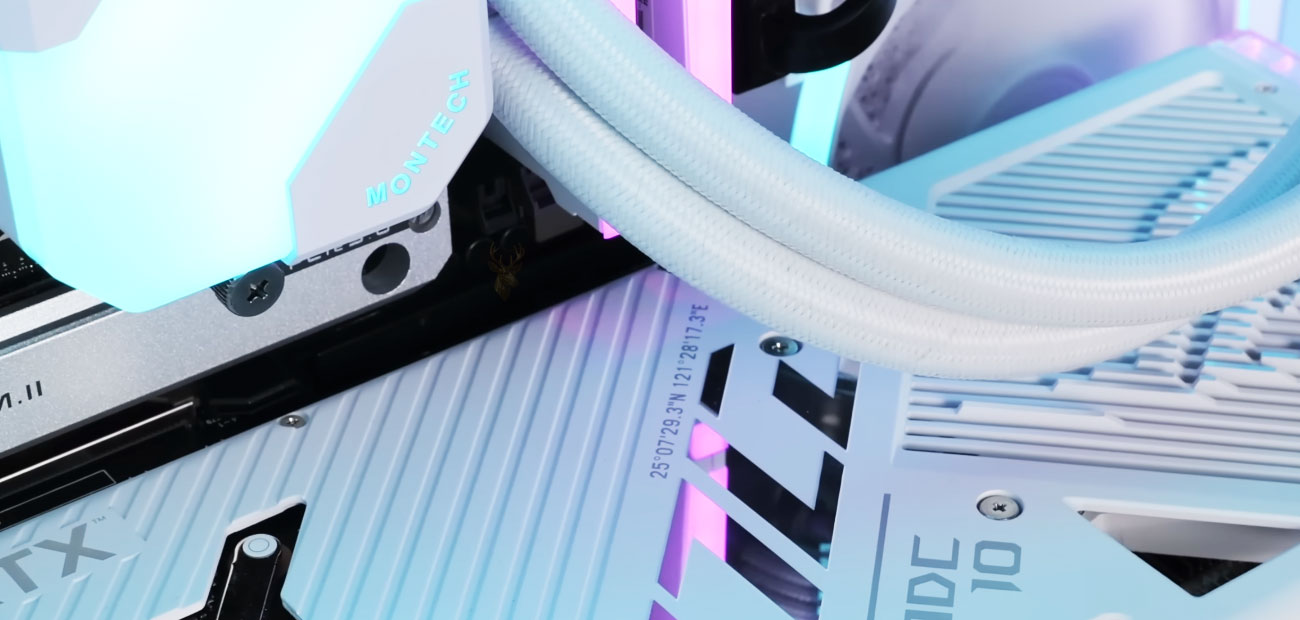
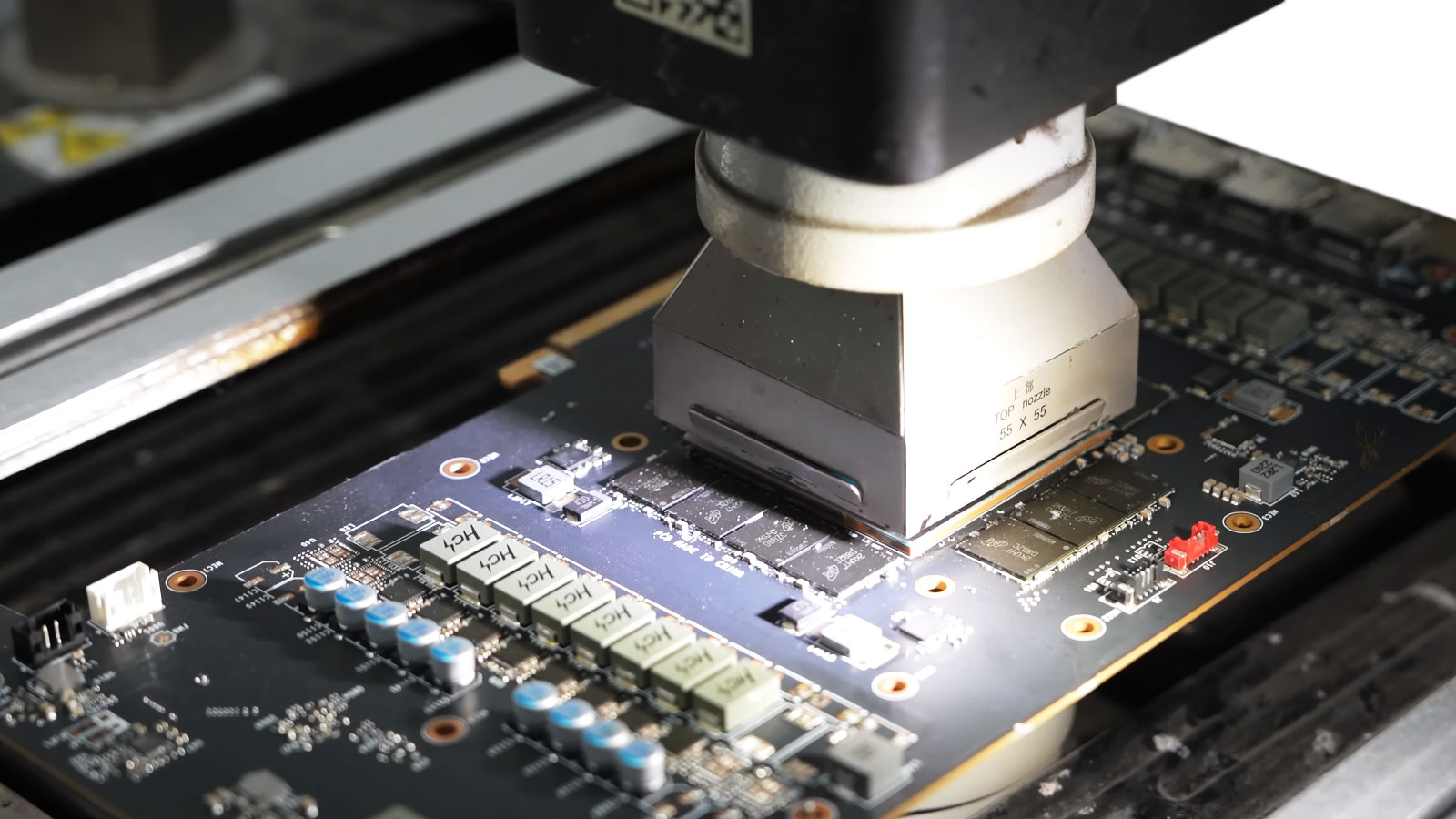
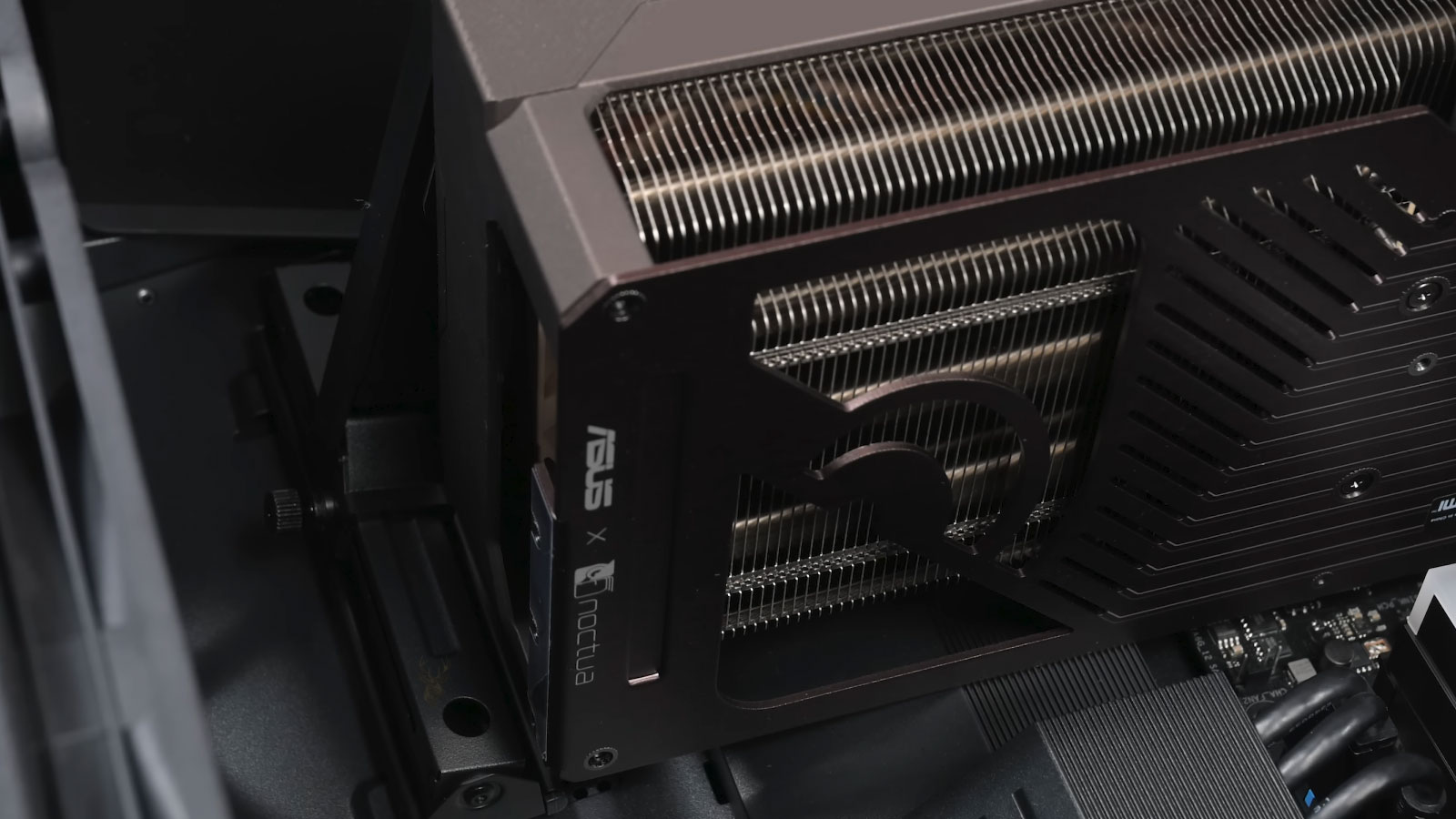
Inside a computer, small changes can reveal a larger problem: heat marks, unstable power behavior, aging storage, loose connections, failed cooling, or a board that reacts differently under load. Those details help us understand which parts may be involved and whether the repair needs to address more than the complaint that brought it in.
Hardware behavior rarely tells the full story immediately
A computer can give mixed signals when one problem changes how another part responds. We narrow that confusion by ruling out what does not fit and confirming whether the source is a replaceable part, a board-level fault, or a damaged component. When the issue points beyond standard part replacement, our process can include component-level inspection and repair, including soldered components, power circuits, video chip areas, and other electronic sections that may need direct attention.
Power instability can imitate storage corruption.
Thermal behavior can change only after the system has been under load.
Software symptoms can still come from failing hardware.
Observed Behavior
Repair Service Paths
Desktop computers, laptops, Mac systems, and gaming builds can show similar symptoms while requiring very different testing paths. This homepage separates those service directions clearly so each system type can be approached with the right repair logic.
PC Repair
Desktop towers, custom PCs, workstations, power issues, cooling problems, internal hardware faults, and upgrade-related instability.
Laptop Repair
Charging issues, screen damage, keyboard faults, overheating, hinge wear, battery problems, and internal laptop hardware support.
Mac Repair
MacBook, iMac, Mac Mini, macOS-related behavior, Apple hardware inspection, board-level concerns, and internal component diagnostics.
Gaming Systems
Gaming PCs, custom builds, GPU behavior, cooling optimization, performance instability, upgrade planning, and high-load troubleshooting.
Different repair situations require different ways to access the system
Some systems can be repaired remotely, some require direct hardware inspection, and others are difficult to transport safely. This section organizes the different ways repair access can be handled depending on the situation.
In-Home & Office Assistance
On-site assistance available for residential and workplace systems requiring direct setup, hardware inspection, network configuration, or troubleshooting inside the environment where the system is used.
Remote Access Sessions
Many software, configuration, driver, security, and operating system problems can be diagnosed remotely without requiring the computer to leave the location where it is already installed.

Free Pickup & Return
Pickup and return options available for systems that are difficult to transport, physically unstable, disconnected from complex setups, or inconvenient to relocate safely.
What clients say about our computer repair services

Jeffrey Braucher
Insurance Agent
★★★★★

Tom Troxell
Architect
★★★★★

Josiah Legra
Lawyer
★★★★★

Leo Shinall
Operations Manager
★★★★★

Jarrod Andris
Financial Analyst
★★★★★

Millard Shao
Entrepreneur
★★★★★
Things Customers Often Want To Understand First
Why do some repair problems return shortly after a system appears to be fixed?
In some situations, the visible symptom is only part of a larger underlying issue. A system may appear stable temporarily after a single component is replaced, while the original cause of the failure remains unresolved elsewhere. Proper diagnostics focus on identifying the source of the problem rather than only addressing the immediate symptom.
Can software symptoms sometimes be caused by failing hardware?
Yes. Hardware instability can often appear as software-related behavior, including freezing, slow performance, installation failures, unexpected restarts, or corrupted files. Memory issues, storage failure, overheating, and power irregularities can all create symptoms that resemble operating system or software problems.
Why can two computers with similar symptoms require completely different repairs?
Similar symptoms do not always originate from the same source. Two systems may both fail to power on, crash unexpectedly, or lose performance while requiring entirely different solutions internally. Differences in hardware condition, previous repairs, environmental factors, and component wear all influence the diagnostic process.
Why do some devices fail inconsistently instead of stopping completely?
Intermittent failures are common in electronics and can be more difficult to isolate than complete failures. Heat, electrical instability, damaged solder connections, aging components, or partial hardware degradation may cause problems to appear only under certain conditions or workloads.
Is component-level board repair still possible for modern electronics?
In many cases, yes. Certain motherboard and circuit-level failures can still be repaired through microsoldering and component-level work rather than replacing the entire board. The repair approach depends on the condition of the device, component availability, and the extent of the damage present.
Can remote access sessions safely resolve software-related problems?
Many software configuration issues, operating system problems, driver conflicts, and general troubleshooting tasks can be handled remotely without transporting the device. Remote sessions are typically used only for software-related situations and never for physical hardware repair.
Is data recovery still possible from systems that no longer start properly?
In some situations, yes. A device that no longer powers on or boots correctly may still contain recoverable data depending on the condition of the storage device itself. Recovery success varies based on physical damage, file corruption, encryption status, and the severity of the failure.
Repair decisions become more accurate when system behavior is understood in context.
Hardware instability rarely comes from isolated behavior alone. Temperature response, storage communication, power delivery, firmware interaction, board condition, and software integrity often influence each other at the same time.
Board-Level Evaluation
Circuit-level behavior can sometimes reveal faults that remain hidden during basic replacement-only troubleshooting.
Thermal Pattern Observation
Some intermittent failures only appear after heat accumulation, sustained load, or changing environmental conditions.
Data Preservation Considerations
Recovery strategy often depends on whether the storage device remains readable before additional damage occurs.
Multi-Layer Diagnostic Approach
Firmware, operating systems, hardware communication, and physical component condition are often evaluated together rather than independently.
Good repair decisions usually begin long before a replacement part is chosen
Many computer and electronics problems appear simple at first because the visible symptom is often the only part people can immediately see. A system that powers off unexpectedly, freezes under load, overheats, fails to detect storage, or becomes unstable after updates may involve several layers of behavior interacting at the same time. Reliable repair direction usually depends on understanding how those conditions connect rather than reacting only to the first symptom that appears on the surface.
This is why careful observation, structured testing, thermal evaluation, firmware analysis, storage behavior, operating system integrity, and hardware communication patterns all matter during the diagnostic process. In many situations, the goal is not simply to replace a part, but to understand why the condition developed in the first place and whether additional instability may still exist elsewhere in the system.
Stable long-term system behavior often depends less on speed and more on whether the original cause of instability was identified correctly before additional failures had time to develop.