
Laptop repair often starts by looking at how the machine is built and where the symptom appears. Internal parts, screen assemblies, charging ports, storage, cooling, and board connections can all affect the final repair direction. A careful inspection helps separate a simple part replacement from a deeper hardware issue before time and money are spent on the wrong part.
Power health
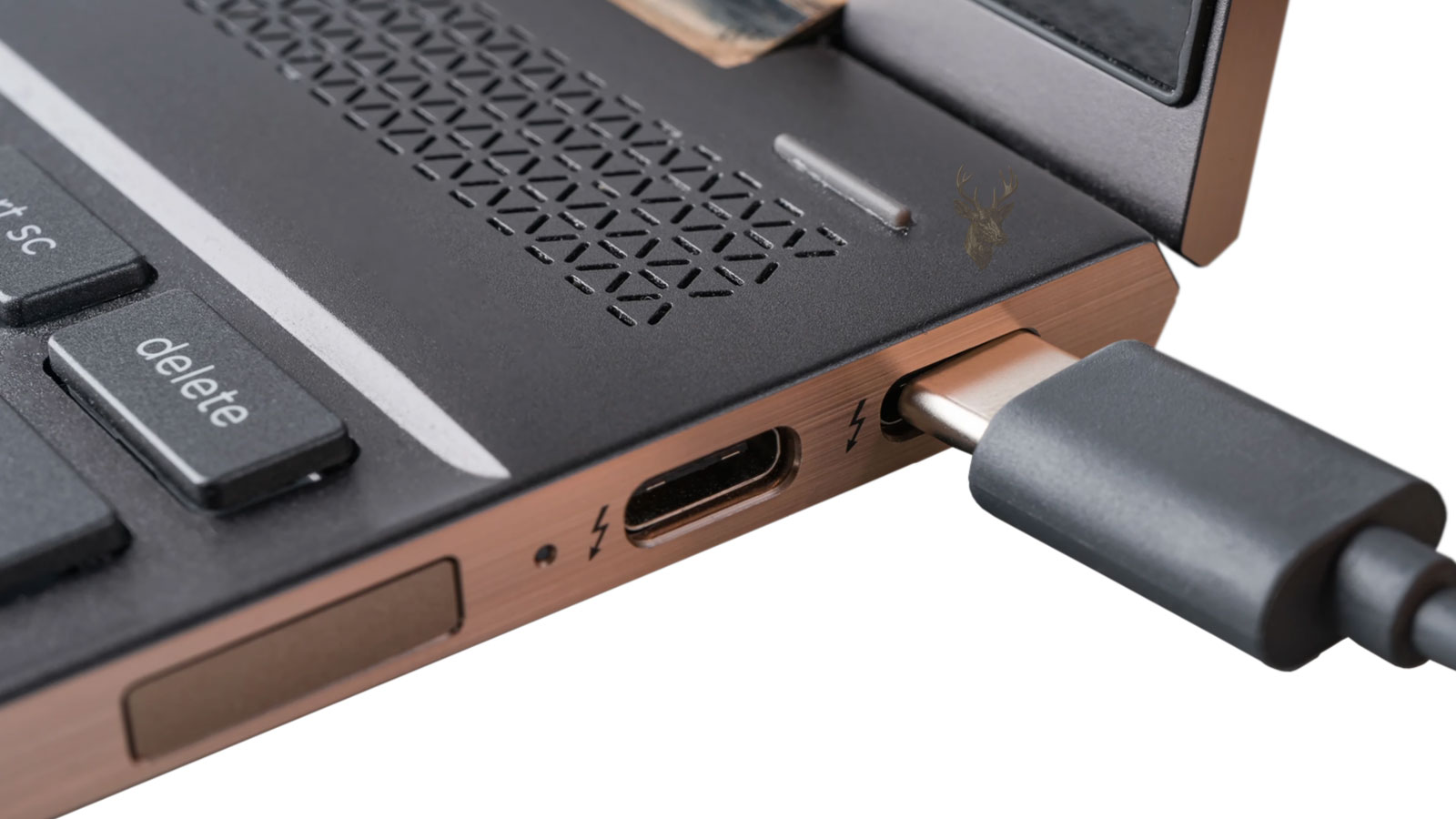
Port response
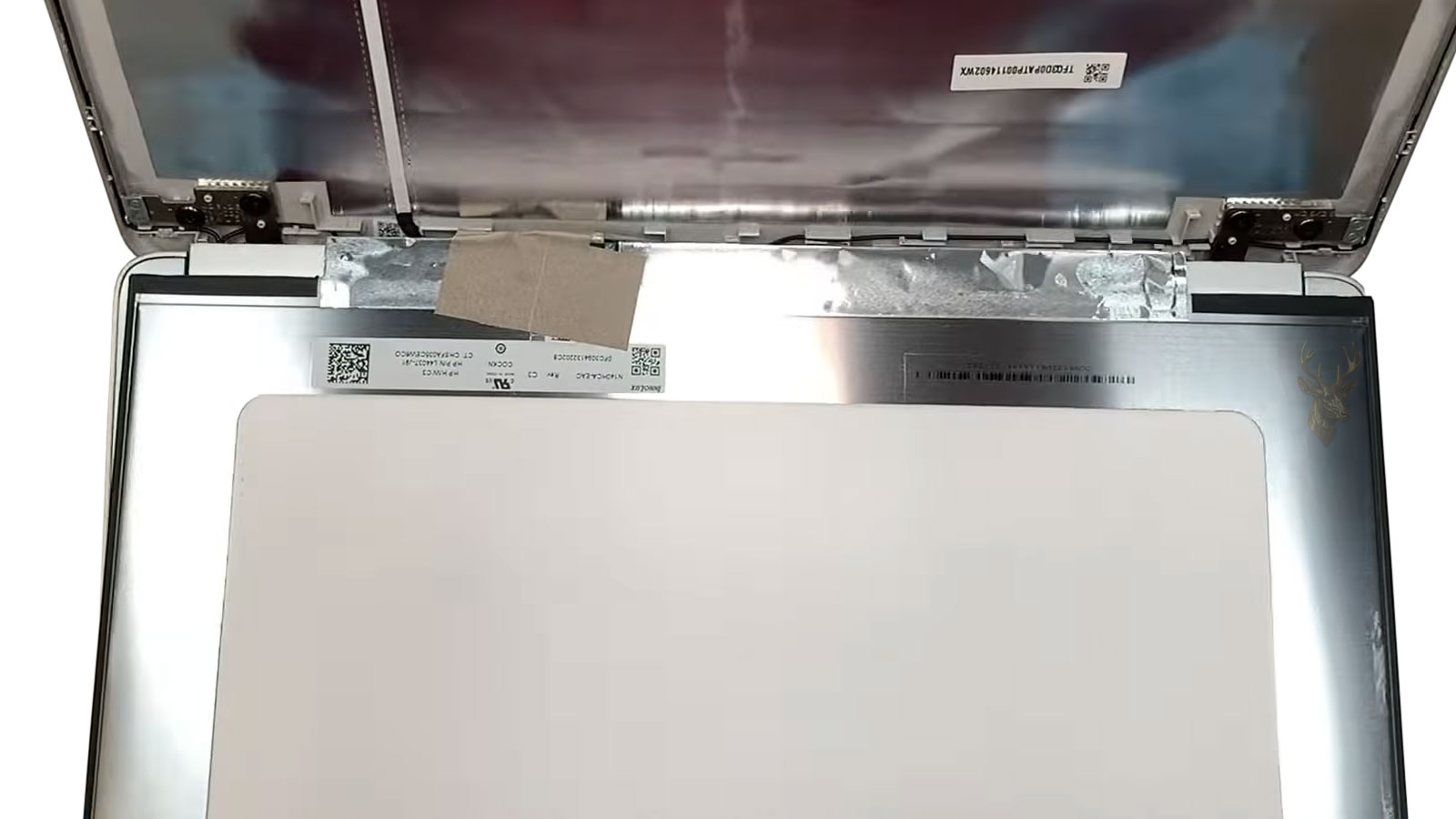
Display issues
Input problems
Small laptop symptoms can reveal important details while the machine is still partly working. A flicker, fan change, loose charging feel, slow startup, or key that responds only sometimes may point to wear, heat, board stress, cable movement, or a part beginning to fail. When these signs are brought in early, we can examine the laptop while there is still useful behavior to test instead of waiting until the machine gives no response at all.
Physical wear
Daily needs
File importance
Repair value
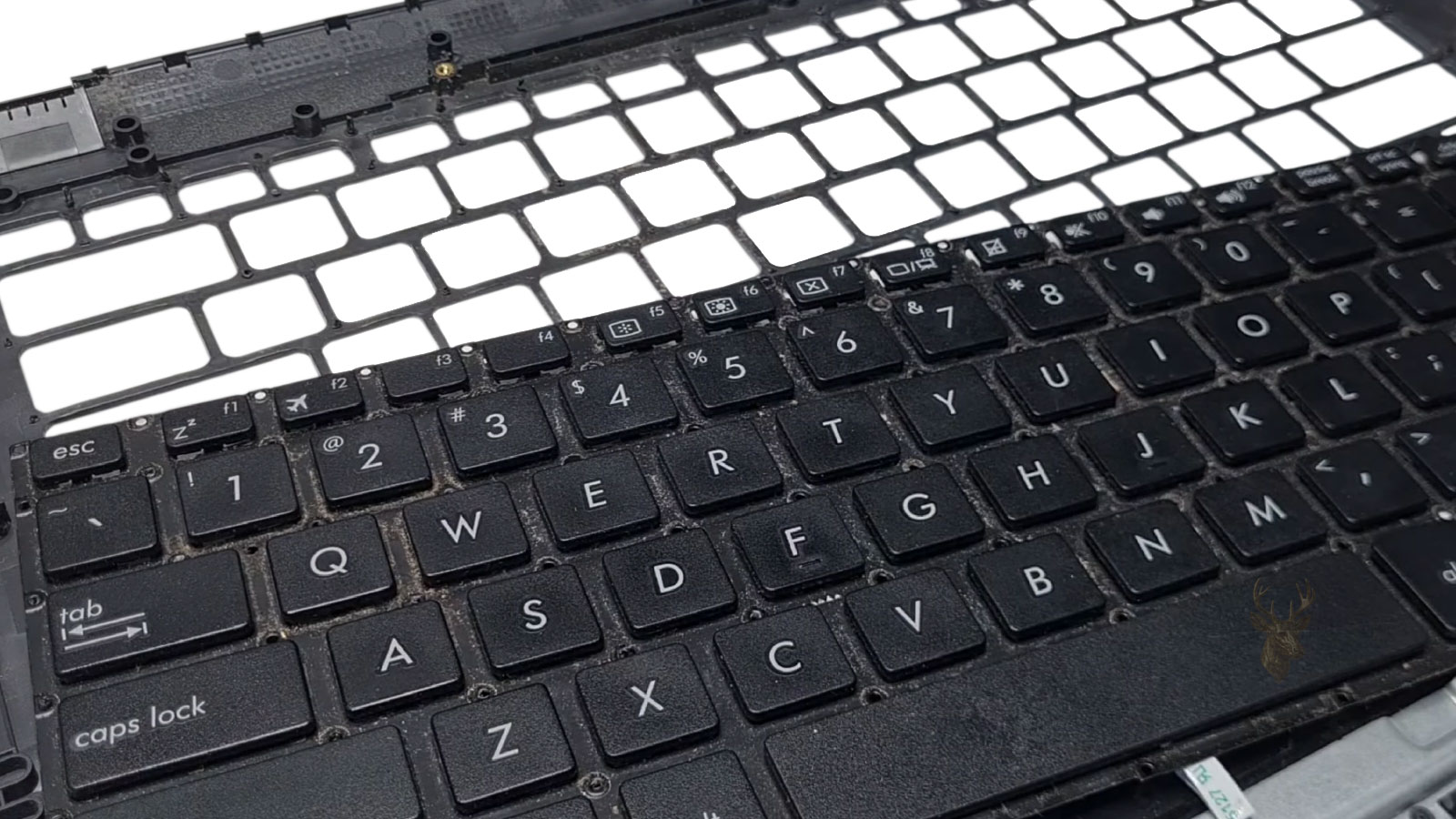
Keyboard issues can require palmrest access when the input layer is bonded, damaged, or no longer responding correctly.
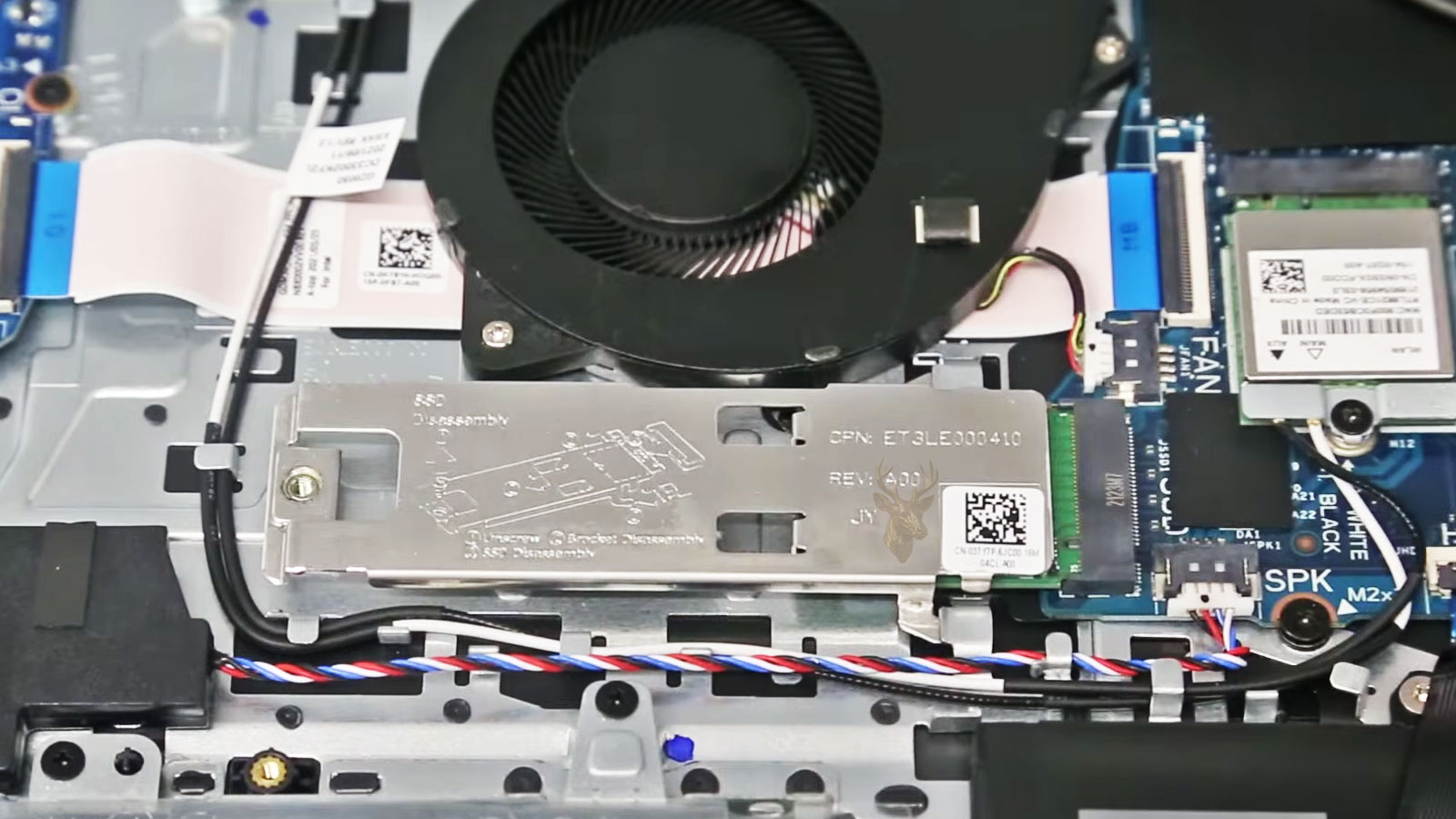
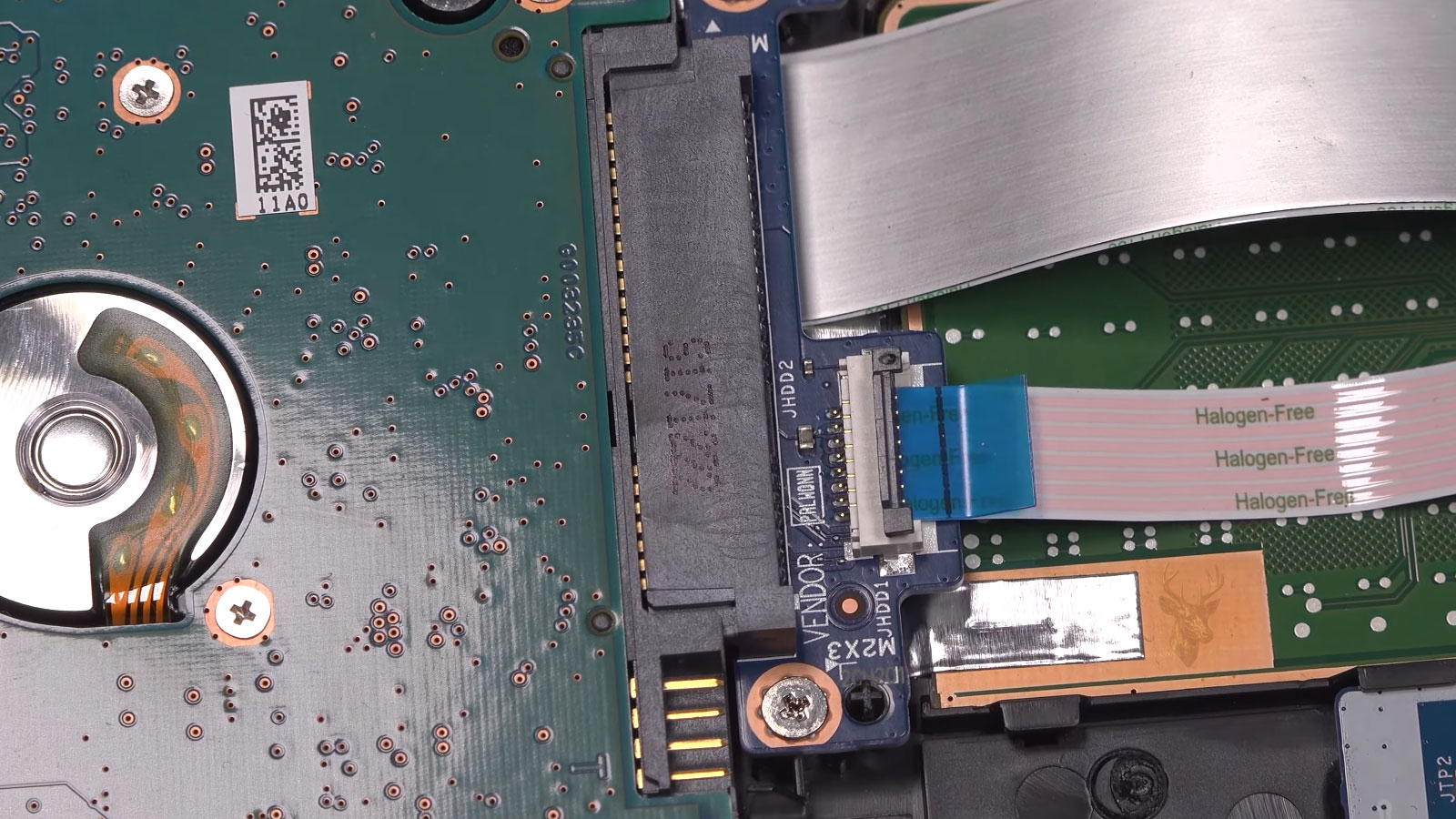
Older laptop hard drives can be replaced with SSD storage to improve speed, reliability, and file access.
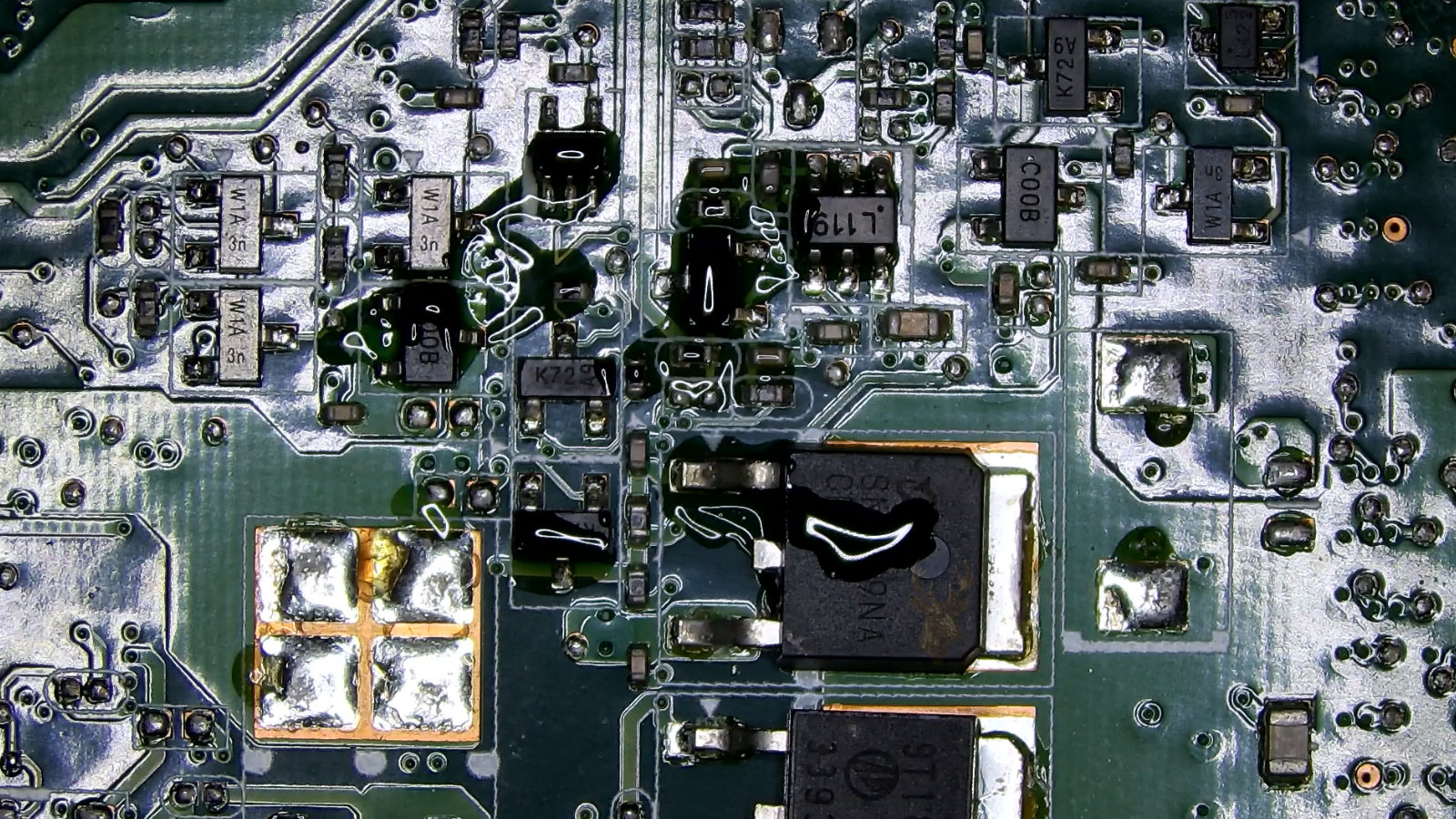
Visible liquid residue near board components can affect power behavior, stability, and long-term repair value.
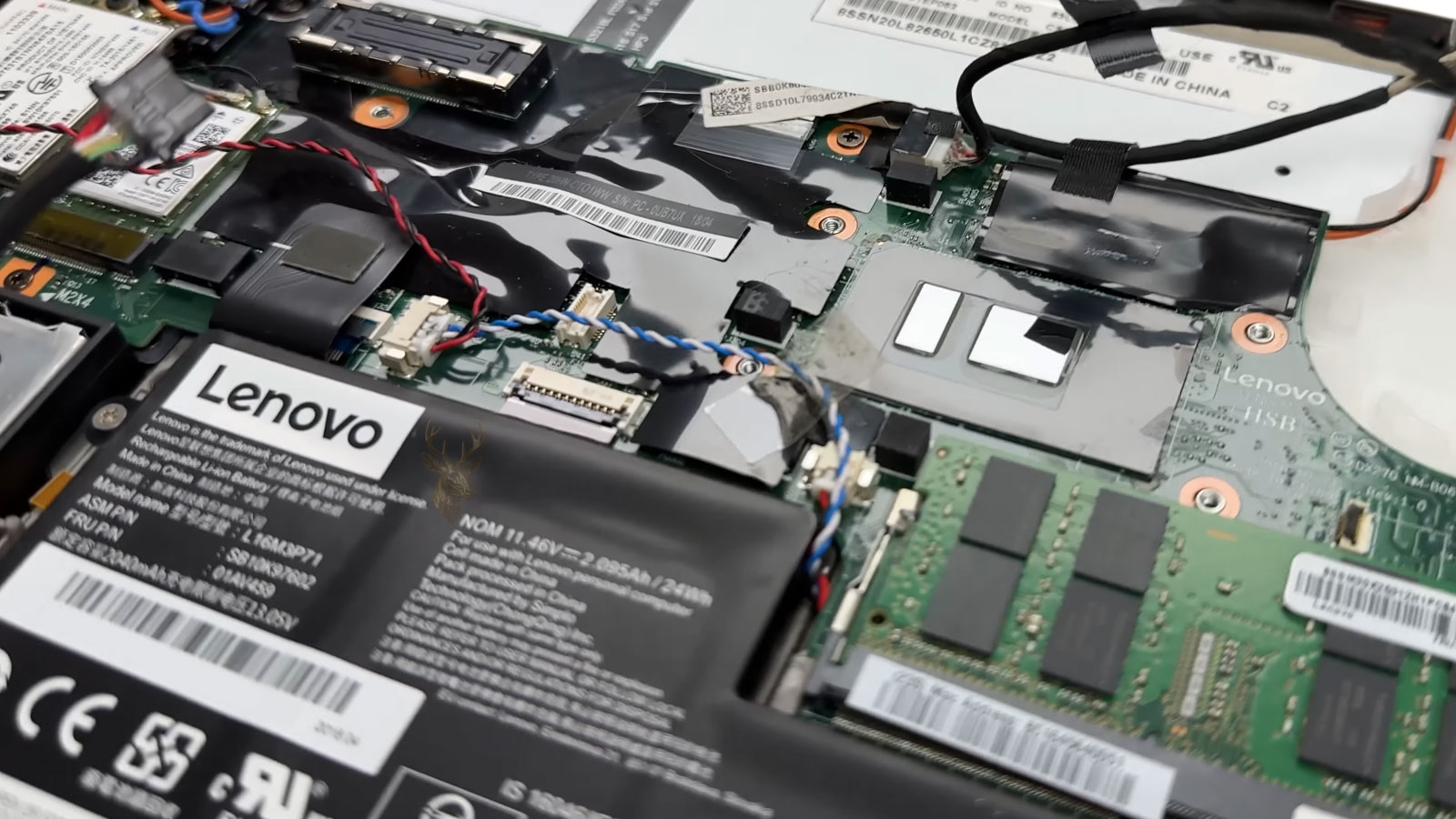
Inside a laptop, one damaged part may sit near fragile cables, brackets, covers, boards, and connected assemblies. During service, those surrounding areas need to be handled carefully so a keyboard, storage drive, charging issue, or liquid-damaged section can be addressed without creating new problems. Completed repair work is backed by our 30-day service guarantee.
Many laptop repairs begin before the failed part is touched. Bottom covers, clips, screw lengths, ribbon cables, battery connections, hinges, shields, and brackets all need to be handled in the right order. When internal access is rushed, a simple repair can turn into a damaged connector, cracked cover, stripped screw, or loose cable problem.
Connector care
Ribbon cables, charging leads, display cables, and keyboard connections are checked before force is applied.
Screw and bracket control
Different screw lengths and internal supports are kept organized so the case closes correctly after service.
Reassembly checks
Before the laptop is returned, fitted parts, cables, covers, and startup behavior are reviewed together.
Model information, symptoms, password needs, accessories, and customer notes are reviewed before the repair path is started.
Once the problem is checked, the repair direction is explained before unnecessary parts or labor are added.
Repair work moves forward after the customer understands the likely issue, cost range, and practical next step.
Startup behavior, charging response, input use, visible condition, and basic function are reviewed before the laptop is returned.
A laptop repair should not feel confusing once the machine is in service. The model, reported symptoms, access needs, visible condition, and customer priorities all help shape the next step. We keep the process focused on what has been checked, what makes sense to repair, and what should be confirmed before the laptop is returned.
Got questions? Ideas? Fill out the form below & our specialist will contact you.