
Mac Repair and Hardware Services
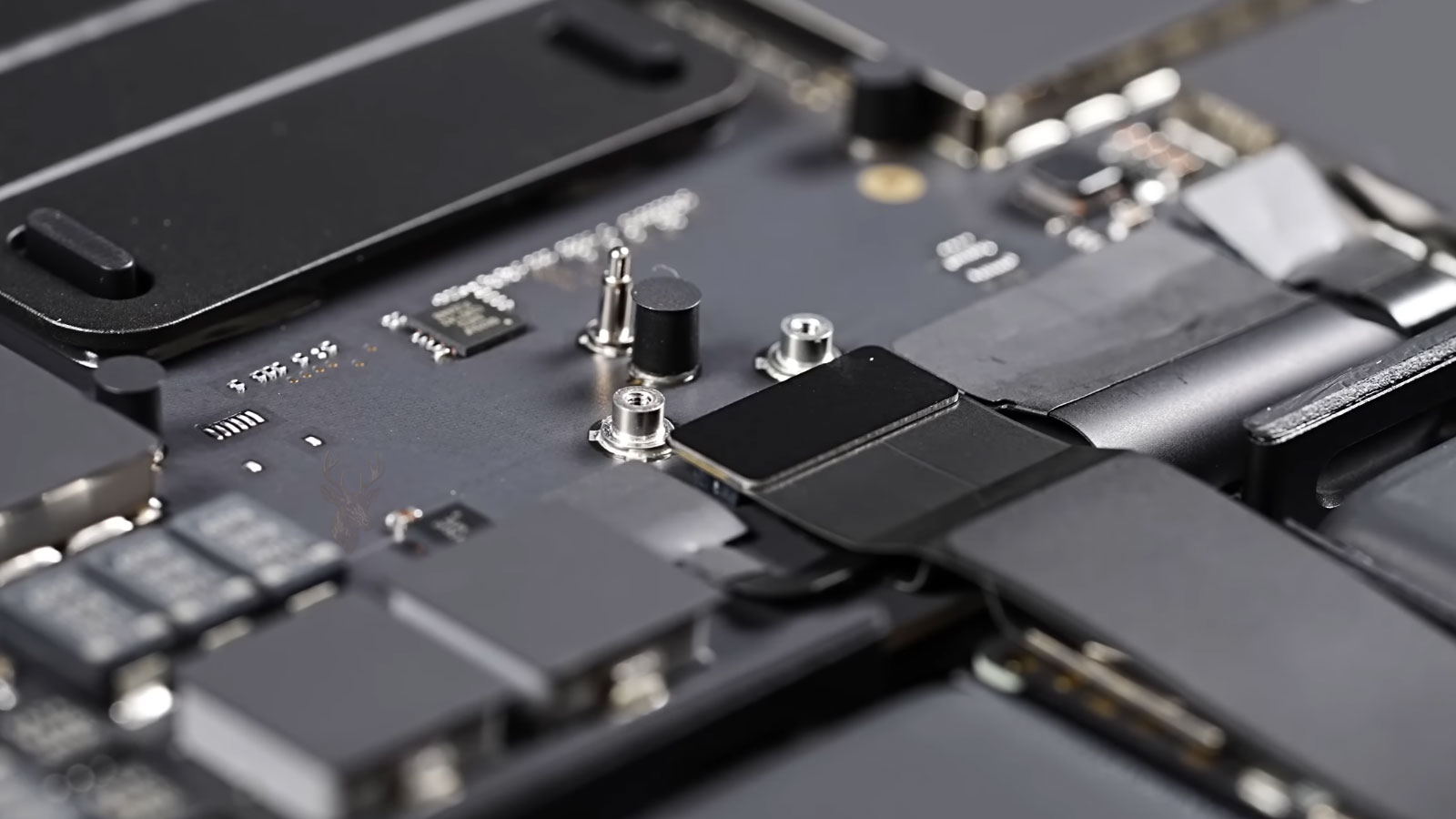
MacBook Pro Repair for Power, Display, and Performance Issues
MacBook Pro systems are often used for heavier workloads, so problems can appear through heat, charging behavior, startup failure, display trouble, keyboard response, or sudden shutdowns. We look at how the system behaves under normal use before deciding whether the issue points to software, battery condition, power delivery, internal components, or board-level faults.
- Startup failure and unexpected shutdowns
- Charging, battery, and USB-C power issues
- Display, graphics, and screen behavior problems
- Overheating, fan noise, and performance drops
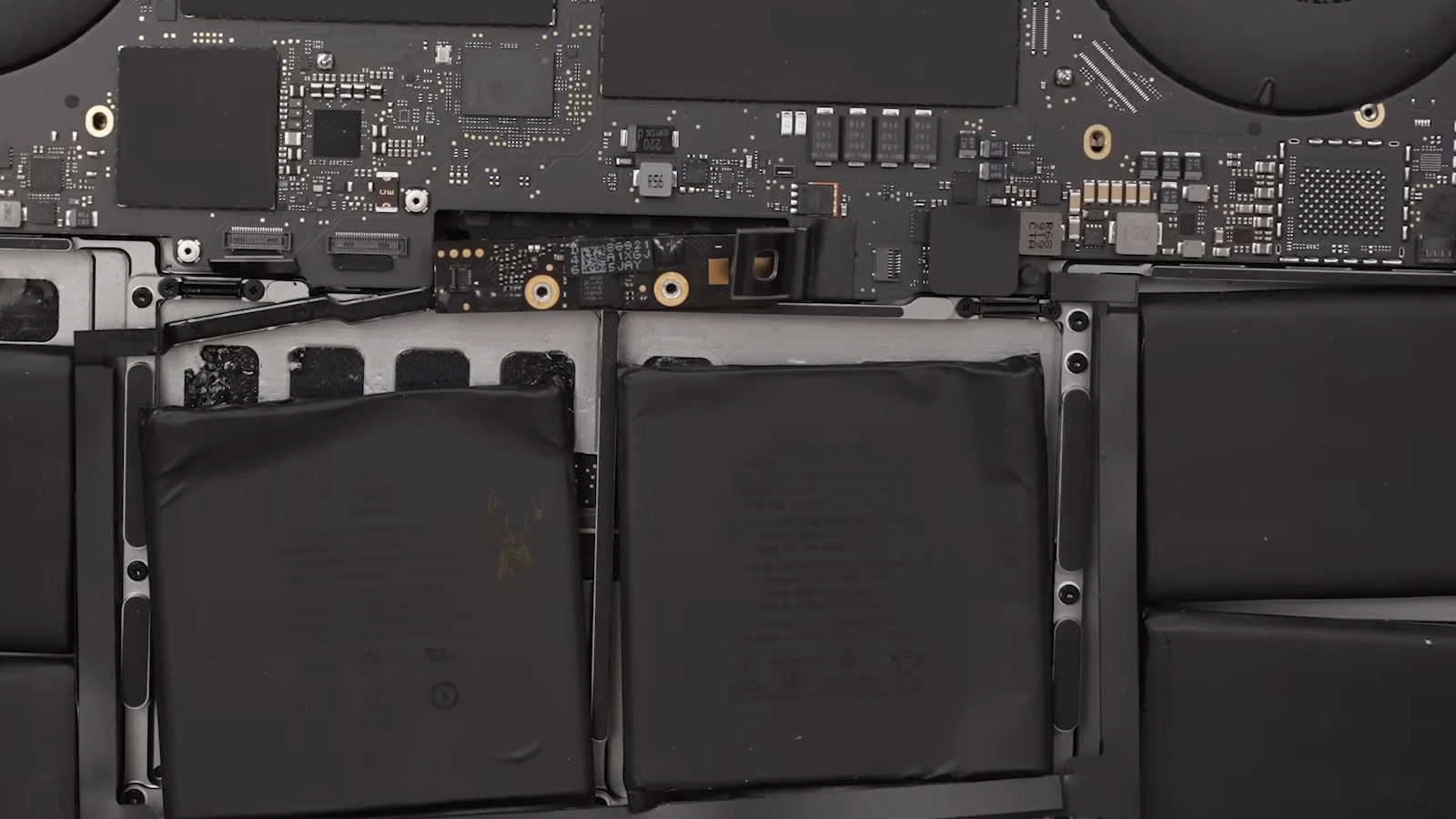
MacBook Air Repair for Battery, Charging, and Startup Failure
MacBook Air systems can develop battery drain, charging failure, startup problems, keyboard issues, trackpad trouble, liquid exposure symptoms, and macOS instability. We inspect the system to identify whether the problem is coming from the battery, logic board, ports, storage, operating system, or another internal component before recommending the repair.
- Battery drain and charging failure
- Startup problems and macOS instability
- Keyboard, trackpad, and port issues
- Liquid exposure and intermittent failures
iMac Repair for Display, Storage, and Stability Problems
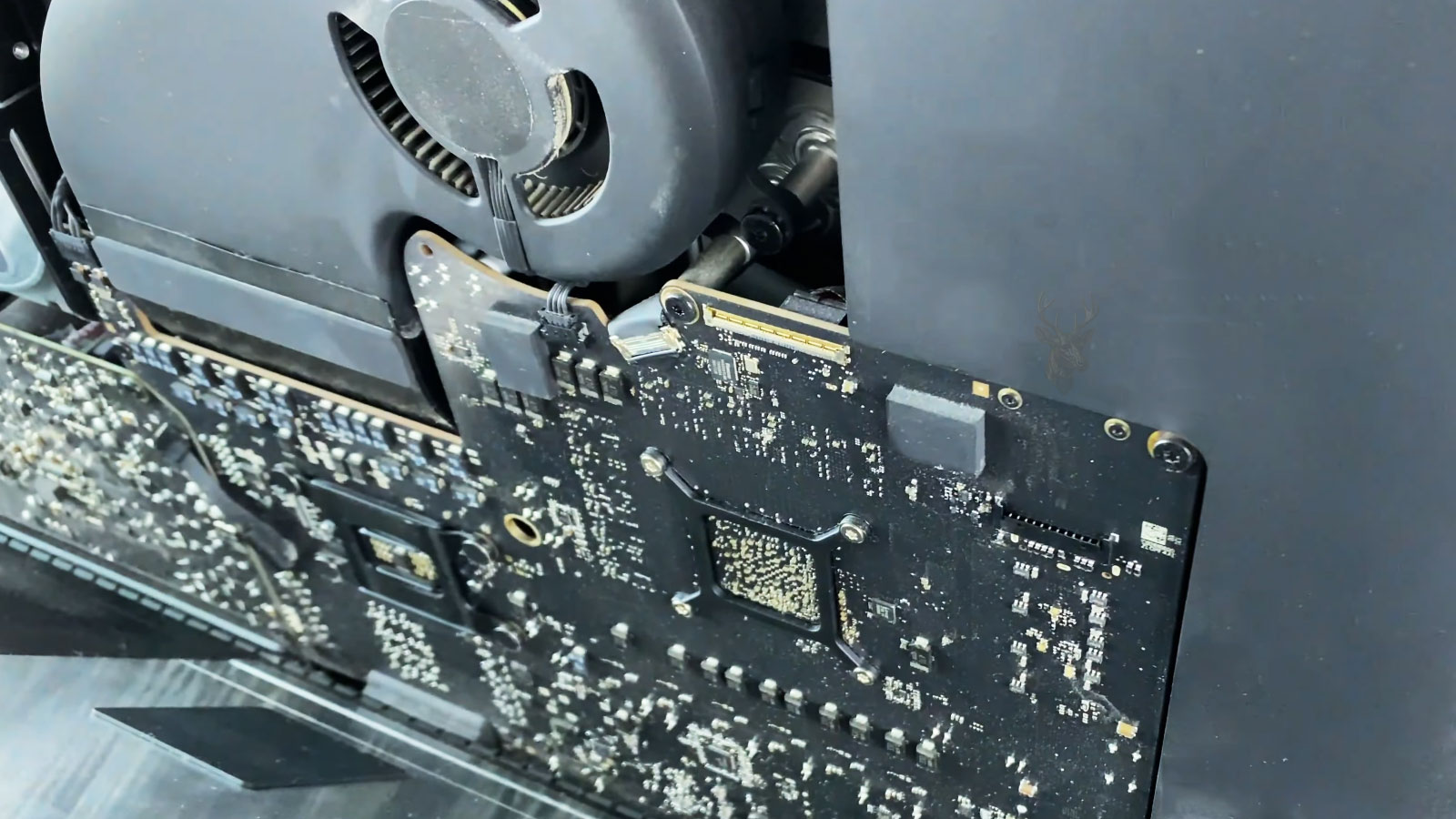
iMac systems combine the display, storage, cooling, power, and logic board inside one desktop design. When an iMac becomes slow, shows screen problems, overheats, restarts, or fails to boot, the repair path depends on the age of the model, the condition of the internal storage, and how the issue appears during use.
- Display problems and screen artifacts
- Slow booting and storage-related failures
- Overheating, fan noise, and dust buildup
- Power, startup, and system stability issues
Mac Mini Repair for Compact Apple Desktop Setups
Mac Mini systems are small, but they often depend on external displays, storage, hubs, networks, and connected devices. When a Mac Mini fails to start, loses display output, runs slowly, or behaves inconsistently, we evaluate both the unit itself and the setup around it before choosing the repair direction.
- No display or external monitor issues
- Startup, power, and boot problems
- Slow performance and storage concerns
- Peripheral, port, and connection problems
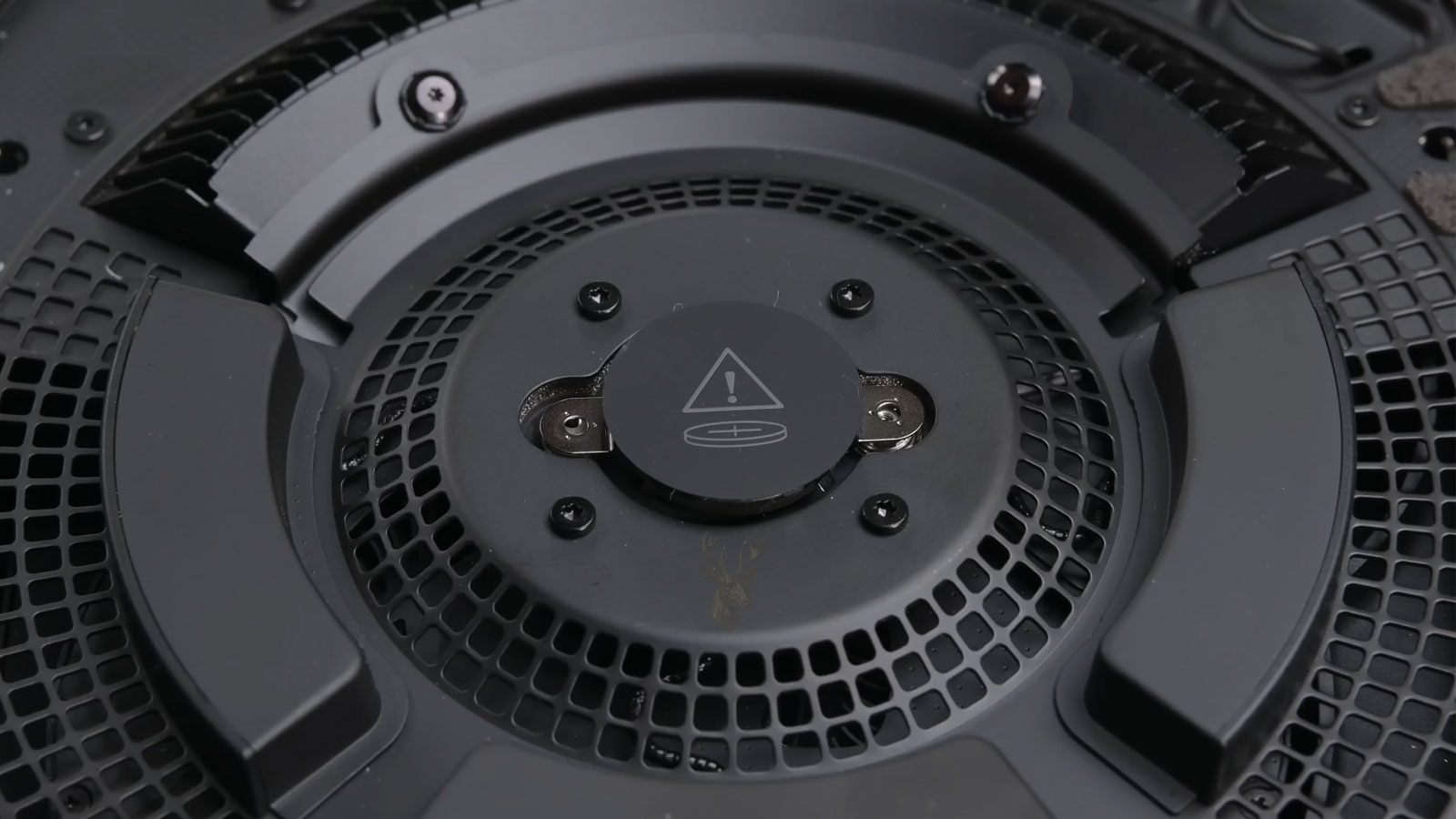
Mac Systems Often Show Multiple Symptoms At The Same Time
Mac systems do not always fail in a straightforward way. A startup problem may appear alongside charging irregularities, thermal behavior, storage slowdown, display instability, or operating system corruption. In some situations, the visible symptom is only part of the problem, especially after liquid exposure, interrupted updates, failing storage, or power-related faults. Understanding how these conditions interact is an important part of evaluating Mac hardware before repair work begins.
System Inspection and Evaluation Process
Initial System Behavior Review
We start by looking at how the Mac behaves before opening the system or replacing parts. Startup response, charging behavior, display output, fan activity, shutdown patterns, and recent changes can point toward the area that needs deeper inspection.
Power, Startup, and Thermal Inspection
The next step checks power delivery, battery condition, connectors, ports, visible corrosion, liquid exposure signs, and internal component condition. This helps separate external symptoms from faults inside the Mac.
Storage, macOS, and Hardware Testing
Mac performance can be affected by failing storage, system corruption, thermal buildup, or sensor-related behavior. Testing these areas helps confirm whether the problem is software-based, hardware-based, or a combination of both.
Repair Path and Component Evaluation
After the cause is identified, we determine the repair path and verify the Mac under the conditions that originally showed the problem, such as startup, charging, display output, sleep, heat, or sustained operation.
Mac Repair Depends on How Each Apple System Is Built
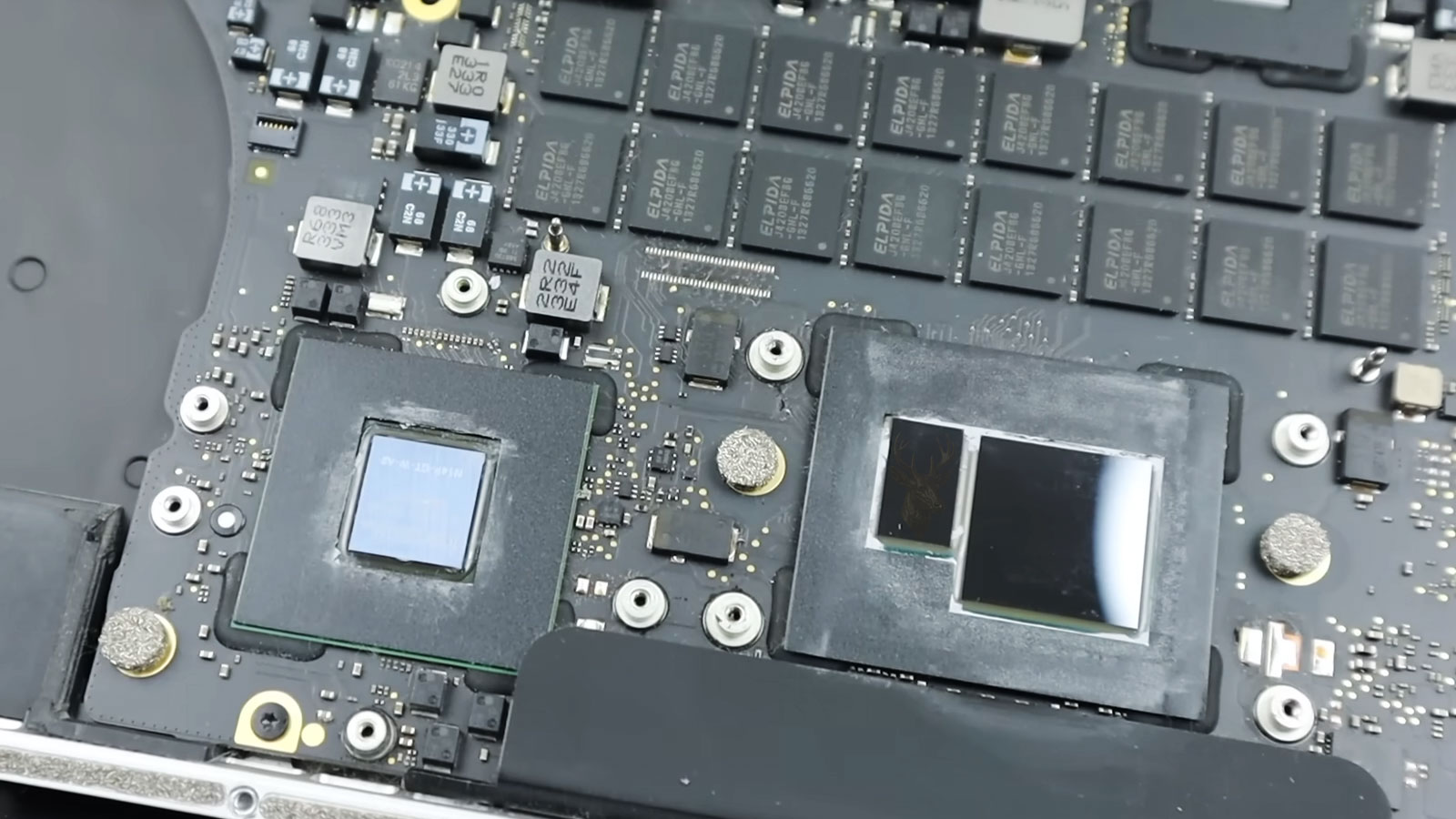
Apple systems do not open or come apart the same way. A MacBook Pro, MacBook Air, iMac, and Mac Mini each require a different approach to access internal parts safely, protect cables and connectors, remove adhesive where needed, and avoid damage during inspection. The physical construction of each model changes how internal hardware can be reached, separated, and evaluated throughout the process.
- Adhesive-secured displays and batteries
- Compact internal layouts
- Delicate flex cables and connectors
- Model-specific access steps
How Mac Behavior Is Compared Across Different Conditions
Startup Response
We compare how the Mac reacts from a cold start, restart, sleep state, and login screen.
Power Behavior
Charging response, battery state, adapter recognition, and sudden power loss are reviewed together.
System Load
Application launch, memory pressure, fan response, and slowdown patterns are checked under active workload.
Display Output
Screen behavior, external monitor response, brightness changes, and video signal stability are evaluated.
Mac Repair Requires More Than a Standard Hardware Approach
We work with Mac systems shaped by Apple silicon architecture, integrated components, compact internal layouts, and construction methods that continue changing across each generation. Newer and older Apple systems can differ significantly inside, even when the outside appearance feels familiar. Our repair service takes those differences into account when handling MacBook, iMac, and Apple desktop hardware.