
PC Repair and Hardware Services
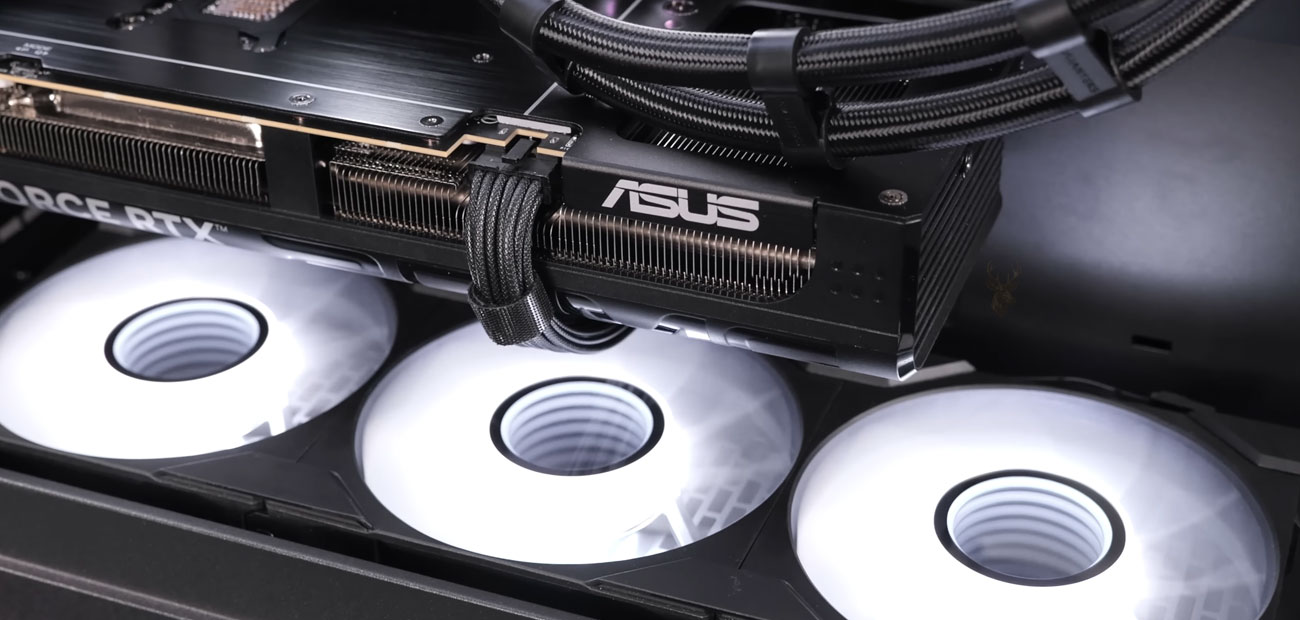
Desktop Hardware Inspection and Component-Level Diagnostics
Desktop repair work often requires more than replacing the most obvious part. Internal inspection helps trace power behavior, thermal conditions, board response, graphics output, and storage communication so the actual failure point can be narrowed down before components are changed.
Hardware and System Problems Commonly Seen in Desktop PCs
Since the early days of personal computers in the 1990s, desktop systems have remained at the center of both personal and professional environments. Long before modern devices became increasingly compact and heavily integrated, desktop computers were systems people built, upgraded, repaired, and depended on daily. During those years, we were already working directly with desktop hardware, assembling custom PCs, troubleshooting unstable systems, replacing damaged components, and learning how different hardware failures behave over time. After decades of working on desktop computers, many types of failures become familiar long before the system is even opened. Certain symptoms, power irregularities, overheating patterns, boot behavior, display failures, or recurring instability can often point toward very specific hardware conditions. That level of diagnostic accuracy does not come from shortcuts or guesswork. It comes from years of repeated repair work across thousands of systems, components, and hardware generations.
Unlike many modern compact devices, desktop computers still provide a level of hardware accessibility that allows many failures to be diagnosed, isolated, and repaired with precision. Our approach to PC repair in Miami has always focused on proper diagnostics before replacement. In many situations, replacing an entire part is not always necessary. Component-level repair can sometimes restore functionality at a significantly lower cost compared to replacing complete assemblies or major hardware sections. When possible, the repair process focuses on preserving functional hardware, reducing unnecessary expenses, and identifying the most economical solution without compromising long-term reliability. Not every repair has a perfect outcome, and no honest repair environment can guarantee that every damaged system can be restored. Some hardware failures are simply too severe due to electrical damage, corrosion, physical destruction, or prolonged overheating. In those cases, replacement may become the only realistic option. However, the repair process should always begin with accurate diagnostics first, not immediate part replacement without verification.
Over the years, that philosophy has remained consistent: identify the actual source of failure, repair when possible, replace only when necessary, and provide realistic solutions that make financial sense for the customer. Every repair and replacement service is backed by a 30-day guarantee, providing additional confidence in the work performed and the components installed.
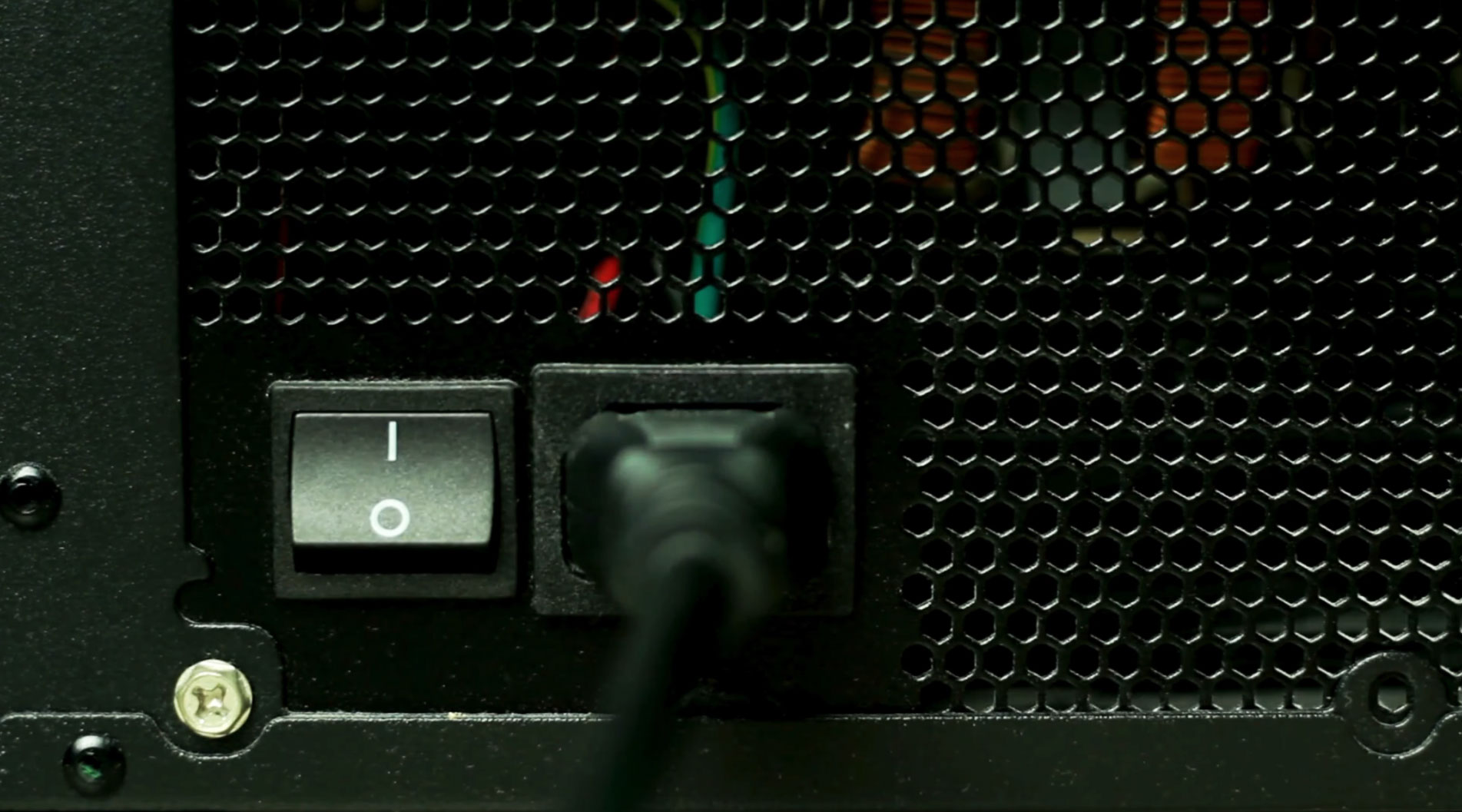
Power Supply Startup Issues
Power-related failures remain one of the most common issues affecting desktop computer systems. Unstable startup behavior, sudden shutdowns, intermittent reboot cycles, loss of display output, or complete no-power conditions can often originate from problems within the power delivery system itself. In many desktop PCs, the power supply unit plays a critical role in maintaining stable voltage distribution across the motherboard, storage devices, cooling systems, and graphics hardware.
Accurate diagnostics become especially important because power-related symptoms can sometimes resemble motherboard, memory, or graphics failures even when the underlying issue originates from unstable power delivery. Testing procedures often involve inspecting internal components, verifying voltage behavior, checking startup response patterns, and isolating potential hardware conflicts before determining whether repair or replacement is the most reliable solution.
CPU Overheating Problems
CPU overheating can lead to shutdowns, freezing, throttled performance, and unexpected restarts. Thermal diagnostics focus on cooling performance, airflow, dust buildup, fan behavior, and degraded thermal paste before deeper hardware issues are considered.
BIOS and Firmware Recovery
BIOS corruption or failed firmware updates can stop a desktop PC from completing startup. Recovery may involve firmware verification, motherboard-level testing, or BIOS chip reprogramming when the issue is firmware-related rather than physical board damage.
GPU Display Failures
Display-related problems in desktop computers can sometimes originate directly from the graphics card rather than from the monitor or operating system itself. Visual artifacts, loss of video signal, intermittent display behavior, system freezing during graphical workloads, or startup conditions without image output may indicate instability within the GPU power regulation circuitry. In some situations, failed capacitors or damaged electronic components can interrupt stable voltage delivery across the graphics hardware, leading to unreliable display performance or complete signal loss. Board-level GPU diagnostics allow damaged components to be identified and replaced individually when the failure is isolated to specific sections of the graphics card, helping restore proper video functionality without immediately replacing the entire GPU assembly.
Because GPU symptoms can overlap with monitor, cable, power supply, memory, and driver-related problems, proper testing is important before deciding whether the graphics card itself is the source of failure. A careful inspection can separate board-level faults from external display issues and help determine whether repair, replacement, or another system-level correction makes the most sense.
Thermal Behavior
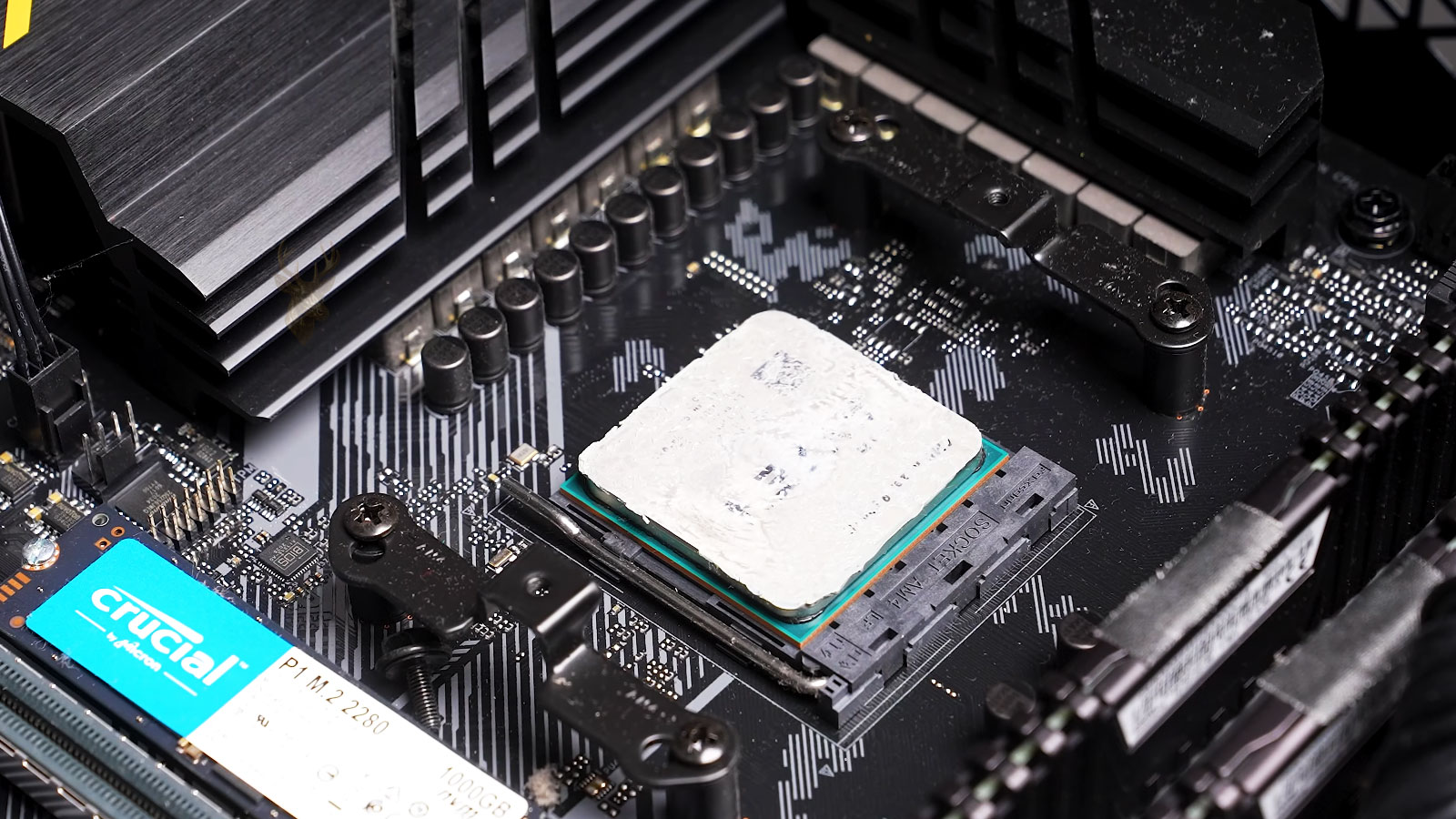
Heat-related desktop problems can appear as shutdowns, fan noise, slow performance, random restarts, or instability under load. Inspecting the cooler, thermal paste, airflow path, and CPU temperature behavior helps separate simple maintenance issues from deeper hardware faults.
System Stability
Stability problems are often caused by more than one condition. Power delivery, memory behavior, graphics output, storage response, cooling, and motherboard communication all need to be checked together so the repair decision is based on the full system pattern.
How Desktop Repair Decisions Are Narrowed Down
A desktop repair decision is usually shaped by what can still be trusted, what can be restored, and what is no longer worth depending on. Some systems only need a corrected connection, cleaning, firmware adjustment, or part replacement. Others show age, board damage, repeated failures, or upgrade limits that make a different repair path more practical. The final direction depends on the condition of the machine, the purpose it serves, the availability of parts, and whether the result will remain dependable after the work is complete.
When a Desktop System Is Worth Repairing
Good Repair Candidates
A desktop computer is often worth repairing when its core platform still has practical life left. A solid case, usable processor generation, enough memory capacity, healthy storage options, and available replacement parts can make repair more sensible than starting over. In those situations, the machine still has a clear purpose after the work is finished.
Limited Repair Value
Repair value becomes weaker when the system is already restricted by age, repeated failure history, scarce parts, board damage, corrosion, or upgrade limits that no longer match daily use. A smaller repair may still recover files or restore temporary function, but a full repair may not be the strongest long-term direction.
Keeping Desktop Repair Practical and Honest
A desktop computer does not always need the most expensive repair path, and it does not always deserve to be discarded too quickly. The right ending depends on what the machine still offers, what the repair can realistically solve, and whether the result makes sense for the person using it. A good repair process should leave the owner with a clear understanding of the system’s condition, not just a replaced part.