
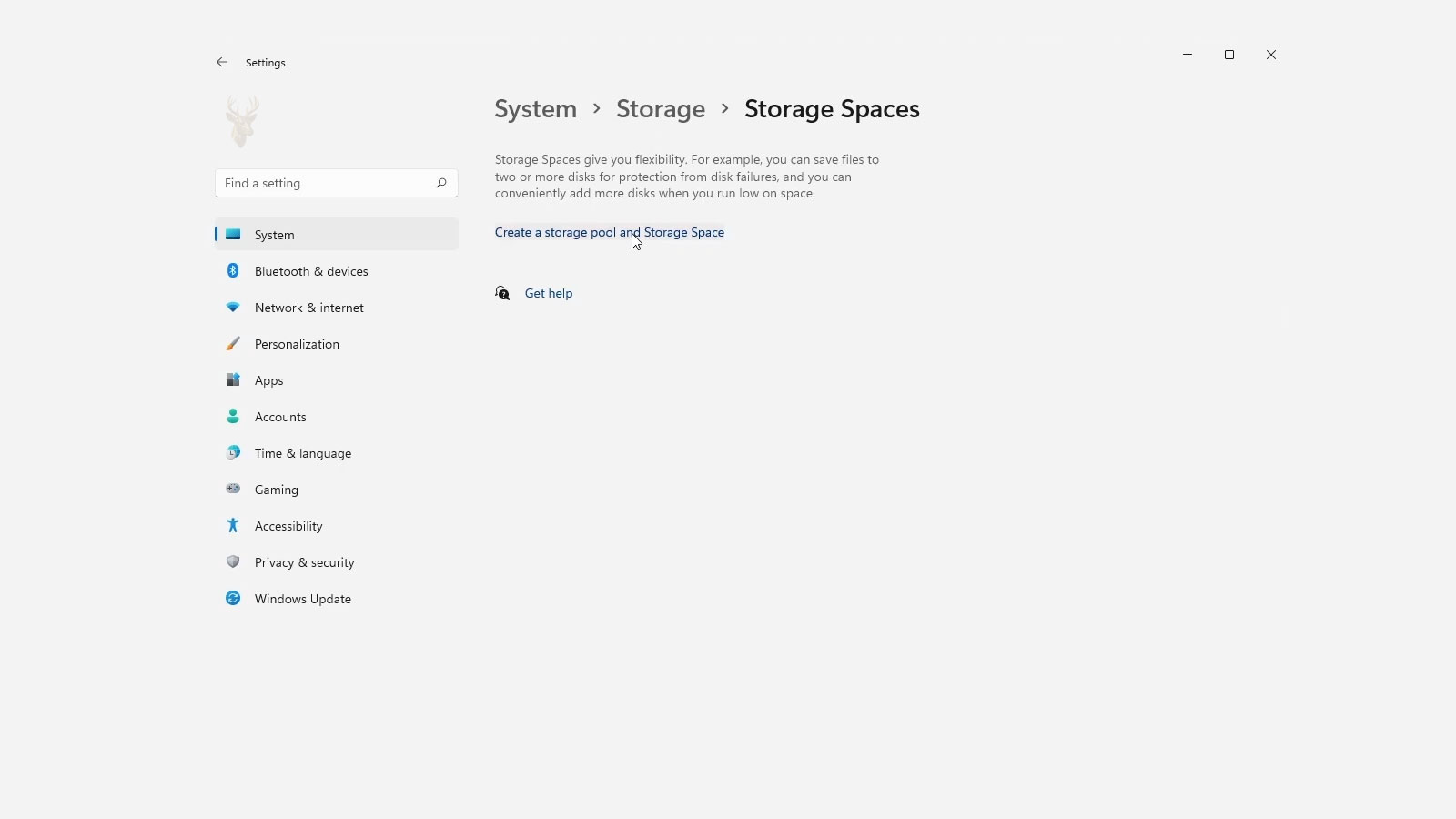
Using Mirrored Storage to Improve Data Availability
Modern computers and small business servers often store important files on multiple physical drives. If one storage device fails unexpectedly, losing access to documents, photos, or business records can interrupt normal operations and require data recovery efforts.
One technology available in Windows is Storage Spaces mirror protection. Instead of keeping only a single copy of every file, mirror storage maintains duplicate copies on separate physical drives. If one drive experiences a hardware failure, Windows can often continue accessing the remaining copy while the failed drive is replaced.
Mirror protection is designed to improve storage reliability. It is not intended to replace proper backup procedures, but it can reduce downtime caused by an individual drive failure.
How Mirror Protection Works
When data is written to a mirrored Storage Space, Windows saves identical copies across multiple physical drives. Because more than one copy exists, the loss of a single drive does not necessarily make the stored files unavailable.
The operating system automatically determines where each copy is stored while presenting the storage pool as a single logical drive to the user.
- Multiple copies of each file are maintained.
- Copies are stored on separate physical drives.
- The storage appears as one logical volume.
- Windows manages data placement automatically.
- Drive failures may not immediately interrupt access.
Single Drive Failure Does Not Always Mean Data Loss
One of the primary advantages of mirror protection is continued data availability after certain hardware failures. If a drive stops functioning, Windows can often retrieve information from the remaining healthy copy until the failed drive is replaced.
This allows users to continue working while repairs are scheduled, reducing the disruption that often follows a storage device failure.
| Storage Configuration | Result After One Drive Fails |
|---|---|
| Single drive | Data may become inaccessible. |
| Two-way mirror | Remaining copy may continue operating. |
| Three-way mirror | Additional redundancy may remain available. |
Mirror Protection Requires Additional Storage Capacity
Maintaining duplicate copies requires additional physical storage. Because the same information is written more than once, the usable capacity of a mirrored storage pool is smaller than the total combined capacity of all installed drives.
This tradeoff exchanges available storage space for increased fault tolerance, allowing the storage system to continue operating through certain drive failures.
Mirror protection improves reliability by sacrificing some usable storage capacity in exchange for additional copies of the data.
Mirror Storage Differs From File Backups
Although mirrored storage protects against certain hardware failures, it does not protect every type of data loss. If a file is accidentally deleted or overwritten, the change is generally reflected on every mirrored copy because each drive contains the same current data.
For this reason, organizations typically combine mirror protection with scheduled backups, allowing earlier versions of files to be restored if accidental deletion, corruption, or ransomware occurs.
- Mirror storage helps with drive failures.
- Backups help recover deleted files.
- Backups preserve older file versions.
- Both technologies serve different purposes.
- Using both provides broader protection.
Mirror Storage Can Automatically Rebuild After a Drive Replacement
After a failed drive is replaced, Windows can begin rebuilding the mirror by copying data from the remaining healthy drive to the new one. This process restores the redundant copies without requiring users to manually duplicate their files.
The amount of time required depends on the size of the storage pool, the amount of data stored, drive performance, and current system activity. During rebuilding, the storage remains protected by fewer copies than originally intended, making prompt drive replacement important.
- Replace the failed drive.
- Windows detects the new storage device.
- Mirror rebuilding begins.
- Duplicate copies are recreated.
- Full redundancy is restored after completion.
Performance Can Improve During Read Operations
Because identical copies of the same data exist on multiple drives, Windows may read information from whichever drive is most efficient at the moment. Depending on the workload and hardware configuration, this can improve read performance compared to relying on a single storage device.
Write operations, however, still require every mirrored copy to be updated before the operation is complete. As a result, write performance may not increase to the same extent as read performance.
| Operation | Mirror Storage Behavior |
|---|---|
| Reading files | Windows may read from either mirror copy. |
| Saving files | All mirror copies are updated. |
| Replacing a failed drive | Data is rebuilt onto the new drive. |
| Normal operation | Users work with one logical volume. |
Drive Size Planning Is Important
When creating a mirrored Storage Space, administrators should consider both current storage needs and future growth. Adding larger drives later is possible in many situations, but planning ahead helps avoid frequent upgrades and unnecessary rebuilding operations.
Although Storage Spaces can combine different drive sizes, the usable capacity may be influenced by the smallest drives in the pool, making consistent hardware choices easier to manage over time.
Thoughtful capacity planning reduces future maintenance and helps maintain balanced storage performance.
Health Monitoring Helps Detect Problems Early
Windows continuously monitors the health of Storage Spaces and can report when a drive begins showing signs of trouble. Receiving early notification allows administrators to replace questionable hardware before a complete failure affects the storage pool.
Regularly reviewing storage health can reduce unexpected downtime and help maintain the intended level of mirror protection.
- Drive health warnings.
- Storage pool status.
- Capacity utilization.
- Mirror repair progress.
- Hardware replacement recommendations.
Different Mirror Levels Provide Different Degrees of Protection
Windows Storage Spaces supports more than one mirror configuration. A two-way mirror stores two copies of the data, while a three-way mirror stores three copies across additional drives. The appropriate choice depends on the desired balance between storage efficiency and fault tolerance.
Higher levels of redundancy require more physical storage but can continue operating through additional drive failures under supported conditions.
| Mirror Type | General Purpose |
|---|---|
| Two-way mirror | Protects against a single drive failure. |
| Three-way mirror | Provides additional redundancy using more drives. |
| No mirror | Maximizes usable capacity but offers no duplicate copies. |
Storage Pools Can Be Expanded Over Time
As storage requirements increase, additional drives can often be added to an existing storage pool. Expanding the pool allows organizations to increase capacity without rebuilding the entire storage system from the beginning.
Administrators should verify compatibility and available expansion options before purchasing additional hardware, especially in systems with limited drive bays or controller limitations.
Adding storage gradually can be more practical than replacing an entire storage system at once.
A Rebuild Period Leaves the Pool More Vulnerable
When a failed drive is removed, the mirrored Storage Space continues operating from the remaining copy. However, full redundancy is not restored until the replacement drive has been added and the rebuild process has finished.
During this period, another drive failure can create a more serious risk. Administrators should replace failed hardware promptly, monitor rebuild progress, and avoid unnecessary shutdowns or heavy workloads until the mirror returns to a healthy state.
- Redundancy is temporarily reduced.
- Another drive failure may have greater consequences.
- Rebuild progress should be monitored.
- Unexpected power loss should be avoided.
- Replacement hardware should be installed promptly.
A Mirror Cannot Correct Every Type of Corruption
Mirrored storage maintains multiple current copies of the same data. If an application corrupts a file or the operating system writes damaged information, that change may be copied across the mirror just like any normal update.
This means redundancy can preserve access to the damaged file without preserving an earlier healthy version. Backups, snapshots, or version history are still needed when recovery requires returning to a point before the corruption occurred.
| Problem | Mirror Protection |
|---|---|
| One physical drive fails | Another copy may remain available. |
| File is accidentally deleted | Deletion is reflected across the mirror. |
| File becomes corrupted | Corruption may affect every current copy. |
| Ransomware encrypts files | Encrypted changes may be mirrored. |
| Computer is stolen or destroyed | All local mirror copies may be lost together. |
Drive Removal Should Follow the Correct Process
Removing a drive from a Storage Spaces pool without checking its role can reduce redundancy or make stored data unavailable. A drive should be retired through the appropriate Windows management process whenever the system is still able to communicate with it.
This allows Windows to move usable data away from the device before it is physically disconnected. A completely failed drive may not permit this process, but a drive being replaced for age, capacity, or early warning signs often can.
Planned drive replacement is safer when data is moved before the hardware is disconnected.
Mixed Drive Performance Can Affect the Entire Pool
Storage Spaces can sometimes combine drives with different capacities, speeds, and connection types. Although this flexibility can be useful, performance may become less predictable when a fast drive is paired with a much slower device.
Write operations must update the required mirror copies, so slower hardware can influence how quickly the storage system completes those operations. Using similar drives generally makes capacity planning, replacement, and performance easier to manage.
- Different rotational speeds.
- Mixed hard drives and solid-state drives.
- Older drives paired with newer models.
- Different connection interfaces.
- Uneven capacity across the pool.
Physical Drive Placement Matters
Multiple mirror copies provide limited protection if every drive depends on the same vulnerable component. Drives connected through one failing enclosure, controller, power supply, or external hub may become unavailable together even though the storage is logically mirrored.
For important systems, administrators should consider the physical design surrounding the drives, including cooling, power stability, controller reliability, and the number of independent connection paths.
| Shared Dependency | Possible Risk |
|---|---|
| One power supply | Every drive can lose power together. |
| One external enclosure | Enclosure failure may disconnect the entire pool. |
| One controller | Controller failure can affect multiple drives. |
| Poor case cooling | Several drives may overheat at the same time. |
| One physical location | Theft, fire, or water damage can affect all copies. |
Storage Spaces Metadata Is Also Important
Windows stores information describing the pool, the virtual disk, and the relationship between physical drives. This metadata allows the operating system to identify which devices belong together and how the mirrored data is arranged.
Moving drives between computers, changing controllers, or reconnecting an incomplete set can complicate pool recognition. Before modifying the hardware, administrators should document the configuration and verify that reliable backups exist.
- Record the number and size of installed drives.
- Document the pool and virtual disk names.
- Label physical drives before removal.
- Preserve the original drive set when troubleshooting.
- Confirm backups before changing controllers or computers.
Drive Warnings Should Not Be Ignored Because the Mirror Is Healthy
A mirrored pool may continue working normally after Windows reports a problem with one physical drive. This can create a false sense that no action is necessary because files remain accessible and users do not notice an interruption.
The warning indicates that the system may already be relying on reduced redundancy. Delaying replacement increases the time during which another failure could affect data availability.
Continued access after a drive warning is a benefit of redundancy, not a reason to postpone maintenance.
Backup Copies Should Be Stored Separately
A backup stored inside the same Storage Spaces pool is still exposed to many of the same risks as the original files. Accidental deletion, ransomware, pool corruption, theft, electrical damage, or complete system failure may affect both copies at the same time.
Important backups should be stored on separate media or infrastructure and tested periodically. Depending on the value of the information, organizations may use another local device, an offline backup, cloud storage, or an off-site location.
- Keep active files on the mirrored Storage Space.
- Create scheduled backups on separate storage.
- Maintain at least one copy outside the original computer.
- Protect backups from unauthorized changes.
- Test file restoration periodically.
Maintaining Reliable Mirrored Storage
Storage Spaces mirror protection can keep files available when an individual drive fails by maintaining additional copies across separate physical devices. It can reduce downtime and provide time to replace damaged hardware without immediately interrupting normal access.
Reliable protection still depends on prompt drive replacement, careful capacity planning, health monitoring, stable power, proper cooling, and backups stored outside the pool. A mirror improves resistance to hardware failure, but broader data protection requires multiple safeguards working together.











