
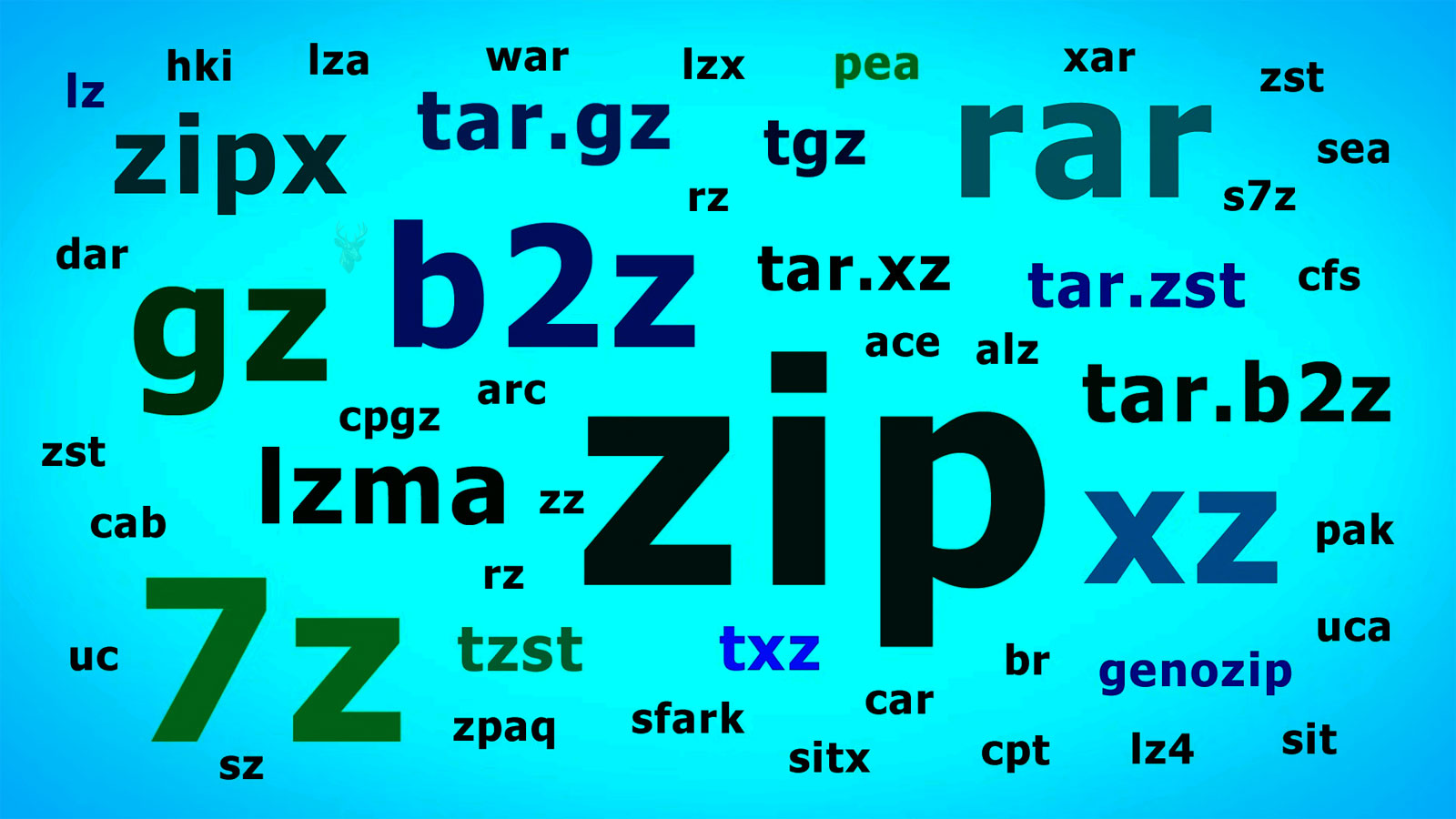
File Compression Beyond Everyday ZIP Files
Most computer users associate file compression with ZIP archives. Downloading software, sharing documents by email, or organizing several files into one package often involves creating or opening a ZIP file. While this is the most familiar example, ZIP archives represent only one application of a much broader technology that quietly affects digital storage every day.
File compression is the process of reducing the amount of storage required to represent information. Instead of changing the meaning of the data, compression looks for ways to store that information more efficiently. Depending on the method being used, the original data may be recreated perfectly or, in some situations, only approximately.
Modern computers rely on compression in many places that users never notice. Operating systems, photographs, videos, audio recordings, software installers, cloud backups, and even some file systems all use different compression techniques to improve storage efficiency or reduce the amount of data that must be transferred across a network.
Why Compression Exists
Digital information often contains repeated patterns. Rather than storing every repeated sequence individually, many compression algorithms replace those repetitions with shorter representations that can later be expanded back into their original form. The result is a smaller file without necessarily changing its contents.
Reducing file size provides several practical benefits beyond simply saving disk space.
- More files fit on the same storage device.
- Downloads can complete more quickly.
- Backups may require less storage capacity.
- Email attachments remain within size limits more easily.
- Cloud synchronization transfers less data across the Internet.
The value of compression therefore extends well beyond storage alone. It also influences network performance, backup strategies, and the overall efficiency of moving information between computers.
Two Different Approaches to Compression
Not every compression method has the same objective. Some techniques preserve every bit of the original information, while others intentionally remove details that are considered less noticeable in order to achieve much smaller file sizes.
| Compression Type | Original Data Preserved | Common Examples |
|---|---|---|
| Lossless Compression | Yes | ZIP archives, PNG images, many document formats |
| Lossy Compression | No | JPEG photographs, MP3 audio, many video formats |
Choosing between these approaches depends entirely on the purpose of the file. Business documents, spreadsheets, and software generally require every bit of information to remain intact. Photographs, music, and videos often prioritize reduced file size while accepting carefully controlled quality loss that may be difficult to notice during normal use.
Compression is not simply about making files smaller. It is about selecting the most appropriate balance between storage efficiency, speed, compatibility, and data accuracy for a particular type of information.
Why Some Files Barely Become Smaller
Users are sometimes surprised when a compressed archive shrinks only slightly after being created. This usually happens because many modern file formats already include their own built-in compression. Trying to compress them again provides little additional benefit because there is very little redundant information left to eliminate.
Examples include JPEG photographs, MP4 videos, MP3 audio files, PDF documents that already contain compressed images, and many software installation packages. Since these formats have already been optimized, placing them inside a ZIP archive often changes the overall size very little.
Compression Ratios Are Never Guaranteed
No compression method can promise that every file will shrink by a certain percentage. The amount of space saved depends largely on the type of information being compressed and how repetitive that information is. Files containing many repeated patterns usually compress more effectively than files that already store information efficiently.
This explains why two folders of identical size can produce very different archive sizes after compression. One folder may contain plain text documents with considerable redundancy, while the other consists almost entirely of photographs and videos that have already undergone compression.
- Plain text often compresses extremely well.
- Office documents usually shrink noticeably.
- Database exports frequently benefit from compression.
- JPEG images often show little additional reduction.
- MP3 music files rarely become much smaller.
- Modern video formats typically compress very little when archived again.
Compressed Archives Compared With File System Compression
Creating a ZIP archive is only one way computers reduce storage usage. Some operating systems and file systems can compress files transparently while leaving them accessible without requiring users to manually extract an archive first.
With archive compression, multiple files are packaged into a separate compressed container. With file system compression, Windows or another operating system automatically compresses individual files while continuing to present them as ordinary files during everyday use.
| Method | Primary Purpose | User Interaction |
|---|---|---|
| ZIP Archive | Packaging and sharing files | Usually extracted before editing. |
| File System Compression | Saving disk space transparently | Files normally open without manual extraction. |
| Application Compression | Reducing storage inside specific programs | Handled automatically by the application. |
Although all three methods reduce storage requirements, they serve different purposes and operate at different levels within the computer.
Compression does not always mean creating a ZIP file. Many modern applications compress information automatically without users ever noticing the process.
The Relationship Between Compression and Processing Time
Making files smaller requires computational work. Compression algorithms analyze information, identify patterns, and reorganize the data into a more efficient representation. Later, when the information is needed, the computer reverses that process by decompressing the data.
Different algorithms emphasize different priorities. Some focus on producing the smallest possible files, while others prioritize faster compression or quicker extraction. Software developers choose the approach that best matches the intended use of their applications.
- Read the original information.
- Analyze repeated patterns.
- Create a more compact representation.
- Store or transmit the compressed data.
- Reconstruct the original information when needed.
Because processing power is involved, compressing very large collections of files may take noticeable time, particularly when stronger compression settings are selected.
Compatibility Between Compression Formats
Not every compression format is supported by every operating system or application. ZIP has become nearly universal because it offers broad compatibility across Windows, macOS, Linux, and many mobile devices. Other formats may provide better compression efficiency but require additional software to create or extract.
When exchanging files between different computers or organizations, compatibility is often more important than achieving the absolute smallest file size. Choosing a widely supported format reduces the likelihood that the recipient will need specialized software before accessing the contents.
- ZIP emphasizes widespread compatibility.
- 7Z often achieves higher compression on many file types.
- RAR includes features that depend on compatible extraction software.
- TAR is commonly paired with separate compression methods on Unix-like systems.
- Many installers use proprietary compression designed specifically for software distribution.
The best format therefore depends not only on compression efficiency but also on the computers and software expected to access the archived data.











