
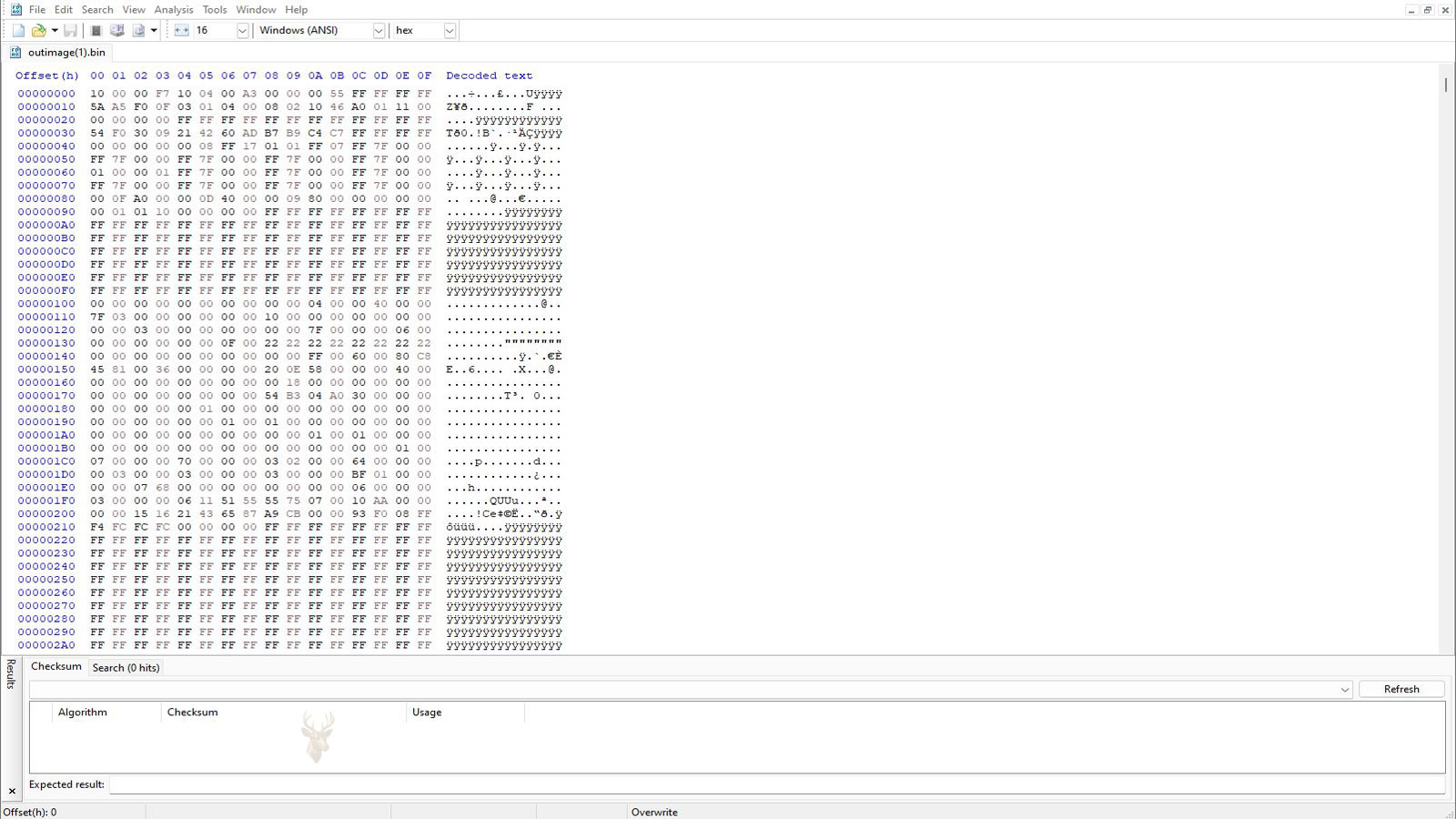
File Allocation Tables and the Organization of Stored Data
Opening a document, viewing a photograph, or playing a video feels almost instantaneous on a modern computer. Behind those familiar actions, however, the operating system performs countless small tasks to determine exactly where each file is located. A storage device is not simply a large empty container where information is dropped randomly. Every file must be recorded, tracked, and updated as it is created, modified, moved, or deleted.
One of the earliest and most influential methods of organizing this information is the File Allocation Table, commonly known as FAT. Although newer file systems now provide more advanced features, FAT remains widely used on USB flash drives, memory cards, digital cameras, embedded devices, and many removable storage products because of its broad compatibility across different operating systems.
Understanding how a File Allocation Table works helps explain why some storage devices behave differently from others, why certain limits exist on older file systems, and why a damaged allocation table can make an entire drive appear empty even when much of the original information still exists.
Why a File System Is Necessary
Imagine placing thousands of printed pages into a large filing cabinet without assigning folders, labels, or any form of organization. Finding a specific document later would become nearly impossible. Storage devices face a similar challenge. Millions or even billions of individual storage locations must be organized so the operating system knows where every file begins and where it ends.
The file system provides this organization. Instead of treating the drive as one continuous block of data, it divides the available space into manageable sections and keeps records describing how those sections belong together.
- Which storage locations are currently available.
- Which locations belong to existing files.
- How separate pieces of the same file are connected.
- Where folders and directories are stored.
- Information such as file names, dates, and attributes.
Without this organizational layer, every application would need to understand the physical layout of the storage device itself, making everyday computing far more complicated than users ever see.
What the File Allocation Table Actually Records
The name File Allocation Table describes its purpose fairly well. It is essentially a map that records how storage space has been allocated across the drive.
Rather than storing an entire file in one uninterrupted area, the operating system often saves pieces of the same file wherever free space is available. The allocation table keeps track of these pieces by linking them together in the proper sequence.
| Storage Component | Purpose |
|---|---|
| Clusters | The basic storage units where data is written. |
| Allocation Table | Records which clusters belong to each file. |
| Directory Entries | Store file names and basic information visible to users. |
| Free Space Records | Identify clusters available for future storage. |
Whenever a file grows larger after being edited, the operating system may assign additional clusters elsewhere on the drive. The allocation table updates those links so the complete file can still be reconstructed correctly when opened later.
Why Files Are Not Always Stored in One Continuous Location
Many people picture a file being stored as one uninterrupted block of information. While that sometimes happens on a newly formatted drive, everyday computer use gradually changes the layout. Files are constantly created, deleted, updated, downloaded, copied, and removed, leaving free space scattered throughout the storage device.
When new information needs to be saved, the operating system often fills those available spaces rather than requiring one large empty area. As a result, different portions of the same file may occupy completely different physical locations while still appearing as a single document to the user.
From the user’s perspective, a document opens as one complete file. Behind the scenes, the file system may be assembling information from numerous storage locations in the correct order before the application ever displays it.
This ability to link multiple storage locations together is one of the reasons the File Allocation Table became such a practical solution for early personal computers and removable storage media.
FAT12, FAT16, and FAT32: What Changed Over Time
As storage devices became larger, the original File Allocation Table design also evolved. Early versions worked well on floppy disks and small-capacity drives, but growing storage sizes required improvements that could address more clusters and support larger volumes.
Rather than replacing the entire concept, Microsoft expanded it over several generations. Each version increased the amount of storage that could be managed while maintaining a familiar structure.
| Version | Typical Use | Main Improvement |
|---|---|---|
| FAT12 | Floppy disks and very small drives | Designed for limited storage capacity. |
| FAT16 | Older hard drives and removable media | Supported significantly larger partitions. |
| FAT32 | USB flash drives, SD cards, and memory cards | Handled much larger volumes while remaining highly compatible. |
Although modern operating systems commonly use more advanced file systems for internal drives, FAT32 continues to appear on removable storage because it can be recognized by Windows, macOS, Linux, cameras, televisions, gaming consoles, vehicle infotainment systems, and countless embedded devices without requiring special drivers.
Why FAT32 Still Appears on Modern USB Drives
Someone purchasing a new USB flash drive may wonder why a decades-old file system is still available during formatting. The answer is compatibility. Manufacturers often want a storage device to function immediately when connected to as many different devices as possible.
A flash drive formatted with FAT32 can usually be read by equipment that has never been updated to support newer file systems. That broad compatibility makes it useful for firmware updates, multimedia playback, digital cameras, industrial equipment, and many portable devices.
- Firmware update drives supplied by hardware manufacturers.
- Bootable USB media for older computers.
- Digital cameras and action cameras.
- Memory cards used in drones and portable recorders.
- Automotive entertainment systems.
- Televisions and media players.
Its popularity is therefore less about performance and more about predictable compatibility across different hardware platforms.
The Practical Limitations of FAT-Based Storage
Despite its flexibility, FAT32 has several limitations that become noticeable as storage devices and files continue to grow larger. These limitations are part of the design itself rather than signs that something is wrong with the storage device.
One of the best-known restrictions is the maximum size of a single file. This becomes important when storing high-resolution videos, virtual machine images, large backup archives, or other files that can exceed several gigabytes.
A storage device may have hundreds of gigabytes of free space available, yet still refuse to copy one large file if that file exceeds the limits of the FAT32 file system.
Other modern file systems were designed to overcome these limitations while introducing additional features such as improved security, journaling, larger volume support, and better protection against corruption following an unexpected shutdown.
What Happens When the Allocation Table Becomes Damaged
Because the allocation table acts as a roadmap for stored information, damage to that structure can make files difficult or impossible for the operating system to locate correctly. The actual contents of many files may still exist on the storage device, but without accurate allocation records, Windows may no longer know how those pieces fit together.
This type of corruption can result from several situations, including sudden power loss during write operations, unsafe removal of removable media, failing storage hardware, interrupted firmware activity, or developing physical problems within the device itself.
- Folders that suddenly appear empty.
- Files that display incorrect sizes.
- Error messages requesting the drive to be formatted.
- Directory names containing unreadable characters.
- Files that can no longer be opened normally.
These symptoms do not automatically mean that every file has been erased. In many situations, the information remains present, but the operating system has lost part of the map needed to locate it correctly.
File Allocation Tables and Data Recovery
One reason technicians often evaluate the condition of a File Allocation Table before attempting repairs is that it provides valuable clues about the overall health of the storage device. If the table itself is damaged but the drive remains physically functional, specialized recovery software may be able to rebuild parts of the file structure or identify files by scanning the storage device directly.
The success of this process depends on several factors, including how much of the allocation information remains intact, whether new data has overwritten the original files, and whether the storage hardware itself is still operating reliably. In situations involving removable flash drives or memory cards, continuing to save new files after corruption appears can reduce the chances of recovering older information.
For that reason, one of the safest responses after discovering possible file system corruption is to stop using the storage device until the situation has been evaluated. Every additional write operation may reuse clusters that previously contained recoverable data.
FAT Compared With Newer File Systems
The File Allocation Table remains an important part of computing history, but it is no longer the default choice for most internal storage devices. Modern operating systems include newer file systems that support larger storage capacities, stronger reliability features, improved security, and more efficient handling of today’s much larger files.
| Feature | FAT32 | Modern File Systems |
|---|---|---|
| Device Compatibility | Excellent across many operating systems and devices. | Usually optimized for specific operating systems. |
| Maximum File Size | Limited. | Designed for much larger files. |
| Security Features | Minimal. | Supports permissions, encryption, and other advanced capabilities. |
| Reliability Features | Basic allocation tracking. | Often includes journaling and additional protection against corruption. |
This does not mean FAT32 is obsolete. Instead, each file system serves different purposes. A removable USB flash drive intended for maximum compatibility may still benefit from FAT32, while an internal system drive usually gains more functionality from a modern file system designed specifically for today’s operating systems.
Everyday Situations Where the File System Matters
Most computer users never think about the file system until something unexpected happens. However, many everyday situations are directly influenced by the way files are organized behind the scenes.
- A large video file refuses to copy onto a USB flash drive even though plenty of free space remains.
- A removable drive suddenly asks to be formatted after being disconnected without using the safe removal option.
- A memory card works correctly in one device but cannot be recognized by another.
- Recovery software finds files after a drive appears empty.
- An operating system reports file system errors that require a disk check.
Although these problems may appear unrelated, they often involve the way the storage device records and manages its allocation information.
Building a Better Understanding of Storage
The File Allocation Table represents one of the foundational ideas behind digital storage organization. Rather than simply placing files onto a drive, it keeps track of where information is stored, how separate pieces belong together, and which areas remain available for future use. Although newer file systems have introduced more advanced capabilities, the underlying goal remains much the same: allowing computers to locate information accurately and efficiently.
Recognizing the role of the file system also makes many storage-related problems easier to understand. A drive that appears empty, requests formatting, or reports corruption is not always experiencing complete data loss. Sometimes the information is still present, while the structure that describes its location has become damaged. Understanding that distinction provides useful context for troubleshooting storage problems and explains why careful handling of removable drives continues to be important long after the File Allocation Table was first introduced.











