
Protecting Sensitive Components During Upgrades, Cleaning, and Internal Computer Work
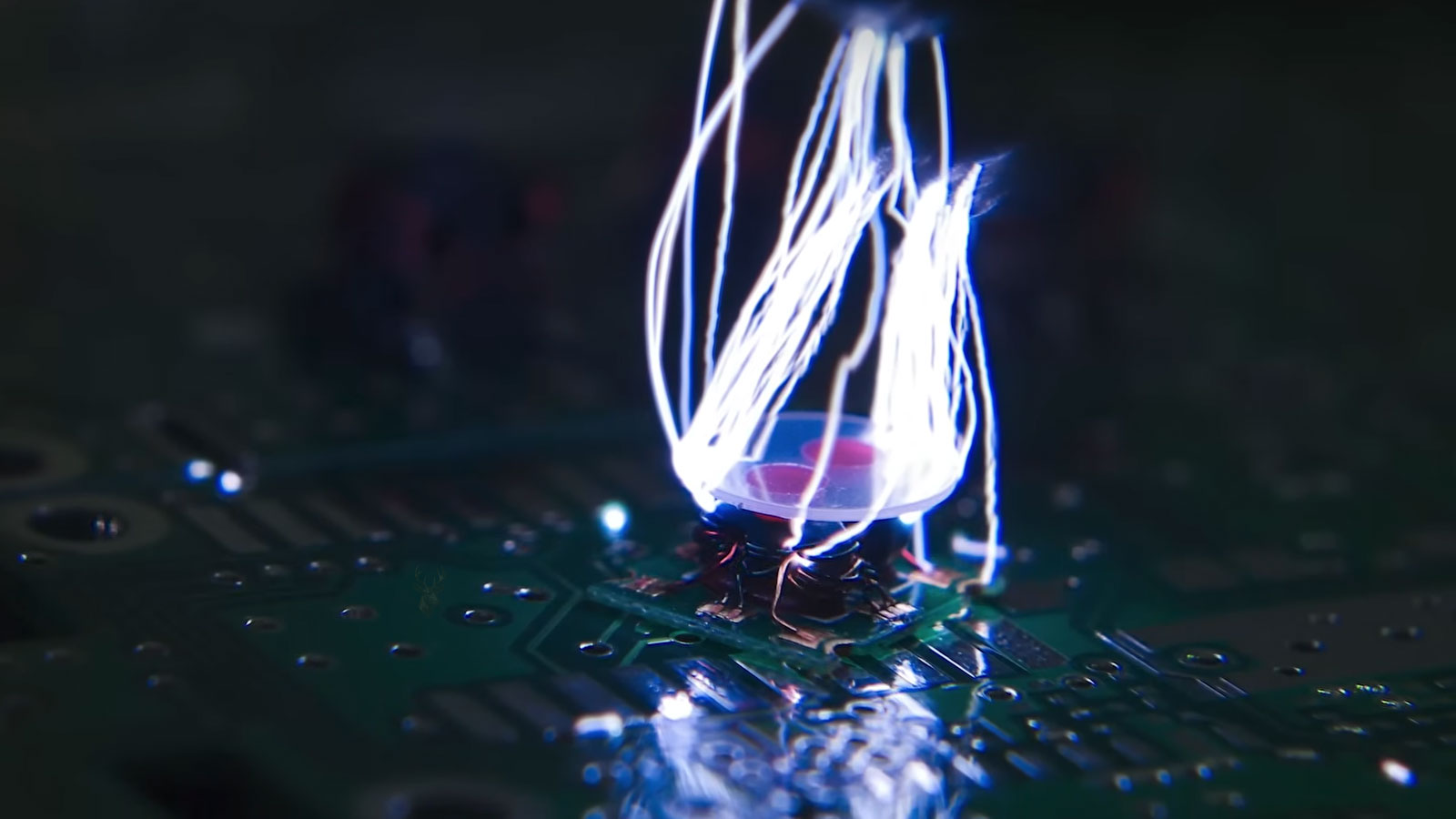
A small spark from a doorknob is usually more surprising than harmful. Inside a computer, however, a much smaller electrical discharge can affect components built to operate with extremely low voltages. The person handling the hardware may feel nothing, see nothing, and still transfer enough static electricity to damage a circuit.
This risk appears most often while installing memory, replacing a storage drive, cleaning a desktop, changing a graphics card, or working around an exposed motherboard. Components that function reliably inside a closed computer become more vulnerable once they are removed from their connectors and handled directly.
Static damage is also difficult to recognize because it does not always cause immediate failure. A part may stop working at once, become unstable only under certain conditions, or continue operating until the weakened circuitry fails later. Safe handling therefore matters even when no visible spark is present.
Electrostatic Discharge Happens When Electrical Charge Moves Suddenly
Static electricity builds when materials exchange electrical charge through contact and separation. Walking across carpet, removing a sweater, sliding across a fabric chair, or handling plastic packaging can leave a person carrying a different electrical potential from the computer hardware nearby.
When the charged person touches a conductive object, the difference can equalize in a brief discharge. This movement is called electrostatic discharge, often shortened to ESD.
A visible spark is one form of ESD, but damaging discharge can occur below the level a person can feel. Human sensation is therefore not a dependable indicator of whether static protection is necessary.
Computer Components Operate With Very Small Electrical Signals
Processors, memory modules, motherboard controllers, storage electronics, and graphics hardware contain microscopic conductive paths. These circuits are designed to carry controlled signals during normal operation, not sudden electrical energy from an outside source.
A discharge can damage insulating layers, junctions, or pathways within a chip. The affected area may be too small to see without specialized equipment, yet large enough to interrupt reliable operation.
- Memory modules contain exposed edge contacts and sensitive chips.
- Motherboards include many unprotected connectors and control circuits.
- Processors have dense internal pathways operating at low voltage.
- Expansion cards expose components on both sides of the board.
- Solid-state drives contain controllers and flash memory that can be affected electrically.
The absence of moving parts does not make an electronic component immune to static damage. In many cases, the smallest and most densely packed circuits require the greatest care.
Immediate Failure Is Only One Possible Result
Severe static damage can prevent a component from working as soon as it is installed. A memory module may no longer be detected, a motherboard may fail to start, or an expansion card may produce no output.
Other damage is less obvious. The computer may start normally but later freeze, restart, produce memory errors, lose communication with a device, or fail only when the affected circuit becomes warm or heavily used.
This delayed behavior makes static electricity difficult to prove after the fact. A new problem may appear hours or weeks after internal work, leaving no burned area, broken connector, or other visible evidence.
Dry Air Makes Static Buildup More Common
Humidity allows electrical charge to dissipate more easily through the surrounding air and surfaces. In very dry environments, charge can remain on clothing, skin, carpet, furniture, and packaging for longer periods.
Static problems are therefore often more noticeable during dry weather, in heavily air-conditioned rooms, or in buildings where indoor humidity remains low. A person may experience repeated shocks from metal objects without realizing that the same environment increases risk while handling computer parts.
Humidity alone should not be treated as the protection method. Even in a humid room, careful grounding and component handling remain important because static charge can still develop locally.
Carpet, Clothing, and Plastic Packaging Can Increase Charge
The work area influences how easily static electricity builds. Carpeted floors, synthetic clothing, plastic chairs, foam packing material, and ordinary plastic bags can all contribute to charge accumulation.
A component carried across a carpeted room inside inappropriate packaging may be exposed to several sources of static before it reaches the computer. Removing it from plastic while wearing a synthetic sweater can add another opportunity for discharge.
- Avoid placing exposed circuit boards directly on carpet.
- Keep ordinary plastic bags away from unprotected components.
- Limit unnecessary movement around the work area.
- Choose a stable table rather than working on a bed or sofa.
- Keep foam and packing material separated from open hardware unless it is designed for ESD protection.
The goal is not to create a laboratory environment for every memory upgrade. It is to remove avoidable sources of charge before the computer is opened.
Antistatic Packaging Is Different From Ordinary Plastic
Computer components are often shipped in metallic-looking or specially marked antistatic bags. These materials are designed to reduce the chance that static charge reaches the protected hardware during storage and transportation.
An ordinary clear plastic bag does not provide the same protection and may generate charge through friction. Reusing household packaging for memory, processors, or circuit boards can therefore create more risk than leaving the part in its original container.
The protective bag is most useful while the component remains inside it. Once the hardware is removed, safe handling and a suitable work surface become the primary defenses.
The Edge of a Circuit Board Is Usually the Safest Place to Hold It
Memory modules and expansion cards should generally be handled by their outer edges rather than by the chips, soldered components, or gold-colored contacts. This reduces both static exposure and contamination from skin oils.
Fingerprints on electrical contacts can interfere with a clean connection, while pressure on small surface-mounted parts can crack solder joints or dislodge components. Careful edge handling protects against more than static electricity alone.
- Hold memory by the narrow side edges.
- Support graphics and expansion cards without touching exposed circuitry.
- Avoid placing fingers across connector contacts.
- Keep processors away from clothing and loose packaging.
- Set removed parts only on an appropriate protected surface.
Good handling habits reduce the number of places where accidental electrical or physical damage can occur.
Touching the Computer Case Can Help Equalize Charge
Before reaching inside a desktop computer, touching an unpainted metal portion of the chassis can help bring the person and the case to the same electrical potential. This simple step reduces the chance of a discharge occurring through the component being installed.
The protection is temporary. Walking away, shifting across a chair, handling packaging, or changing clothing contact can allow charge to build again. Repeating the grounding step during the work is more useful than touching the case only once at the beginning.
The computer should still be shut down and disconnected appropriately before internal service. Static grounding does not make it safe to work around energized power circuits or moving fans.
Antistatic Wrist Straps Provide Continuous Protection When Used Correctly
An antistatic wrist strap connects the person performing the work to a suitable grounding point through a controlled resistance. Instead of allowing charge to build and discharge suddenly, the strap helps equalize electrical potential continuously.
The strap must make contact with the skin and connect to an appropriate point. Clipping it to painted plastic, an isolated panel, or an unsuitable electrical source may provide little or no protection.
A wrist strap is especially useful during extended motherboard work, processor installation, memory testing, or repeated handling of exposed components. It does not replace proper shutdown procedures, careful tool use, or safe treatment of the power supply.
Desktop and Laptop Computers Require Different Handling
Although the principles of electrostatic protection remain the same, desktop and laptop computers present different working conditions. Desktop systems generally provide more space around components, while laptops concentrate delicate connectors, ribbon cables, and miniature circuitry into a much smaller area.
Because laptop components are positioned closely together, accidental contact with neighboring circuits becomes easier. Memory modules, storage devices, wireless cards, and display connectors can all be exposed during relatively small repairs, making careful handling especially important.
Regardless of the computer type, reducing unnecessary handling of exposed electronics lowers the chance of both electrical discharge and accidental physical damage.
Memory Modules Are Frequently Exposed During Upgrades
Adding or replacing memory is one of the most common reasons people open a computer. Memory modules are easy to reach in many systems, but they also expose electrical contacts and integrated circuits directly to handling.
Before inserting a module, it should be held only by its edges and aligned carefully with the slot. Sliding fingers across the contacts or placing the module on an unsuitable surface increases unnecessary risk.
- Leave the module inside its protective packaging until installation.
- Hold only the outer edges.
- Confirm the alignment before applying pressure.
- Avoid touching the gold contact edge.
- Store removed modules in antistatic packaging.
Careful handling protects the module from contamination and minimizes opportunities for electrostatic discharge.
Processors Deserve Extra Care During Installation
Modern processors contain millions or billions of microscopic electronic structures. Although protected by their package, they should never be handled carelessly during installation or removal.
Depending on the processor design, delicate electrical contacts may exist on the processor itself or inside the motherboard socket. Bending, contaminating, or exposing those contact areas to unnecessary electrical discharge can prevent reliable operation.
Preparing the work area before opening the processor package helps reduce the amount of time the component remains exposed.
Expansion Cards Should Never Be Carried by Their Connectors
Graphics cards, network adapters, sound cards, and other expansion boards often include exposed connectors, cooling systems, and numerous surface-mounted components. Carrying the board by the connector edge or pressing against small electronic parts can create unnecessary stress.
Larger graphics cards deserve particular attention because their weight can encourage people to grip them wherever convenient. Supporting the card from its edges provides better protection for both the electronics and the connector.
Once removed, the card should be placed on an antistatic surface rather than balanced on packing material or fabric.
Storage Devices Contain Sensitive Electronics
Solid-state drives rely entirely on electronic circuitry, while traditional hard drives combine electronic control boards with mechanical assemblies. Both designs benefit from careful electrostatic handling during installation and replacement.
The underside of many drives contains exposed circuit boards that should not be placed directly on metal objects or handled unnecessarily. Connectors should also remain clean to maintain reliable communication with the computer.
Although the housing may appear durable, the electronic controller attached to the drive deserves the same attention as any other internal computer component.
Motherboards Are Exposed to Multiple Forms of Damage
The motherboard connects nearly every major component inside the computer. During repairs it often remains fully exposed, placing sockets, connectors, voltage regulators, and communication circuits within reach of accidental contact.
Static electricity is only one concern. Slipping tools, excessive force, bent connector pins, or dropped screws can also create damage while the system is open. Good workspace organization reduces these risks considerably.
Whenever possible, components should be installed deliberately rather than hurriedly. Most installation mistakes occur while trying to complete several tasks at once.
Power Supplies Should Be Treated Differently From Other Components
Static protection does not eliminate the electrical hazards associated with a power supply. Even after the computer has been unplugged, certain internal capacitors may continue storing electrical energy.
Routine computer upgrades rarely require opening the power supply enclosure itself. External cable connections can be disconnected safely after proper shutdown procedures, but dismantling the power supply introduces risks unrelated to electrostatic discharge.
Understanding the difference between static protection and electrical safety helps prevent one precaution from being confused with another.
Routine Cleaning Can Introduce Static if Done Incorrectly
Cleaning dust from a computer is beneficial for airflow, but certain cleaning methods can increase static generation. Dry cloths, household dusters, and unnecessary rubbing across exposed circuit boards can allow electrical charge to build.
Cleaning should focus on removing dust gently without creating additional friction around sensitive electronics. Components should not be wiped aggressively simply because they appear dusty.
- Power the computer down before internal cleaning.
- Reduce unnecessary contact with exposed circuit boards.
- Keep packaging materials away from the work area.
- Handle one component at a time.
- Return removed parts to protective packaging promptly.
Thoughtful preparation often prevents more problems than hurried cleaning performed with the computer already open.
Small Work Habits Often Provide the Greatest Protection
Electrostatic protection is rarely based on one special tool. Instead, it comes from consistently following a series of simple habits throughout the repair process. Preparing the workspace, handling components properly, reducing unnecessary movement, and storing parts correctly all contribute to lowering overall risk.
Because static electricity cannot always be seen or felt, disciplined handling procedures remain valuable even when no obvious warning signs are present. Good habits become especially important during longer repair sessions involving several different components.
Antistatic Mats Create a More Controlled Work Surface
An antistatic mat provides a stable place for circuit boards, memory modules, and other exposed parts during repair work. Unlike carpet, bedding, or ordinary plastic, the mat is designed to help control electrical charge around the work area.
The mat is most effective when connected correctly to an appropriate grounding point and used together with proper handling habits. Simply placing a component on a mat does not protect it if the person touching the part remains heavily charged or if unsuitable packaging is placed on top of the work surface.
For occasional upgrades, careful preparation may be sufficient. For repeated motherboard work or handling several loose components, a dedicated antistatic surface provides more consistent protection.
Grounding Methods Must Avoid Unsafe Electrical Shortcuts
Static protection should never involve inserting wires into an electrical outlet, opening wall receptacles, or improvising connections to exposed electrical conductors. The objective is to equalize electrical potential safely, not to create direct contact with household voltage.
Commercial antistatic equipment uses controlled resistance and approved connection methods. That resistance allows charge to dissipate gradually rather than producing a sudden path that could create another hazard.
Improvised grounding arrangements can be more dangerous than the static risk they were meant to reduce. Equipment should be used according to its design rather than modified without understanding the electrical consequences.
Leaving the Power Cord Connected Is Not a Universal Grounding Method
Some repair procedures recommend leaving a desktop power cord connected while the computer itself remains switched off so the chassis stays tied to electrical ground. Other procedures require complete disconnection before internal work begins.
The correct approach depends on the equipment, power supply design, work being performed, and safety procedure being followed. A connected cord can preserve a grounding path, but it can also leave standby voltage present on parts of the motherboard.
For that reason, static protection should not rely on one general rule applied to every computer. The system should be placed in the electrical condition required by the specific repair procedure, with electrostatic control handled separately and safely.
Component Packaging Should Remain Nearby During the Work
New memory, processors, drives, and expansion cards should remain inside their antistatic packaging until the computer is ready to receive them. Opening every package at the beginning of the job leaves more components exposed than necessary.
The original packaging also provides a suitable place for removed parts. A memory module taken from the computer should not be placed loose beside screws, tools, or ordinary plastic wrappers while another component is being installed.
- Open one package only when the installation area is ready.
- Keep removed hardware separated from tools and loose fasteners.
- Return unused components to protective packaging promptly.
- Label similar parts when several are being tested.
- Avoid stacking exposed circuit boards directly on one another.
Organized packaging reduces handling and makes it less likely that parts will be mixed, contaminated, or damaged during the repair.
Tools and Loose Screws Can Create More Immediate Damage Than Static
Electrostatic precautions are important, but they should not distract from ordinary mechanical hazards. A dropped screw can become trapped beneath a motherboard, and a slipping screwdriver can cut a trace or damage a nearby component.
Metal tools should be positioned carefully and removed from the case when they are no longer needed. Screws should be organized by location because using the wrong length during reassembly can damage a circuit board, battery, display, or enclosure.
A controlled work area protects against several risks at once. Static safety, tool control, cable handling, and parts organization all contribute to the same goal of returning the computer to service without creating a new fault.
Static Damage Cannot Usually Be Confirmed by Visual Inspection
A component damaged by a large electrical event may show a burned area or cracked chip, but electrostatic discharge commonly leaves no visible mark. The affected circuit may be buried inside a memory chip, controller, or processor package.
This makes diagnosis difficult after a problem appears. If a computer begins freezing after a memory upgrade, the cause may be an incompatible module, poor seating, a defective part, contamination, or electrostatic damage. The symptom alone cannot prove which one occurred.
Prevention is therefore more dependable than trying to identify static damage later. Once a hidden circuit has been weakened, there may be no practical way to restore it.
Testing After Installation Helps Catch Problems Early
After a component has been installed, the computer should be checked before the case is fully reassembled or returned to normal use. The new part should be detected correctly, and the system should remain stable under the type of work the component is expected to perform.
- Confirm that the computer starts normally.
- Verify that the installed component is detected.
- Check for error messages or warning indicators.
- Run an appropriate hardware test when available.
- Observe the computer during ordinary use.
- Recheck the installation if instability appears immediately.
Early testing cannot prove that no hidden damage occurred, but it can reveal poor seating, incompatibility, missing connections, and obvious component failure before the repair is considered complete.
A Failed Upgrade Should Be Reviewed in the Order It Was Performed
When a computer stops working after internal service, the most useful starting point is the sequence of actions taken during the repair. Which parts were removed, where they were placed, which connectors were disturbed, and whether the system was tested before reassembly can all provide valuable clues.
Static electricity should be considered, but it should not become the automatic explanation for every failed upgrade. A memory module may be installed in the wrong slot, a power cable may be left disconnected, or a component may simply be incompatible.
Reviewing the work methodically helps separate installation mistakes from a defective part or possible electrical damage.
Portable Computers Still Need Protection With the Main Battery Disconnected
Many laptops contain an internal battery that remains connected even after the charger is removed. Before working near memory, storage, wireless cards, or motherboard connectors, the main battery may need to be disconnected according to the service procedure for that model.
This step reduces the chance of accidental electrical contact while parts are being removed or installed. It is separate from static control: disconnecting the battery does not remove electrostatic charge from the person handling the computer.
Both precautions matter. One addresses stored operating power inside the laptop, while the other reduces the risk of outside charge reaching sensitive circuitry.
Static Protection Should Become Routine Rather Than Occasional
Electrostatic discharge is easy to dismiss because most repairs do not produce a visible spark or immediate failure. That does not make safe handling unnecessary. It means the risk is often silent.
Preparing the work surface, avoiding carpet and ordinary plastic, grounding appropriately, handling boards by their edges, and keeping parts inside protective packaging require little additional time once they become routine.
These habits are especially valuable because they protect components that may be expensive, difficult to replace, or responsible for storing important information. Preventing one accidental discharge is far easier than explaining an intermittent hardware problem that appears after the repair is finished.
Protecting Hardware Before Power Is Restored
Internal computer work involves several risks at the same time. Static charge, standby voltage, dropped tools, misplaced screws, contaminated contacts, and excessive force can all affect a repair that initially appears simple.
Electrostatic protection works best as part of a broader handling process rather than as one isolated step. A prepared workspace, suitable grounding method, careful component storage, controlled movement, and complete testing help preserve the reliability of the hardware from the moment the case is opened until the computer returns to service.











