
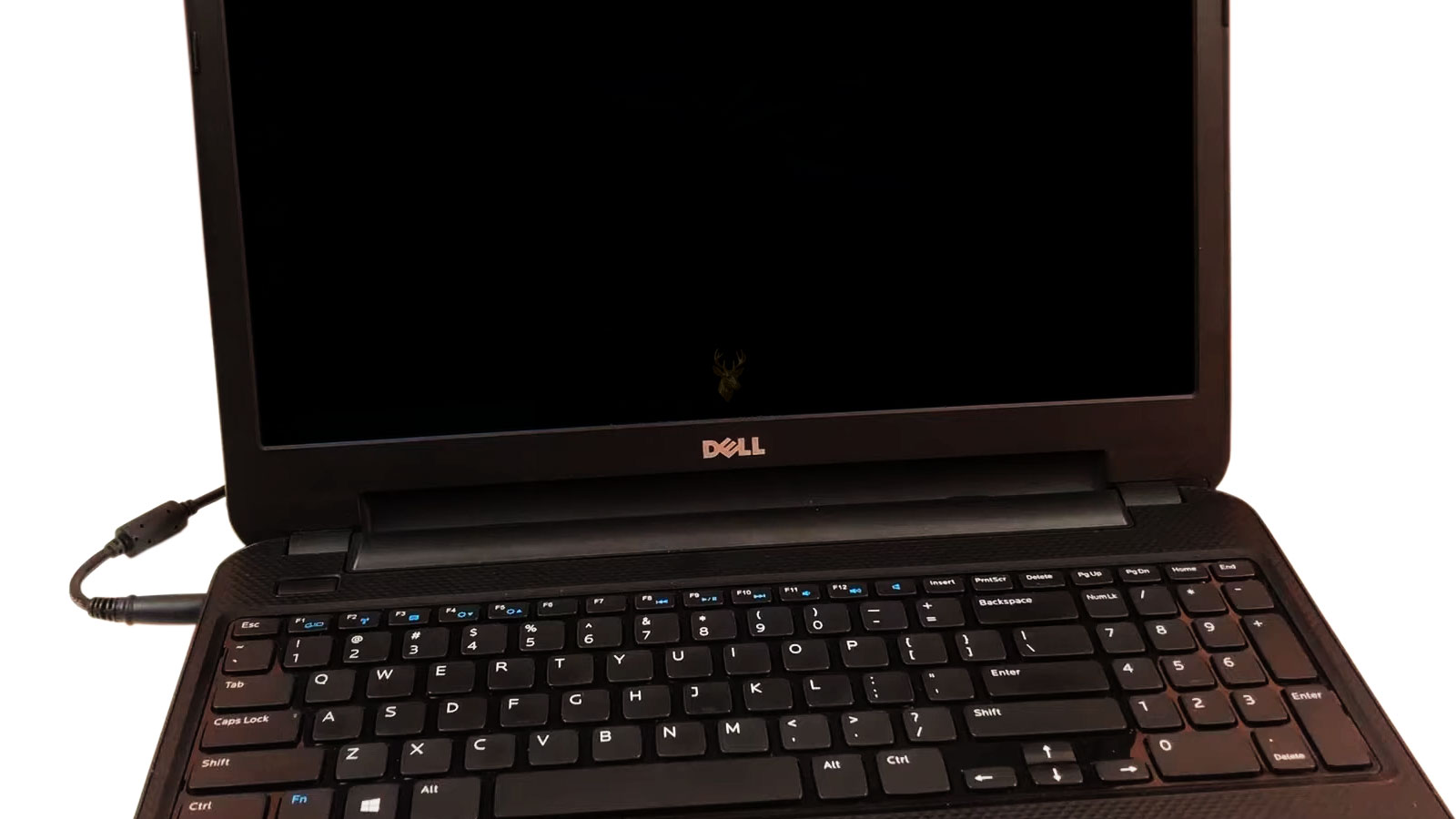
Understanding Power Adapters Before Purchasing a Replacement
A laptop charger may appear to be a simple accessory, but it performs an essential role in the operation of the computer. Besides supplying power to the system, it also charges the battery while maintaining stable voltage for sensitive electronic components inside the laptop. Choosing the wrong replacement charger can lead to charging problems, unstable operation, reduced battery life, or, in some situations, permanent hardware damage.
Many replacement chargers look almost identical from the outside. Two adapters may have the same connector size while producing different electrical characteristics. Others may advertise compatibility with dozens of laptop models even though they do not fully match the original manufacturer’s specifications.
Understanding a few basic electrical ratings can make selecting the proper charger much easier. Rather than focusing only on whether the plug fits, it is important to verify that the charger provides the correct voltage, sufficient current, and the appropriate connector for the specific laptop model.
Every Laptop Charger Is Designed for Specific Requirements
Manufacturers design power adapters to meet the electrical requirements of particular laptop families. Although some models may share identical chargers, many require different output ratings depending on processor performance, graphics hardware, battery capacity, and overall power consumption.
The information printed on the original charger provides valuable guidance. Most adapters display the required input voltage, output voltage, maximum current, and total wattage. Comparing these specifications with the replacement adapter is much more reliable than comparing physical appearance alone.
- Manufacturer and model number.
- Output voltage.
- Maximum current (amperage).
- Total wattage.
- Connector size and shape.
- Polarity, when applicable.
If the original charger is no longer available, these specifications can usually be found on the label underneath the laptop or in the manufacturer’s technical documentation.
Understanding Voltage
Voltage is one of the most important specifications when selecting a replacement charger. In simple terms, voltage represents the electrical pressure delivered by the power adapter. Laptop charging circuits are designed to operate within a very specific voltage range.
Using a charger with the wrong output voltage may prevent the battery from charging correctly or may cause the laptop to refuse the adapter entirely. Larger voltage differences can place unnecessary stress on internal charging components.
- Always compare the output voltage listed on the original charger.
- Do not assume that physically identical connectors indicate electrical compatibility.
- Universal chargers should be configured carefully before use.
- When uncertain, verify compatibility using the laptop model number.
Understanding Current (Amperage)
Current, measured in amperes (amps), represents how much electrical current the adapter can safely provide. Unlike voltage, which should closely match the original specifications, the current rating represents the maximum amount the adapter is capable of supplying when the laptop requires it.
An adapter with insufficient current capacity may become unusually warm, struggle to charge the battery while the laptop is operating, or repeatedly disconnect under heavier workloads. On the other hand, a charger capable of supplying more current than the laptop normally uses does not automatically force additional electricity into the computer. The laptop draws only the amount required by its internal circuitry.
| Specification | Why It Matters |
|---|---|
| Output Voltage | Should closely match the original charger. |
| Maximum Current | Should meet or exceed the laptop’s requirements. |
| Connector Type | Must fit securely without forcing the connection. |
| Wattage | Determines the overall power the adapter can safely provide. |
Connector Size Is Not the Whole Story
One of the most common mistakes is assuming that a charger is compatible simply because the connector fits into the laptop. Many adapters use connectors that appear identical while supplying different electrical specifications or using different identification methods recognized by the charging circuitry.
Some manufacturers also include communication pins inside the connector that allow the laptop to recognize genuine or compatible adapters. If this communication does not occur correctly, the laptop may operate from the adapter but refuse to charge the battery or display a warning during startup.
For this reason, selecting a replacement charger should always begin with the electrical specifications rather than the connector alone. Matching both characteristics provides the greatest confidence that the replacement adapter will perform as intended.
Original vs. Third-Party Chargers
Many laptop owners eventually need to replace a damaged or misplaced charger and quickly discover that both original manufacturer adapters and third-party replacements are widely available. While both options may power the computer successfully, not every replacement adapter is built to the same quality standards.
Original chargers are designed specifically for the laptop models they support and generally provide consistent voltage regulation, proper safety protections, and long-term reliability. High-quality third-party adapters can also perform very well when manufactured to appropriate specifications, but lower-quality products may use less durable components, thinner wiring, or reduced electrical protection.
When purchasing a replacement charger, choosing a reputable manufacturer is often more important than simply selecting the lowest available price.
- Verify compatibility using the exact laptop model.
- Purchase from established suppliers whenever possible.
- Avoid adapters with missing specifications.
- Inspect product reviews carefully.
- Be cautious of prices that appear unusually low.
Recognizing a Failing Charger
Not every charging problem originates inside the laptop. Power adapters experience years of bending, twisting, unplugging, transportation, and accidental drops. Eventually, internal wires, connectors, or electronic components may begin failing.
A damaged charger often produces intermittent symptoms that appear randomly. The battery may begin charging only after moving the cable, the charging indicator may repeatedly connect and disconnect, or the adapter itself may become unusually warm while supplying very little power.
- The charging light turns on and off while the cable is moved.
- The adapter becomes excessively hot during normal operation.
- The laptop reports that it is plugged in but not charging.
- The charging connector feels unusually loose.
- The adapter produces buzzing sounds or emits unusual odors.
These symptoms do not automatically confirm that the charger is defective. Similar behavior can also occur when the charging port, battery, or motherboard develops a fault.
When the Problem Is Actually the Laptop
Many charging problems are blamed on the power adapter when the actual fault is located inside the computer. A damaged charging connector, worn DC jack, failing battery, or motherboard charging circuit can all prevent proper charging even when the adapter is functioning normally.
For this reason, replacing the charger should not always be the first step. If a known compatible charger produces the same symptoms, additional diagnosis may be appropriate before purchasing more replacement parts.
| Symptom | Possible Cause |
|---|---|
| Battery never charges | Battery, charger, charging port, or motherboard |
| Charges only when cable is held a certain way | Damaged connector or charging port |
| Computer turns off when charger is disconnected | Battery failure |
| No power at all | Adapter, DC jack, motherboard, or internal power circuit |
| Intermittent charging | Cable damage, loose connector, or internal charging fault |
Heat Is the Enemy of Every Power Adapter
Every laptop charger converts household electrical power into the lower voltage required by the computer. This conversion naturally produces heat. Under normal conditions the adapter may become warm during use, particularly while simultaneously powering the laptop and charging a depleted battery.
Excessive temperatures, however, shorten the life of electronic components. Covering the adapter with blankets, placing it in direct sunlight, or leaving it inside enclosed spaces with poor airflow can accelerate wear over time.
- Place the adapter where air can circulate freely.
- Avoid tightly wrapping the cable around the brick while it is still warm.
- Keep liquids away from the power supply.
- Inspect the cable periodically for cuts or crushed sections.
- Disconnect the charger by holding the connector instead of pulling on the cable.
Travel and Daily Use Affect Charger Lifespan
Laptop chargers are designed to be portable, but frequent transportation places constant stress on the cable, strain relief, and connectors. Wrapping the cord tightly after every use, placing heavy objects on top of the adapter, or repeatedly bending the cable near the connector are common causes of premature failure.
Simple handling habits often have a greater impact on charger lifespan than the number of hours it spends connected to the laptop. Storing the adapter carefully and avoiding excessive bending can significantly reduce wear over time.
Many charging problems develop gradually over months of use, making them difficult to notice until the connection becomes unreliable. Paying attention to early warning signs can often prevent complete charger failure at an inconvenient time.
Testing a Replacement Charger Safely
After purchasing a replacement charger, it is a good idea to observe how the laptop behaves during the first several charging cycles. The charging indicator should operate normally, the battery percentage should increase steadily, and the adapter should become only moderately warm during typical operation.
If the battery repeatedly connects and disconnects, the adapter becomes excessively hot, or the laptop reports that the charger is unsupported, further investigation may be necessary. These symptoms may indicate an incompatible adapter or a problem elsewhere in the charging system.
- Confirm the connector fits securely without excessive movement.
- Verify the battery charges consistently.
- Monitor the adapter during extended use.
- Watch for warning messages during startup.
- Disconnect the adapter immediately if unusual smells, smoke, or excessive heat develop.
Simple Habits That Help Chargers Last Longer
A charger often lasts many years when handled carefully. Small daily habits can significantly reduce unnecessary wear on the cable, connector, and internal electronics.
- Avoid sharply bending the cable where it enters the adapter.
- Do not wrap the cord tightly around the power brick.
- Allow the adapter to cool before storing it in a laptop bag.
- Keep the charger dry and away from excessive humidity.
- Protect the adapter from impacts during transportation.
- Disconnect the charger by holding the plug rather than pulling on the cable.
These simple precautions reduce stress on the internal wiring and connectors while helping maintain reliable charging over a longer period.
When Replacing the Charger Does Not Solve the Problem
Installing a new charger does not always restore normal operation. If the laptop still refuses to charge, additional components should be considered. Depending on the symptoms, the issue may involve the charging port, battery, motherboard, or charging circuitry rather than the adapter itself.
For example, a loose charging connector that only works when held in a specific position often indicates wear inside the laptop rather than a defective power adapter. Likewise, a battery that has reached the end of its service life may prevent normal charging even when the adapter is functioning correctly.
Charging-related problems can have several possible causes, so replacing parts one after another without confirming the source of the fault may increase costs without resolving the issue.
Choosing a Replacement with Confidence
Selecting the correct laptop charger involves much more than finding a connector that fits. Matching the proper voltage, ensuring adequate current capacity, verifying compatibility with the laptop model, and purchasing from a reputable manufacturer all contribute to safe and reliable operation.
If a replacement adapter does not resolve the charging problem, the next step is identifying whether the battery, charging port, or internal charging circuitry is responsible. Understanding the difference can prevent unnecessary purchases while helping restore dependable operation more efficiently.
Many charging problems begin with symptoms that appear minor, such as an intermittent connection or charging only when the cable is positioned a certain way. Addressing these issues early often prevents additional wear to the charging connector and related components.
Additional Reading
Charging problems are not always caused by the power adapter itself. If the connector feels loose, charging stops whenever the cable is moved, or the laptop only powers on intermittently, the issue may involve the charging port or internal power circuitry. Our Laptop Repair Services page explains many of the hardware issues that can affect notebook computers.
Understanding how laptop hardware operates as a complete system also makes it easier to recognize whether a charging problem is isolated to the adapter or is part of a larger hardware issue. Exploring additional hardware topics can provide useful context before replacing components.
Making the Right Choice
A reliable laptop charger does more than simply power the computer. It supplies stable electrical power, charges the battery safely, and helps protect sensitive internal components from unnecessary electrical stress. Taking a few moments to verify compatibility before purchasing a replacement can prevent frustration, improve long-term reliability, and reduce the possibility of avoidable hardware problems.
Whether replacing a damaged adapter or purchasing a spare for travel, understanding the basic electrical specifications allows laptop owners to make informed decisions with greater confidence. A carefully selected charger can provide years of dependable service while helping the computer operate exactly as intended.











