
Computer Repair South Miami
Repair Services for South Miami Homes and Workspaces
The Hometown District brings together tree-lined residential streets, professional offices, restaurants, shops, and sidewalk cafés around Sunset Drive and Red Road. Computers used throughout this area may support appointments, payments, customer records, schoolwork, remote employment, property management, and the everyday responsibilities of local households.
Repair assistance is available for laptops, desktops, Macs, and all-in-one systems that are no longer starting, charging, connecting, or operating reliably. Each device can be evaluated according to its condition, the way it is used, and the files, programs, or accessories involved in the problem.
Technology Help for the Community Beyond Sunset Drive
Residential areas surrounding the downtown district extend toward community spaces such as Brewer Park and Dante Fascell Park, where families, students, professionals, and longtime residents may depend on technology for very different purposes.
Service can address broken screens, damaged charging ports, storage failure, overheating, wireless trouble, repeated crashes, slow performance, and computers that will not power on. The goal is to identify the real cause and provide a practical repair path without treating every device as though it has the same problem.
A Repair Process Guided by Evidence, Not Assumptions
Computer problems can produce misleading symptoms. A machine that appears to have a battery issue may actually have a damaged charging circuit, while a system that freezes may be reacting to storage, memory, heat, firmware, or power instability.
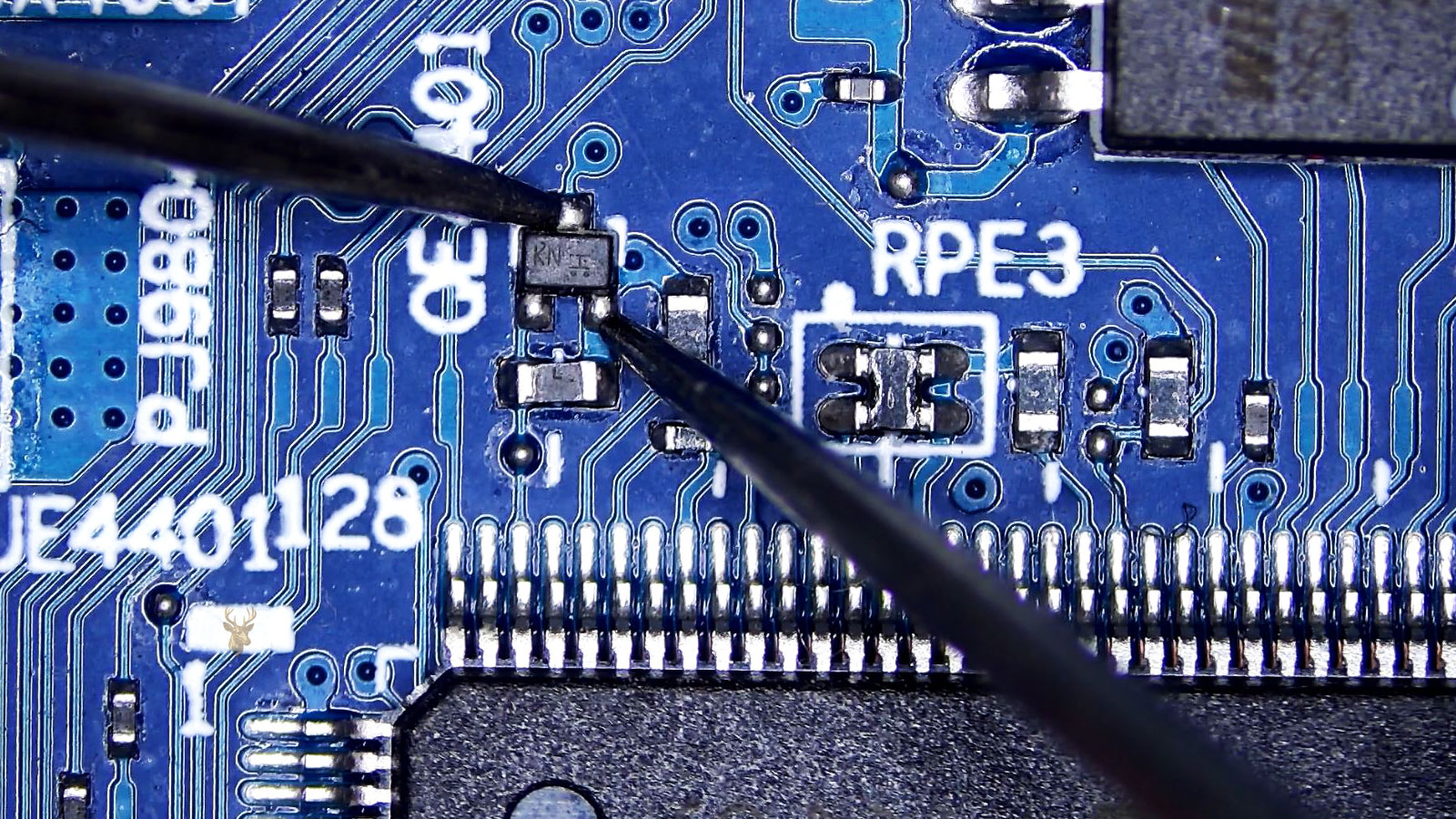
The repair process is organized to separate those possibilities carefully. Observations, measurements, and controlled tests are used to build a clearer picture before parts are ordered, components are removed, or major changes are made.
Establish a Reliable Starting Point
The device is reviewed in its current state, including visible damage, power behavior, error messages, recent changes, and any accessories connected when the problem occurs. This creates a reference point before the internal condition is disturbed.
Follow the Evidence to the Source
Testing moves from the broad symptom toward the circuit, component, connection, or software layer most likely to be responsible. Results from one check determine the next step, helping avoid random replacement and unnecessary disassembly.
Confirm the Repair Under Realistic Use
After the repair or correction is completed, the computer is checked through the functions connected to the original complaint. Startup, charging, file access, temperatures, display behavior, connectivity, and general stability can all be reviewed before the service is considered complete.
Repair and Upgrade Options for Apple, Laptop, and Custom PC Systems
Different computers require different levels of service. Some need careful display or hinge work, while others benefit from storage upgrades, custom hardware planning, or recovery efforts designed around valuable files.
The service categories below cover practical repair, replacement, upgrade, and build options for devices used at home, for business, for creative work, or for gaming. Each one addresses a specific need rather than treating every computer as though it requires the same solution.
MacBook Pro LCD Screen Replacement
Cracked glass, black displays, vertical lines, backlight loss, color distortion, and image failure can require replacement of the MacBook Pro display assembly. The correct screen must match the model, size, connector layout, resolution, and year of the device.
iMac Hard Drive Upgrade
An older iMac can often gain faster startup, quicker application loading, and better everyday responsiveness through a storage upgrade. Service may include replacing a slow or failing hard drive with a solid-state drive while preserving or transferring the available user data.
Gaming PC Custom Build Services
Custom gaming systems can be planned around performance goals, budget, resolution, cooling needs, case size, and future upgrade options. Component selection, assembly, cable management, firmware setup, operating system installation, and stability testing can all be included.
Laptop Hinge Repair
Loose, stiff, separated, or broken hinges can damage the lid, display cable, antenna wiring, bezel, and mounting points if the laptop continues to be opened and closed. Repair may involve hinge replacement, housing reconstruction, reinforcement, or replacement of damaged structural parts.
Laptop Screen Repair
Laptop display service can address cracked panels, flickering images, dim screens, dead backlights, pressure damage, lines, and complete image loss. The screen, cable, connector, and surrounding frame can be inspected to determine which part is actually responsible.
Data Recovery Services
Recovery work can help when files become inaccessible because of drive failure, accidental deletion, partition damage, file-system corruption, or a computer that no longer starts. The approach depends on the condition of the storage device and the importance of protecting the remaining data.
Signs That a Computer May Need Repair Before the Failure Gets Worse
Computer trouble does not always begin with a complete loss of power. Changes in battery behavior, display lighting, startup speed, hinge movement, keyboard response, or access to a storage device can provide early notice that part of the system is beginning to fail.
These warning signs are worth investigating when they continue to return or become more noticeable. Addressing the source early may help limit physical damage, reduce interruptions, and improve the chances of protecting important files before the computer becomes unusable.
The Battery Percentage Drops Suddenly
A laptop that falls from a normal charge level to a low percentage, turns off before reaching zero, or lasts only a few minutes away from the adapter may have worn battery cells, inaccurate charge reporting, or a fault affecting power management.
The Display Is Visible but Has Little or No Backlight
An image that can be seen only under a flashlight, appears dark along part of the screen, or develops uneven lighting may point to backlight failure, display-cable damage, a defective panel, or a problem within the lighting circuit.
The iMac Takes Several Minutes to Become Usable
Long startup times, constant spinning beach balls, delayed application launches, and slow file access can indicate that the original hard drive is deteriorating or no longer keeping up with the demands placed on the system.
The Laptop Hinge Creaks or Pulls the Bezel Apart
Resistance when opening the lid, cracking sounds, lifting plastic, or separation around the screen frame may mean the hinge mounts are breaking away from the housing. Continued movement can damage the enclosure, display cable, or screen assembly.
Keys Repeat, Skip, or Produce the Wrong Input
A keyboard that types characters more than once, ignores certain keys, or produces unexpected input may have switch damage, contamination, a loose ribbon cable, liquid exposure, or an electrical problem affecting the keyboard circuit.
A Drive Suddenly Asks to Be Formatted
An external or internal drive that previously contained files but now appears unrecognized, unreadable, or prompts for formatting may have partition damage, file-system corruption, controller trouble, or physical media failure. Writing new information to it can reduce the chances of recovery.
How Each Computer Is Tracked, Protected, and Prepared for Service
Every device is checked in with attention to its model, physical condition, included accessories, and the symptoms reported at the time of service. Existing cracks, loose hinges, missing screws, damaged ports, case separation, and other visible concerns can be noted before the computer is opened or tested.
Internal work is handled according to the construction of the system and the type of repair required. Screens, batteries, storage devices, cables, cooling parts, and delicate connectors are managed separately so that the repair can move forward without unnecessary strain on surrounding components.
What the Service Experience Is Intended to Provide
Customers can expect the work to remain focused on the reported failure while still allowing related damage to be identified when it directly affects the repair. A broken hinge, for example, may also involve the display cable, bezel, lid, or mounting structure and cannot always be treated as a single isolated part.
The outcome depends on the condition of the computer, parts availability, previous damage, and what is discovered during service. The purpose is to provide a clear repair direction, complete the work carefully, and return the system with the repaired area operating as it should.
Pickup Support for Computers That Should Not Be Carried Casually
Transporting a damaged computer can sometimes make the problem worse. An iMac with a loose display, a gaming tower with heavy internal hardware, or a laptop with broken hinge mounts may need more careful handling than a standard bag or car seat can provide.
Pickup arrangements offer a more controlled way to move the system together with the items needed for evaluation. Power adapters, docks, external drives, specialty cables, and connected accessories can remain matched to the correct device so the original setup is easier to understand.
Equipment Collected With the Right Supporting Parts
A computer problem may depend on more than the computer alone. Charging interruptions, display failures, storage errors, or docking issues can be connected to a specific adapter, cable, peripheral, or external device used in the normal setup.
Keeping those items together can prevent missing information during diagnosis. It also reduces the chance that a working accessory is blamed for the fault, or that the actual failing component is left behind when the system is collected.
Coverage Around the Hometown District and Nearby Residential Streets
Pickup can be arranged for equipment used near Sunset Drive, Red Road, local office buildings, neighborhood homes, schools, and the commercial areas surrounding the downtown district. The type of property and the condition of the system can affect how collection is coordinated.
A compact laptop from a residence may require very little preparation, while a desktop workstation or all-in-one system may need cables labeled, accessories grouped, and building access considered in advance. The arrangement can be matched to the equipment rather than handled as a one-size-fits-all pickup.
Helpful Information Before Scheduling Computer Service
Every computer problem is different, and the best repair path often depends on how the failure developed, the importance of the stored information, and whether the issue involves hardware, firmware, storage, or physical damage. Asking the right questions early can make the repair process more straightforward.
The questions below cover situations related to the services described throughout this page, including screen replacement, storage upgrades, hinge repair, gaming systems, pickup arrangements, and recovery of important files.
Can a cracked MacBook Pro screen be replaced without replacing the entire computer?
Yes. In many cases, the display assembly can be replaced while keeping the original computer. The correct replacement depends on the exact model, screen size, resolution, connector type, and year of manufacture.
Is it worthwhile to upgrade an older iMac with a solid-state drive?
Many older iMac systems experience a significant improvement in startup time, application loading, and overall responsiveness after replacing a mechanical hard drive with a solid-state drive, provided the rest of the hardware remains in good condition.
Can broken laptop hinges damage other parts of the computer?
Yes. Continued use with damaged hinges can place additional stress on the display cable, LCD panel, bezel, top cover, and internal mounting points. Repairing the structural problem early can help prevent more extensive damage.
Can files still be recovered if the computer no longer starts?
In many situations, yes. If the storage device has not suffered catastrophic damage, it may be possible to access or recover important files even when the operating system or the computer itself is unable to boot normally.
What information is helpful before bringing in a custom gaming computer?
Knowing the hardware configuration, recent upgrades, error messages, unusual noises, temperature concerns, and when the problem first appeared can help narrow the diagnostic process before detailed testing begins.
Should accessories be included when arranging pickup for a repair?
If the problem involves charging, external displays, docking stations, storage devices, or specialty adapters, including those items can help recreate the conditions under which the failure occurs and improve the accuracy of the diagnosis.
Computer Repair Support for South Miami Homes and Businesses
A damaged screen, failing hard drive, broken hinge, unstable gaming system, or computer that no longer starts can interfere with work, school, communication, and access to important files. The right repair begins with understanding the condition of the device and choosing a service path that fits the actual problem.
Help is available for customers who need careful diagnostics, hardware repair, upgrades, data recovery, or pickup for equipment that is difficult to move. When the computer is ready for professional attention, the service can be arranged in a straightforward and respectful way based on the system, the failure, and the needs of the person using it.