
Computer Repair Driftwood Estates
Computer Service For Systems That Need More Than A Quick Reset
Driftwood Estates sits in Hollywood’s 33024 area, with homes found near Sheridan Street, Farragut Street, Hope Street, and nearby blocks between major routes like University Drive and US 441. In an area made up of long-used homes, rental properties, home offices, and family spaces, computers often serve several purposes at once: work files, school accounts, photo storage, online payments, printers, streaming devices, and security tools all depend on the same system staying functional.
When that system begins failing, the service needs to go beyond restarting the machine and hoping the problem disappears. Repairs can cover desktops, laptops, Apple computers, custom PCs, office workstations, storage devices, operating systems, damaged ports, failing screens, wireless problems, and performance issues that make the computer difficult to use.
Service Focused on The Actual Computer in Front of Us
A newer laptop with update problems does not need the same approach as an older desktop with a weakening drive, a Mac with startup trouble, or a workstation used for business software. The repair path is chosen after reviewing the symptoms, the age of the machine, the condition of the hardware, and how important the stored information is to the customer.
The purpose is to provide a clear repair direction: what is wrong, what can be fixed, what should be upgraded, and whether the computer still makes sense to keep in service.
How We Decide What The Computer Actually Needs
A computer can show one visible problem while several hidden issues are contributing behind the scenes. A slow system may have background software problems, but it may also have a failing drive, heat buildup, memory limitations, or damage from an interrupted update. The process is designed to separate those possibilities before the repair direction is chosen.
Review The Failure Pattern
The first step is looking at how the problem behaves. A computer that fails only during startup, freezes after opening certain programs, loses Wi-Fi randomly, shuts down when moved, or crashes under heavy use provides clues that help narrow the repair path.
Check The Parts That Affect Stability
Storage health, memory behavior, cooling performance, power delivery, display output, charging hardware, system files, and connected accessories can all affect how the computer performs. Testing these areas helps avoid replacing the wrong part or missing a second issue.
Match The Repair To The Customer's Goal
After the cause is confirmed, the recommendation is based on the customer’s priority. Some repairs are about saving files, others are about getting a work computer running quickly, improving speed, replacing damaged hardware, or extending the useful life of a machine that still has value.
Repair Options for a Wide Variety of Computer Issues
Not every computer arrives with the same type of failure, so service covers much more than replacing broken parts. Whether the problem involves unstable software, damaged hardware, networking equipment, storage devices, or aging systems that need modernization, repairs are selected according to the condition of the computer and how it is used.
Motherboard Diagnostics
Power failures, charging problems, random shutdowns, and systems that refuse to turn on may originate at the motherboard level. Careful testing helps identify defective circuits before unnecessary components are replaced.
Wireless & Network Troubleshooting
Computers that lose internet connectivity, disconnect from Wi-Fi, fail to communicate with printers, or experience network instability can be evaluated to determine whether the issue involves software, hardware, or network configuration.
Windows & macOS Recovery
Operating systems affected by corrupted updates, damaged system files, boot failures, or login problems can often be repaired while preserving installed applications and important user data whenever possible.
Hardware Compatibility Upgrades
Installing newer components requires more than simply replacing hardware. Memory, storage devices, graphics cards, cooling solutions, and other upgrades are selected for compatibility, stability, and expected performance improvements.
Computer Setup & Device Integration
New computers can be configured to work with existing monitors, printers, external drives, scanners, wireless devices, and accessories, reducing setup time while ensuring everything operates together correctly.
System Cleaning & Internal Maintenance
Dust buildup, blocked cooling systems, deteriorated thermal compound, and neglected internal components can reduce performance and increase operating temperatures. Preventive maintenance helps improve airflow and extend hardware life.
Small Changes Often Point To Larger Computer Problems
Many computers continue working while gradually showing signs that something is beginning to fail. Paying attention to unusual behavior early often helps prevent more expensive repairs and unexpected interruptions later.
The Clock or Date Keeps Resetting
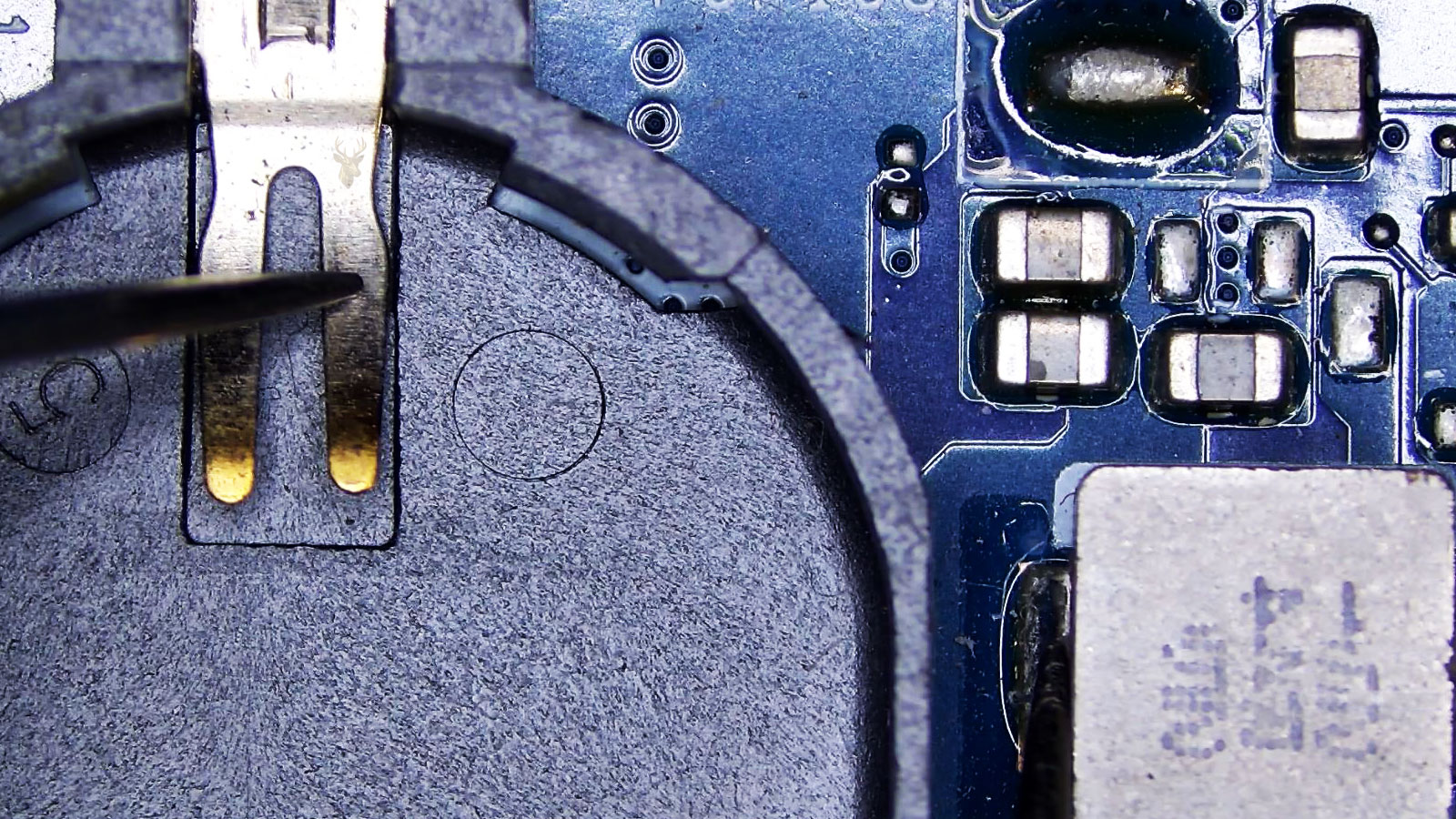
If the system constantly loses the correct date and time, the CMOS battery or motherboard may require attention before additional startup problems develop.
Applications Suddenly Take Longer to Load
Software that once opened immediately but now requires significantly more time can indicate storage performance issues, excessive background activity, or developing hardware faults.
The Mouse or Keyboard Stops Responding
Intermittent input devices are not always caused by the keyboard or mouse themselves. USB controllers, drivers, motherboard issues, or software conflicts may all contribute to unreliable operation.
The Computer Wakes Up by Itself
Unexpected startup or sleep interruptions may be related to operating system settings, connected peripherals, scheduled tasks, or hardware events that require further evaluation.
External Drives Disconnect Without Warning
If backup drives or portable storage devices repeatedly disconnect during use, the issue could involve failing ports, unstable power delivery, damaged cables, or storage hardware beginning to fail.
Programs Report Missing Files
Repeated messages about missing documents, damaged applications, or unreadable folders may indicate storage corruption that should be investigated before additional files become inaccessible.
Tell Us What's Happening Before the Computer Stops Completely
You don’t need to know exactly what’s wrong before requesting service. Simply describing what the computer was doing before the problem appeared often provides valuable information that helps shorten the troubleshooting process. Whether the issue appeared gradually over several weeks or happened without warning, those details help determine where the inspection should begin.
Information such as unusual sounds, liquid spills, accidental drops, failed software updates, repeated error messages, or changes made shortly before the failure can all influence the diagnostic process. Even if the symptoms seem unrelated, mentioning them during the initial conversation often helps connect the pieces more quickly.
What You Can Prepare Before Service
If the problem involves charging, display output, internet connectivity, or external devices, having the charger, docking station, monitor, or affected accessory available can speed up testing. Customers with important documents, business records, or family photographs should also mention that immediately so file preservation can be considered while planning the repair.
The objective is to gather enough information to begin with a focused inspection instead of relying on guesswork, making the repair process more efficient from the very beginning.
Choose The Service Option That Works Best for You
Not every repair needs to be handled the same way. Some software issues can be corrected remotely, hardware failures may require workshop testing, and many situations are better handled through an on-site visit. Service options are selected according to the type of equipment, the reported problem, and the customer’s schedule.
Remote, On-Site, Or Pickup Assistance
Remote support is often the fastest solution for software configuration, application problems, email issues, and operating system adjustments. When physical repairs are required, on-site appointments or complimentary pickup and delivery throughout Miami-Dade County are available for qualifying repairs, eliminating unnecessary travel for the customer.
Support For Homes, Offices, And Small Businesses
Whether servicing a personal laptop, a household desktop, or several office workstations, appointments are arranged around the customer’s availability. The goal is to provide straightforward technical assistance through the service method that best fits the situation instead of forcing every repair into the same process.
Helpful Answers Before Scheduling Computer Repair
Before requesting service, many people want to understand what happens during the repair process, which problems can be resolved, and what to expect after the computer has been evaluated. The questions below address several of the topics discussed most often during an initial consultation.
Can A Computer Be Repaired Even If It Won't Turn On?
Yes. A system that appears completely dead may be affected by power delivery problems, damaged charging components, motherboard faults, or failed hardware. Diagnostic testing determines why the computer is no longer starting.
Will My Programs Still Be There After The Repair?
Whenever practical, repairs are performed with the goal of preserving installed software, user settings, and personal files. If additional work could affect existing data, the available options are discussed before proceeding.
Can Older Computers Still Be Worth Repairing?
Many older systems continue providing excellent performance after replacing aging hardware or installing compatible upgrades. Recommendations are based on the condition of the computer rather than its age alone.
Do You Repair Computers Built By Different Manufacturers?
Yes. Service is available for computers from many major manufacturers as well as custom-built desktop systems assembled with aftermarket components.
Can One Problem Cause Several Different Symptoms?
Absolutely. A single failing component can produce freezing, slow performance, startup failures, unexpected restarts, and other seemingly unrelated problems. Proper testing helps identify the original source instead of treating each symptom separately.
Can I Ask Questions After The Diagnosis?
Of course. Once the evaluation has been completed, the findings are explained in plain language so you can understand the condition of the computer, available repair options, and the reasoning behind each recommendation before making a decision.
Computer Repair Backed by Careful Evaluation and Practical Solutions
Computer failures rarely improve on their own, and delaying service often allows small issues to become much larger ones. Whether you’re dealing with startup failures, damaged hardware, operating system problems, unstable software, overheating, or declining performance, every repair begins with identifying the actual cause before recommending a solution.
Support is available for desktop computers, laptops, Macs, gaming systems, and business workstations through on-site appointments, secure remote assistance, or complimentary pickup and delivery for qualifying repairs throughout Miami-Dade County. The objective is to provide clear recommendations, quality workmanship, and computer solutions that fit the way you use your technology.