
Computer Repair Cutler Ridge
Professional Computer Services for Homes and Businesses
Residents throughout the Cutler Ridge neighborhood depend on reliable computers for work, online learning, business operations, entertainment, and staying connected with family. Whether you’re located near Cutler Ridge Park, Old Cutler Road, Coral Sea Road, or the surrounding residential communities, a computer that suddenly stops working can quickly disrupt your day. Reliable repair service helps restore productivity while minimizing unnecessary downtime.
Service is available for desktop computers, laptops, Apple computers, custom-built systems, and gaming PCs experiencing hardware failures, software issues, damaged components, startup problems, or performance concerns. Every repair is approached with the objective of identifying the actual problem first, followed by recommending the most practical solution for getting the system operating reliably again.
Professional Service For Home And Business Computers
Computer problems rarely happen at a convenient time. Whether a system is needed for managing a small business, remote work, online classes, accounting, or storing years of important family files, dependable repair service focuses on restoring normal operation while reducing unnecessary interruptions.
From simple software corrections to complex hardware failures, every repair is performed with careful diagnostics, clear communication, and recommendations based on the condition of the computer rather than guesswork.
Accurate Diagnostics Before Any Repair Begins
Every computer is evaluated before repair work starts to determine exactly what is causing the problem. Taking time to verify the source of the failure helps avoid unnecessary repairs and ensures the recommended service addresses the actual issue affecting the system.
Hardware Failure Diagnostics
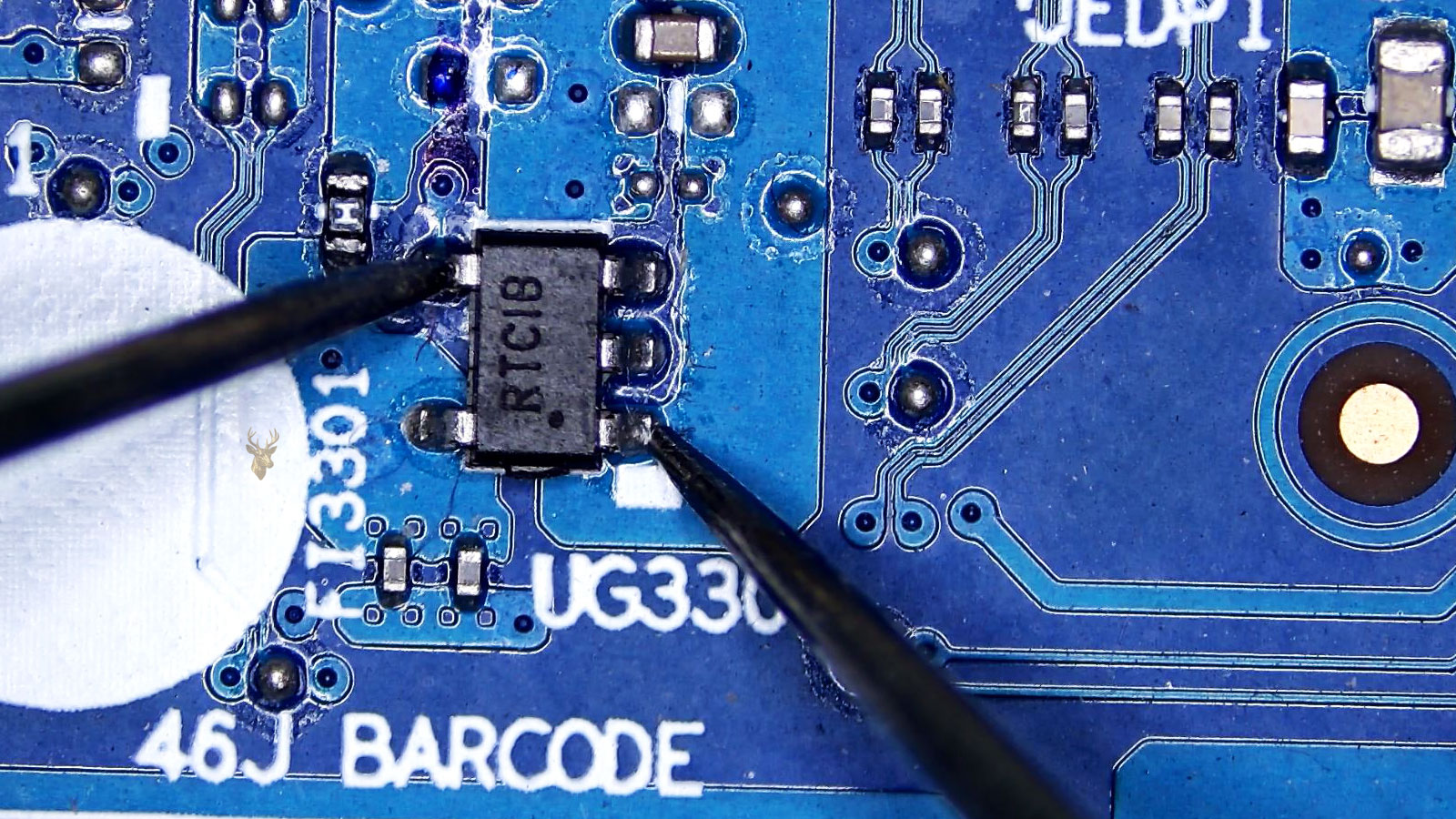
Internal components such as storage drives, memory, motherboards, power supplies, cooling systems, graphics hardware, charging circuits, and other critical components are inspected to identify physical failures that may be preventing normal operation.
Software And Operating System Evaluation
Operating system problems, driver conflicts, malware infections, software corruption, update failures, and configuration issues are examined to determine whether the problem can be resolved without replacing hardware.
Repair Planning And Service Recommendations
After diagnostics are completed, the findings are explained clearly along with the available repair options, expected turnaround, and whether repairing the computer offers the best long-term value based on its overall condition and intended use.
Repair Services Designed for A Variety of Computer Needs
Not every customer needs the same type of repair. Some computers require physical component replacement, while others need operating system recovery, software repair, security cleanup, or performance improvements. Services are available for a wide range of computer-related problems affecting both residential and small business customers.
Hardware Repair & Component Replacement
Failed hard drives, solid-state drives, memory modules, power supplies, cooling fans, graphics cards, charging ports, DC jacks, keyboards, and other internal components can often be repaired or replaced to restore dependable operation.
Operating System Recovery
Computers experiencing startup failures, corrupted operating systems, failed updates, boot errors, login problems, or damaged system files can often be restored without replacing the entire computer.
Custom PC Upgrades
Performance upgrades including SSD installations, additional memory, processor cooling improvements, graphics card upgrades, and overall system optimization help extend the useful life of many desktop computers.
Network & Connectivity Problems
Service is available for wireless networking issues, internet connection problems, printer communication errors, Bluetooth failures, shared device configuration, and local network troubleshooting affecting home or office environments.
Computer Security Services
Systems affected by viruses, spyware, unwanted software, browser hijackers, ransomware attempts, or suspicious activity can be cleaned, secured, and updated to improve overall stability and protection.
Preventive Maintenance
Routine maintenance services help improve reliability by removing dust buildup, updating software, checking hardware health, optimizing system performance, and identifying potential problems before they lead to unexpected failures.
Problems That Shouldn't Be Ignored
Many computer problems become progressively worse over time. Addressing unusual behavior early often reduces repair costs and helps prevent additional hardware damage or permanent loss of important information.
Unusual Noises
Clicking hard drives, grinding cooling fans, electrical buzzing, or repeated beeping during startup often indicate developing hardware problems that should be inspected before complete failure occurs.
Random Freezing
If applications stop responding, the mouse freezes unexpectedly, or the entire computer locks up without warning, underlying hardware or operating system problems may be affecting overall stability.
Internet Problems
Frequent disconnections, unreliable wireless performance, network errors, or computers that suddenly cannot access the internet may require software configuration, hardware testing, or network troubleshooting.
Battery Or Charging Issues
Laptops that no longer hold a charge, charge intermittently, or unexpectedly power off while unplugged often require battery testing, charging port inspection, or power circuit diagnostics.
Frequent Error Messages
Repeated warnings, application crashes, blue screens, update failures, or operating system errors are often signs that something more serious is developing behind the scenes.
Overheating During Normal Use
If the computer becomes unusually hot while performing everyday tasks, clogged cooling systems, failing fans, deteriorated thermal compounds, or internal component issues may be preventing proper heat dissipation.
Getting Your Computer Repair Started
Requesting computer repair begins with a brief description of the problem. Knowing whether the issue developed suddenly or gradually helps determine the type of diagnostic work that may be required before repairs begin. Even if the exact cause is unknown, describing the symptoms provides a useful starting point for the evaluation.
Customers are encouraged to mention unusual sounds, flashing lights, error codes, accidental drops, liquid exposure, recent software installations, or any changes noticed before the computer stopped working properly. This information often helps shorten the diagnostic process and allows the repair to move forward more efficiently.
Preparing Your Computer for Service
If the computer contains important business documents, family photos, financial records, or irreplaceable files, mentioning that during the initial conversation helps determine whether additional precautions or recovery procedures should be considered before repair work begins. Bringing power adapters, charging cables, or accessories related to the problem can also assist during testing.
Every repair starts with understanding the customer’s concerns, followed by diagnostics that confirm the problem before any repair recommendations are made.
Convenient Computer Repair Without A Storefront Visit
Computer repair service is available throughout Cutler Ridge and the surrounding areas of southern Miami-Dade County. Appointments are scheduled for residential customers, home offices, and small businesses that need dependable computer repair without the inconvenience of transporting equipment across town.
Pickup And Delivery Options
Free pickup and delivery service is available throughout Miami-Dade County for qualifying repairs. This option is especially helpful for desktop computers, multiple systems, or customers who prefer the convenience of having equipment collected and returned after service is complete.
Serving Homes And Small Businesses
Whether the repair involves a personal laptop, an office workstation, a custom-built gaming computer, or several business systems, service is provided by appointment with scheduling designed to accommodate both residential and commercial customers. No walk-in location is required, allowing repairs to be coordinated in the most convenient way possible.
Answers To Common Computer Repair Questions
Below are answers to questions customers frequently ask before scheduling computer repair service.
Can Older Computers Still Be Repaired?
In many cases, yes. Older desktop and laptop computers can often be repaired or upgraded if replacement parts remain available and the repair provides good long-term value.
Should I Back Up My Files Before Service?
If the computer is still operating, creating a backup is always recommended. If it is no longer functioning, available repair and recovery options can be discussed before work begins.
Do You Repair Custom-Built Computers?
Yes. Service is available for custom-built PCs, gaming systems, and performance workstations using components from a wide variety of manufacturers.
Can Multiple Computers Be Serviced During The Same Appointment?
Yes. Home users and small businesses with multiple computers can schedule service for several systems during the same appointment whenever practical.
Will You Explain What Caused the Problem?
Absolutely. After diagnostics are completed, the findings and recommended repair options are explained in straightforward language so customers understand what happened and why the repair is being recommended.
How Do I Schedule Computer Repair Service?
Simply contact us to describe the problem you’re experiencing. We’ll discuss the symptoms, answer any initial questions, and arrange a convenient appointment for your computer repair service.
Professional Computer Repair You Can Count On
Whether your computer has stopped starting, become unreliable, suffered hardware damage, or simply isn’t performing the way it should, professional repair service is available to help restore dependable operation. Every repair begins with accurate diagnostics, followed by practical recommendations designed around the condition of the computer and your specific needs.
From desktops and laptops to Macs, gaming computers, and custom-built systems, dependable computer repair service is available to help home users and small businesses get back to work with confidence.