
Computer Repair Bal Harbour
Computer Support for Bal Harbour Homes, Offices, and Waterfront Properties
Bal Harbour has a very specific rhythm, shaped by Collins Avenue, 96th Street, the oceanfront, nearby Bay Harbor Islands, and the village’s compact setting at the northern tip of Miami Beach. Around areas near Bal Harbour Shops, Village Hall, condominium towers, hotels, and residential buildings close to Haulover Inlet, computer problems can interrupt work, travel planning, remote access, personal files, and business communication quickly.
We provide computer repair support for Bal Harbour customers who need careful service for laptops, desktops, Macs, storage problems, software trouble, power issues, and connected equipment. Whether the computer is used in a condo, home office, small business setting, or seasonal residence, our work starts with the actual symptoms instead of a rushed assumption.
Service Written for a Real Village Setting
A computer used near the beach, in a high-rise residence, or inside a busy office suite may face different demands than a machine that stays on one desk all day. Heat, storage limits, wireless devices, frequent travel, and remote work tools can all affect how a problem appears.
We look at the machine, the symptoms, the user’s priorities, and the risk to stored files before deciding what should happen next. That keeps the service practical, direct, and focused on what the customer actually needs restored.
How We Narrow Down Problems Before Work Begins
We start by separating visible symptoms from the possible cause behind them. A computer that freezes, loses display, fails to charge, drops internet access, or refuses to open files can point to several different areas, so we do not treat the first symptom as the final answer.
The goal is to understand the sequence of the failure. We look at what the customer noticed first, whether the problem happens every time or only under certain use, and whether recent updates, power events, hardware changes, liquid exposure, or storage warnings may be involved.
Symptom Timeline
We listen for the order of events, including when the issue began, what the screen showed, whether any sounds or lights changed, and whether the machine became slower before it stopped working. That timeline often helps separate software trouble from board, drive, or power behavior.
Component And Configuration Checks
Depending on the situation, we may review memory, storage health, operating system condition, startup behavior, ports, display output, charging response, cooling activity, and connected accessories. These checks help avoid replacing parts blindly when the issue may be caused by settings, corruption, or another component.
Clear Service Direction
After the review, we explain what appears most likely and what should be handled first. Some computers need a software correction, some need a part replacement, and others require deeper testing before a safe recommendation can be made.
Computer Services Selected for This Bal Harbour Page
Our repair work covers computer problems that affect reliability, startup behavior, storage access, performance, operating system stability, and connected devices. Instead of treating every machine the same way, we look at the type of computer, its age, the symptoms, and how important the stored data is before recommending service.
The services below are common needs for customers using computers in homes, condos, offices, and business environments around Bal Harbour. Each one is handled based on the condition of the machine and the safest path for the customer’s files and hardware.
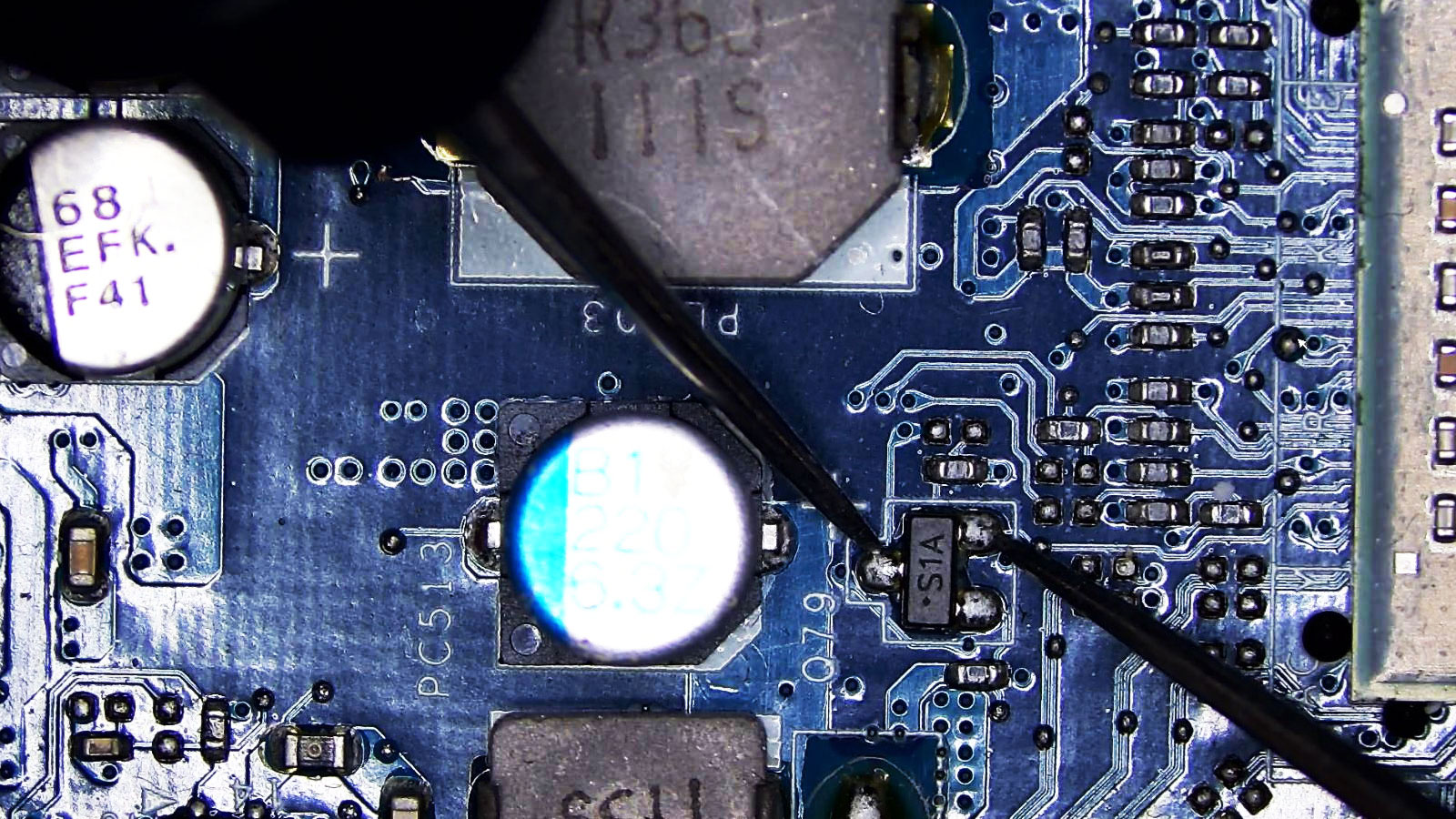
Motherboard And Power Issues
When a computer shows no response, shuts off suddenly, loses charging behavior, or acts unstable after a power event, the cause may involve the power supply, DC input, motherboard circuitry, or related components. We review the symptoms carefully before assuming the whole system is finished.
RAM And Performance Upgrades
Memory limitations can create freezing, lag, browser crashes, and poor multitasking. We can review whether a RAM upgrade is appropriate for the machine, whether the current memory is failing, and whether the computer’s age and hardware make the upgrade worthwhile.
Operating System Installation
Some systems need a clean Windows installation, macOS reinstall, user profile recovery, driver setup, or correction after a failed update. We handle operating system work with attention to files, activation, compatibility, and the difference between a fresh setup and a repair installation.
MacBook And iMac Troubleshooting
Mac problems may involve startup errors, storage warnings, update failures, overheating, display behavior, account access, or logic board symptoms. We review the Mac model, age, software version, and visible behavior before choosing the safest service direction.
SSD Migration And Data Transfer
When a drive is too small, too slow, or nearing failure, SSD replacement or data transfer may be the right move. We can help move files, review storage condition, and determine whether the data should be copied, recovered, or backed up before further work.
Network And Peripheral Setup
Some computer problems come from setup rather than failure. Printer connection issues, Wi-Fi instability, external monitor trouble, docking stations, cameras, audio devices, and account access can all affect the way a machine functions in a home or office environment.
Problems That Should Not Be Ignored for Long
Small changes in computer behavior can be early signs of a larger problem. A fan that suddenly becomes louder, a screen that cuts out, a computer that takes longer to start, or a drive warning that appears once and then disappears should not always be ignored.
Those symptoms can come from heat, software corruption, storage failure, weak power delivery, memory problems, or connected-device conflicts. Careful review helps determine whether the issue is minor, developing, or already putting files and hardware at risk.
No Power Or Charging Response
A computer that will not turn on, charges only at a certain angle, or shuts off when moved may have a charger, battery, power jack, internal cable, motherboard, or power supply issue. Testing helps identify which part of the power chain is failing.
Screen Flicker Or No Display
A blank screen, flickering image, distorted display, or external monitor failure can involve the panel, cable, graphics output, memory, settings, or deeper hardware behavior. The exact pattern matters because similar display symptoms can come from different sources.
Freezing During Normal Use
Random freezing during browsing, video calls, file work, or startup may point to memory faults, drive trouble, overheating, software conflicts, or background process overload. We check when the freezing happens and whether it follows a repeatable pattern.
Storage Errors And Missing Files
Slow file opening, failed transfers, missing folders, clicking sounds, or disk warnings can indicate storage trouble. When important files are involved, repeated restarts and aggressive repair attempts can make the situation worse, so the storage condition should be reviewed carefully.
Failed Updates Or Restart Loops
A computer stuck installing updates, rolling back changes, or restarting before login may have operating system corruption, driver conflicts, drive space problems, or damaged system files. These issues often need controlled repair instead of repeated forced shutdowns.
Unstable Connections
Wi-Fi drops, printer failures, Bluetooth problems, camera issues, and external display interruptions can come from drivers, settings, adapters, permissions, cables, or hardware ports. We check the computer and connected equipment together so the wrong part is not blamed.
How We Start With the Right Computer Details
Before any repair direction is chosen, we need to understand what the computer does, what stopped working, and what matters most to the customer. A work laptop with business files, a Mac used for photos, a desktop used for accounting, and a family computer with old documents all require different priorities.
We ask about the first symptom, recent updates, power events, liquid exposure, unusual sounds, slow performance, backup status, login access, and whether important files are stored on the machine. Those details help us decide what should be protected before deeper work begins.
Information That Helps the Review
It helps to know whether the computer turns on, whether anything appears on the screen, whether the charger or power cable has been changed, and whether the problem started after an update, fall, spill, storm, move, or new accessory connection.
For business computers, remote work setups, and home office machines, it also helps to mention required programs, email access, printers, external monitors, VPN tools, shared folders, or software that must keep working after service. Those details can affect the order of the work.
When the concern involves missing files, drive warnings, liquid contact, burnt smell, clicking sounds, or repeated shutdowns, we take a more cautious approach. Some machines should not be powered on over and over before the risk is understood.
Computer Service Arrangements for Bal Harbour Customers
Bal Harbour customers may be coming from oceanfront residences, buildings near Collins Avenue, areas around 96th Street, locations near Bal Harbour Shops, or nearby parts of Surfside and Bay Harbor Islands. Service arrangements depend on the computer, the issue, scheduling, access details, and the safest way to handle the machine.
Some situations can begin with a simple explanation of the symptoms, while others require intake before any clear answer can be given. A desktop with no power, a laptop with liquid exposure, a Mac with startup failure, and an external drive with missing files should not all be handled the same way.
Pickup, Drop-Off, And Intake Planning
Pickup, delivery, or drop-off may be discussed based on the computer type, the problem, timing, and location details. The best arrangement is the one that protects the equipment, avoids unnecessary movement when data may be at risk, and gives us enough information to review the issue properly.
Customers in condominium buildings, office settings, and residential areas may need to consider building access, parking, elevators, front desk rules, or scheduling windows. These details are practical, especially when the machine is a desktop, iMac, large monitor setup, or multiple-device workstation.
Coverage Near the Northern Miami Beach Corridor
Bal Harbour sits close to Surfside, Bay Harbor Islands, Haulover Inlet, and the northern Miami Beach corridor. That location can make computer service needs vary between residents, business users, visitors, and customers managing work across more than one location.
We keep the process flexible because the right next step depends on what failed and how the customer uses the computer. A quick setup issue may be handled differently from a system with storage warnings, no display, power failure, or possible internal damage.
Questions About Computer Repair in Bal Harbour
Customers often want to know whether a problem is serious, whether files can be protected, and whether the computer is worth repairing. The answers depend on the machine, the age of the hardware, the symptoms, and whether the issue involves storage, power, software, or connected equipment.
Can you check a computer that does not turn on?
Yes. A no-power problem may involve the charger, battery, power supply, internal connector, motherboard, or another component. We review the power behavior first so the issue is not mistaken for a simple charger problem or a complete system failure.
Can you reinstall Windows or repair a failed update?
Yes. We can review Windows startup problems, failed updates, driver issues, corrupted system files, and installation needs. When files are important, we consider backup and storage condition before performing work that could affect the existing setup.
Do you work on MacBook and iMac problems?
Yes. We can review MacBook and iMac issues such as startup failure, macOS errors, screen behavior, overheating, storage warnings, slow performance, and symptoms that may involve internal hardware. The service direction depends on the Mac model and condition.
Can data be moved to another drive or computer?
In many cases, yes. File transfer, SSD migration, and data movement depend on whether the original storage device is readable and stable. If the drive appears to be failing, we take a more careful approach before copying or attempting recovery.
Can you help with Wi-Fi, printer, or monitor problems?
Yes. We can review computer setup issues involving wireless connections, printers, external monitors, docking stations, Bluetooth devices, cameras, audio equipment, and related settings. These problems may involve the computer, the accessory, the cable, or the configuration.
How do I know whether repair is worth it?
The answer depends on the computer’s age, condition, repair cost, performance needs, and whether important files or programs are involved. We look at the practical value of the machine before recommending repair, upgrade, data transfer, or replacement planning.
Reliable Computer Repair Guidance for Bal Harbour Customers
Computer problems can affect work, communication, records, photos, school tasks, business tools, and daily planning. For Bal Harbour customers, we provide practical repair support that starts with the symptom, protects important files when needed, and keeps the service direction tied to the real condition of the machine.
We handle issues involving PC and Mac troubleshooting, power problems, operating system installation, SSD replacement, data transfer, Wi-Fi and printer setup, display concerns, storage warnings, and performance trouble. Our goal is to help customers understand what is happening and move toward a repair decision that makes sense.