
Data Recovery for Failed and Inaccessible Storage
When important files can no longer be opened, found, or accessed, the first steps can affect what remains recoverable. Data recovery service may help with hard drives, solid-state drives, external storage, USB devices, and memory cards affected by deletion, file-system damage, electrical faults, physical failure, or systems that no longer start. The condition of the storage device must be evaluated before a safe recovery direction can be determined.
Data Recovery Begins With Understanding How the Device Failed
A storage device can become inaccessible for many different reasons, and the visible symptom does not always identify the real problem. A drive that disappears from the system may have a connection, controller, firmware, file-system, or mechanical fault, while deleted or missing files may involve logical damage rather than physical failure. Reviewing the device type, recent events, current behavior, and importance of the files helps determine the safest recovery direction before additional changes are made.
- Device detection and connection behavior
- Physical condition and failure symptoms
- File-system and partition status
- Safe destination for recovered data
Physical Storage Failure
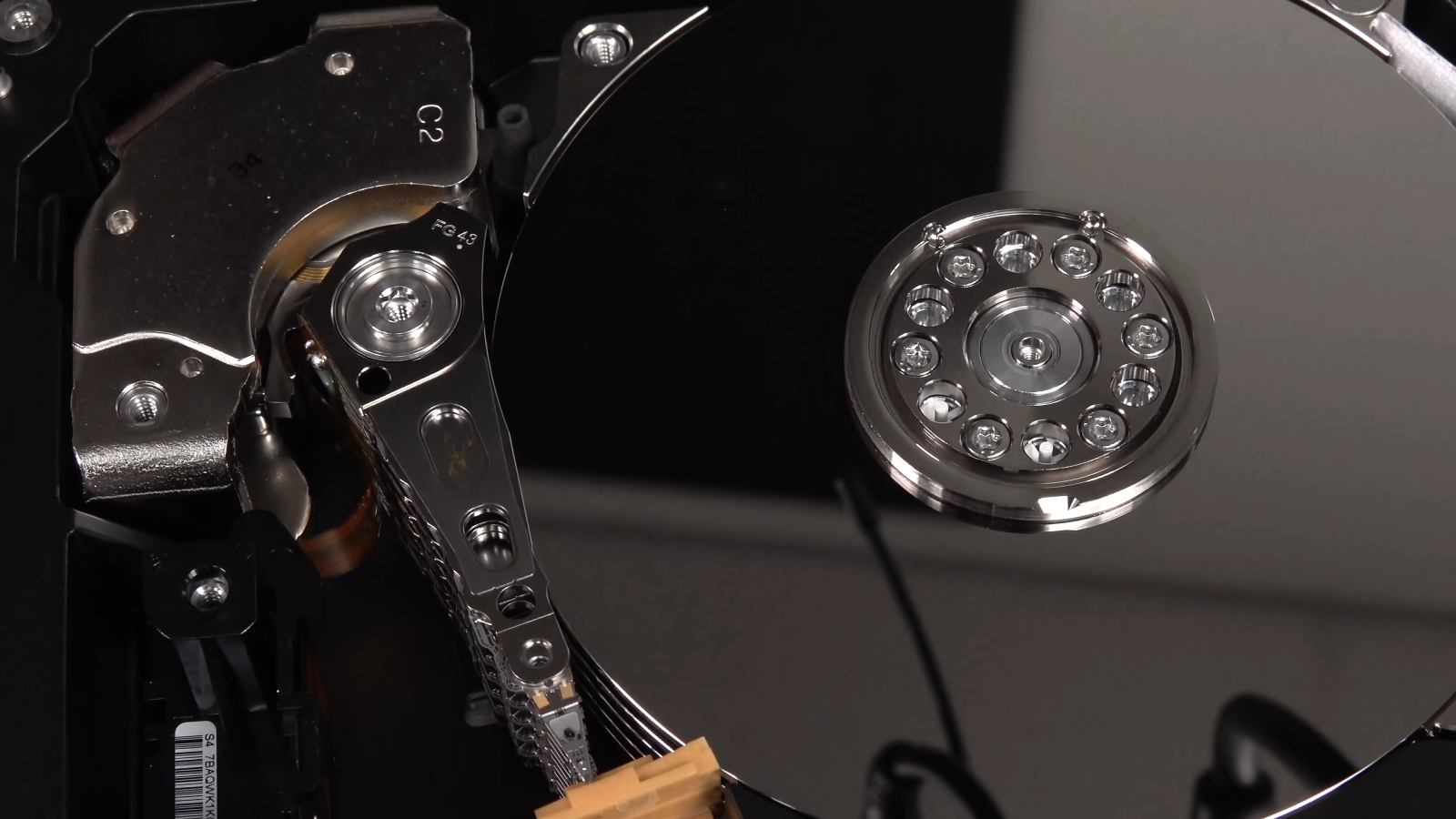
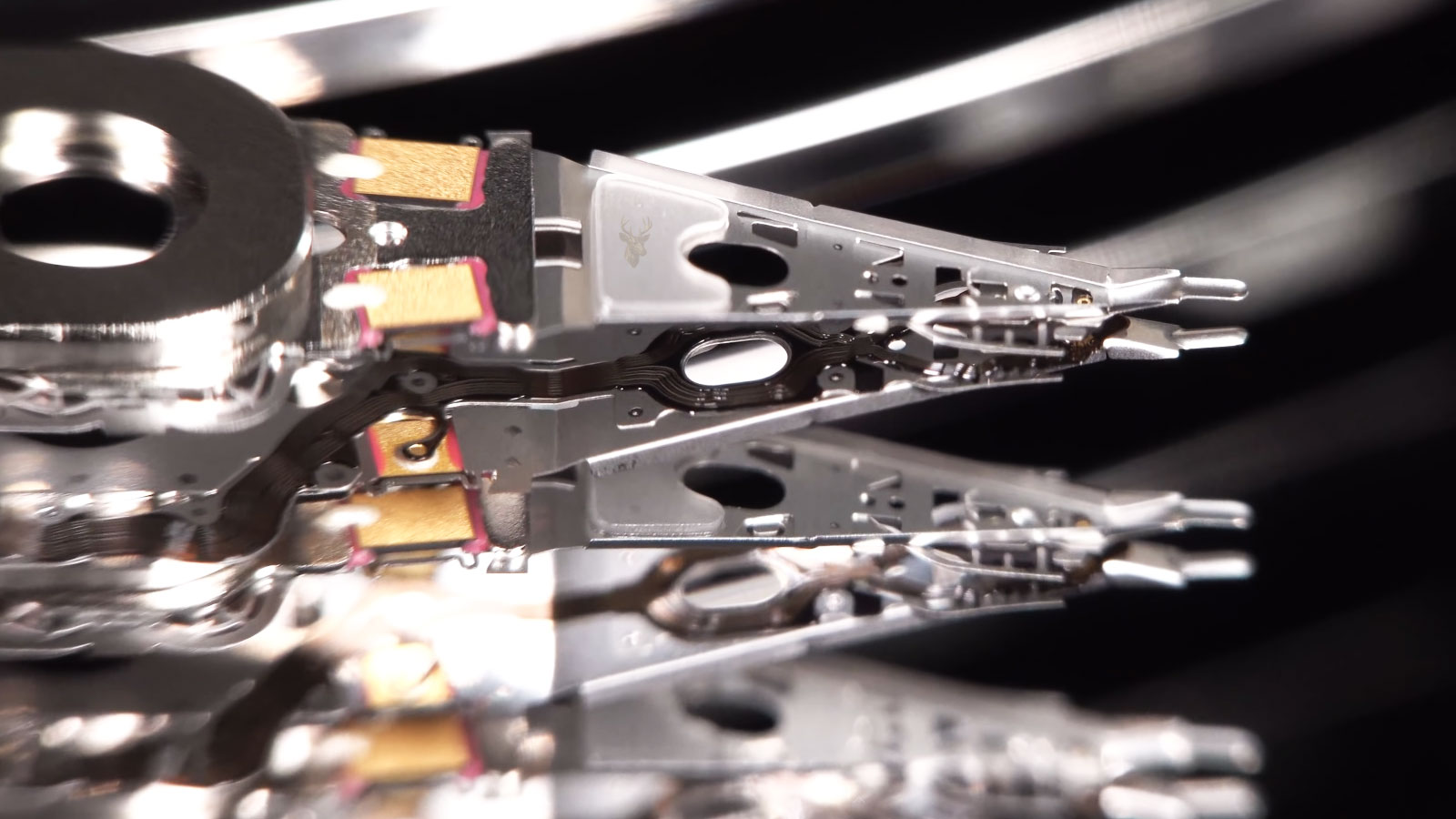
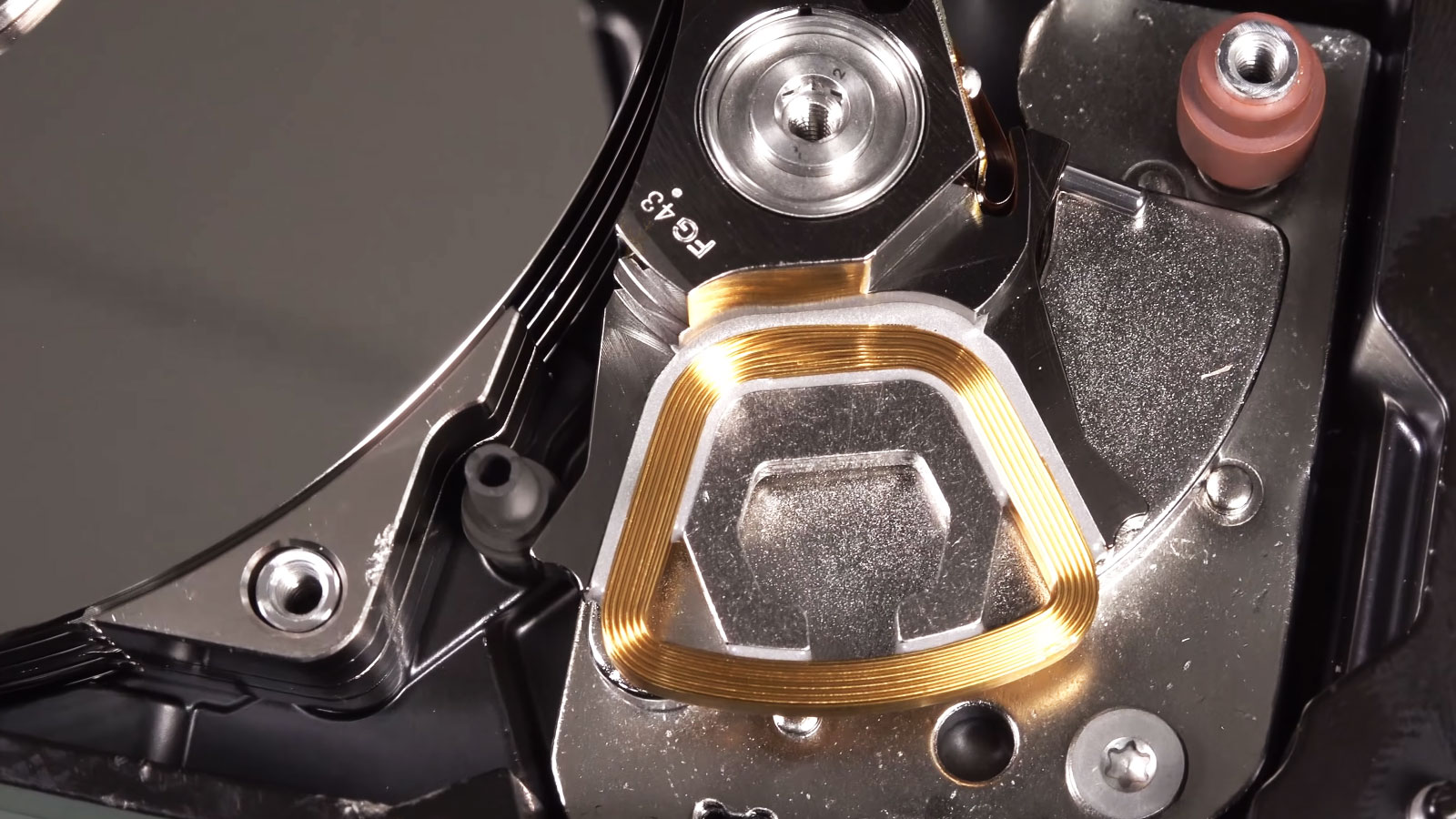
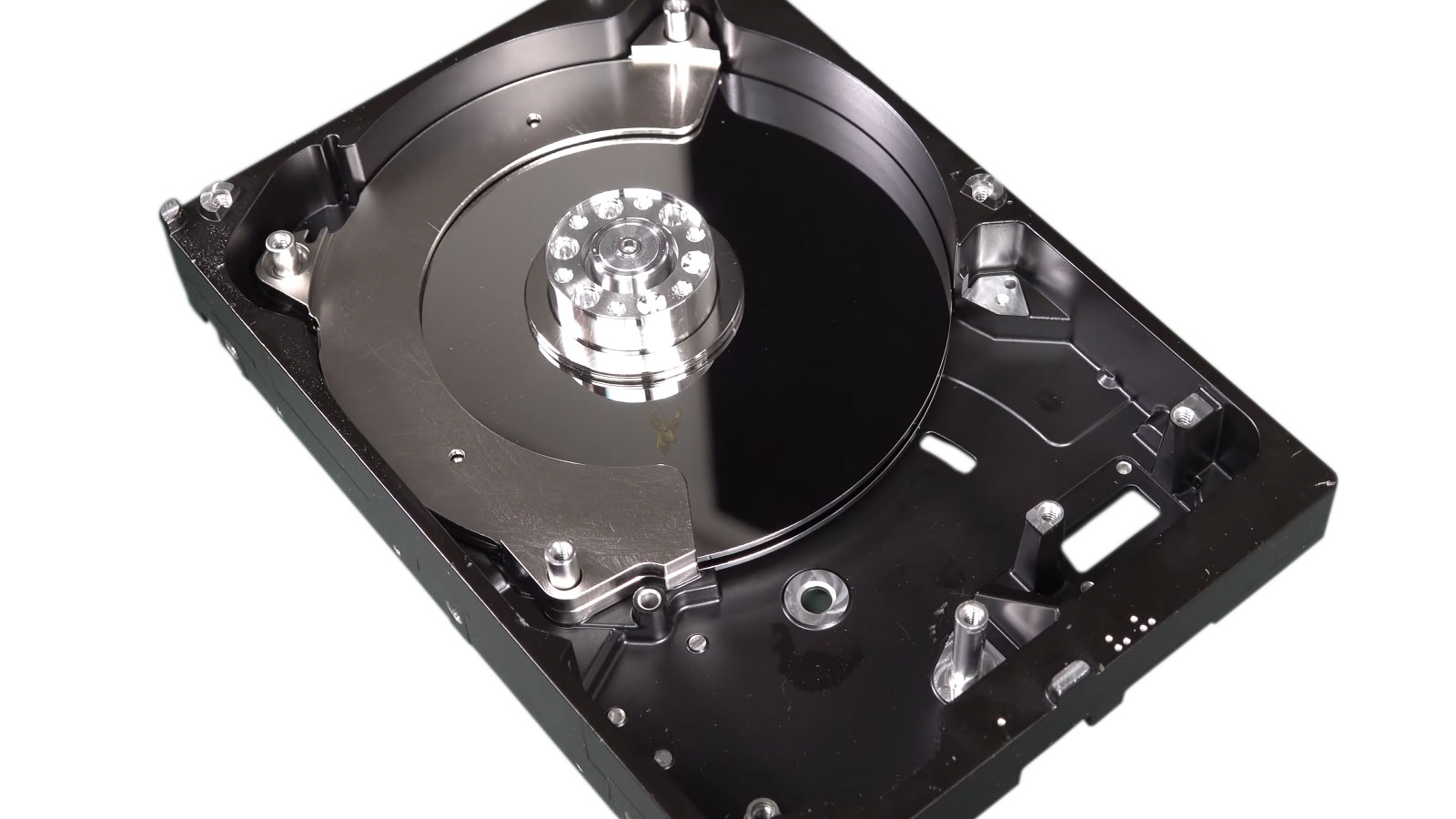
Physical failure affects the storage hardware itself. Hard drives may develop mechanical or electronic faults, while SSDs can experience controller, memory, or power-related problems. These devices should be handled carefully before recovery is attempted.
Logical Data Loss
Logical data loss occurs when the device still works but the files cannot be accessed normally. Deleted files, damaged partitions, formatting, file-system corruption, or operating-system errors may require software-based recovery rather than hardware repair.
Hard Drive Data Recovery
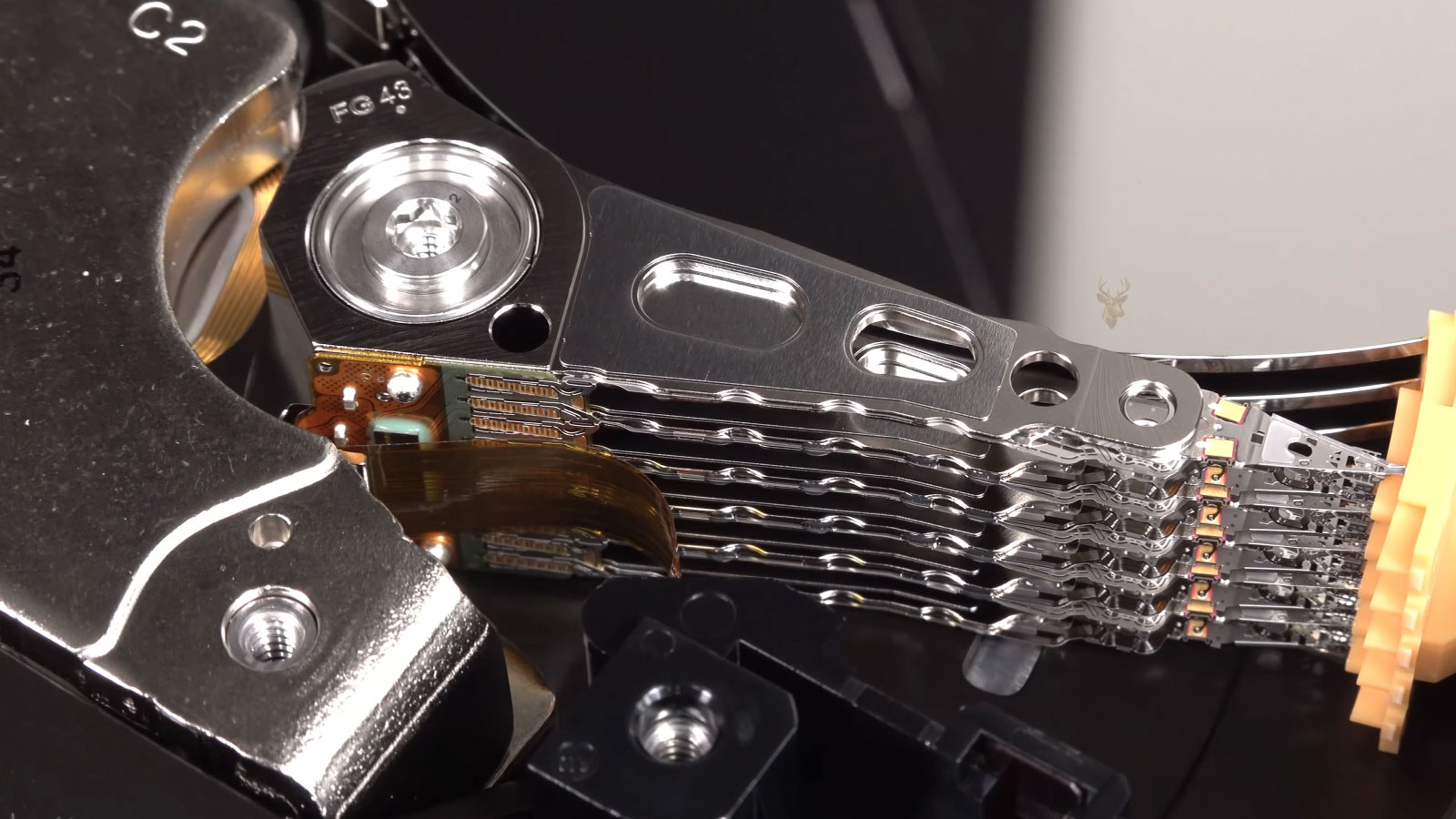
Mechanical hard drives can become inaccessible because of damaged sectors, electronic faults, worn internal components, file-system corruption, or a system that no longer recognizes the device correctly. Recovery begins by reviewing how the drive behaves and whether it can be accessed safely without increasing the damage.
- Internal desktop and laptop hard drives
- External USB hard drives
- Drives that click, freeze, or disappear
- Deleted, formatted, or corrupted data
Solid-State Drive (SSD) Recovery
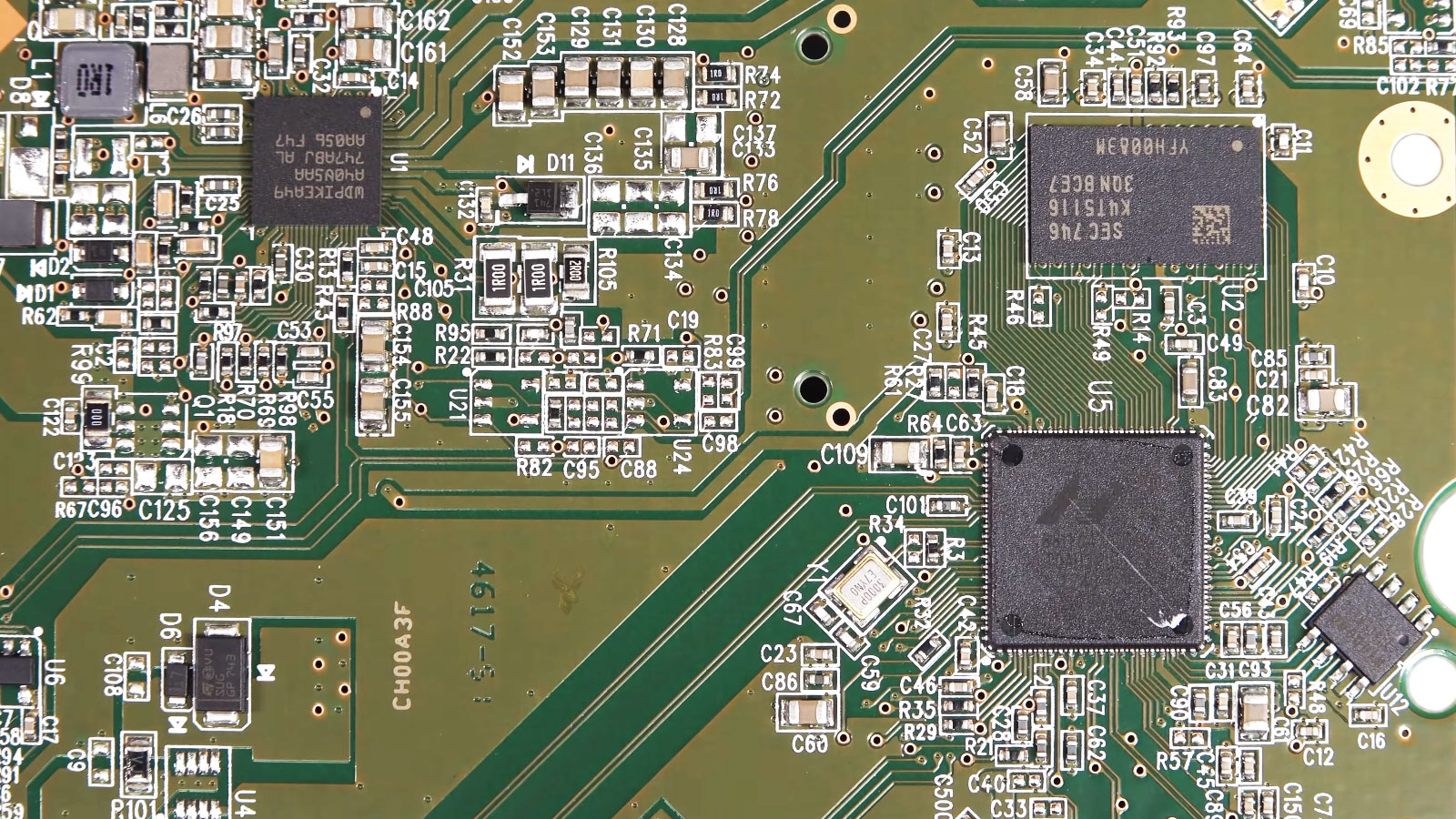
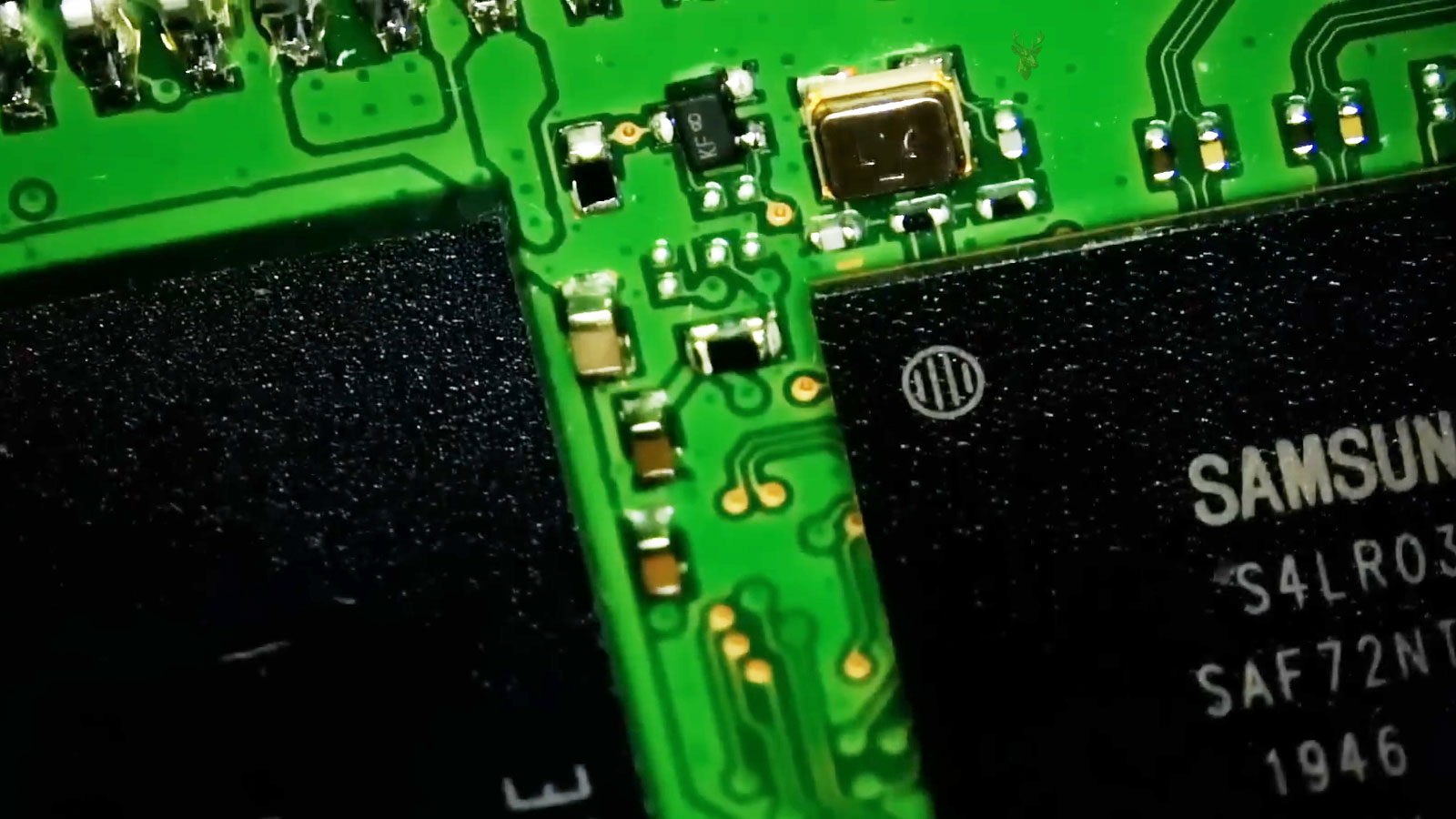
Solid-state drives may stop responding because of controller failures, firmware issues, electrical faults, damaged memory chips, or file-system corruption. Since SSDs store information differently than traditional hard drives, the recovery approach depends on the condition of the storage electronics and whether the device can still communicate reliably.
- SATA and NVMe solid-state drives
- Controller and firmware-related failures
- Corrupted partitions and file systems
- Files lost after updates or unexpected shutdowns
External Drive Recovery
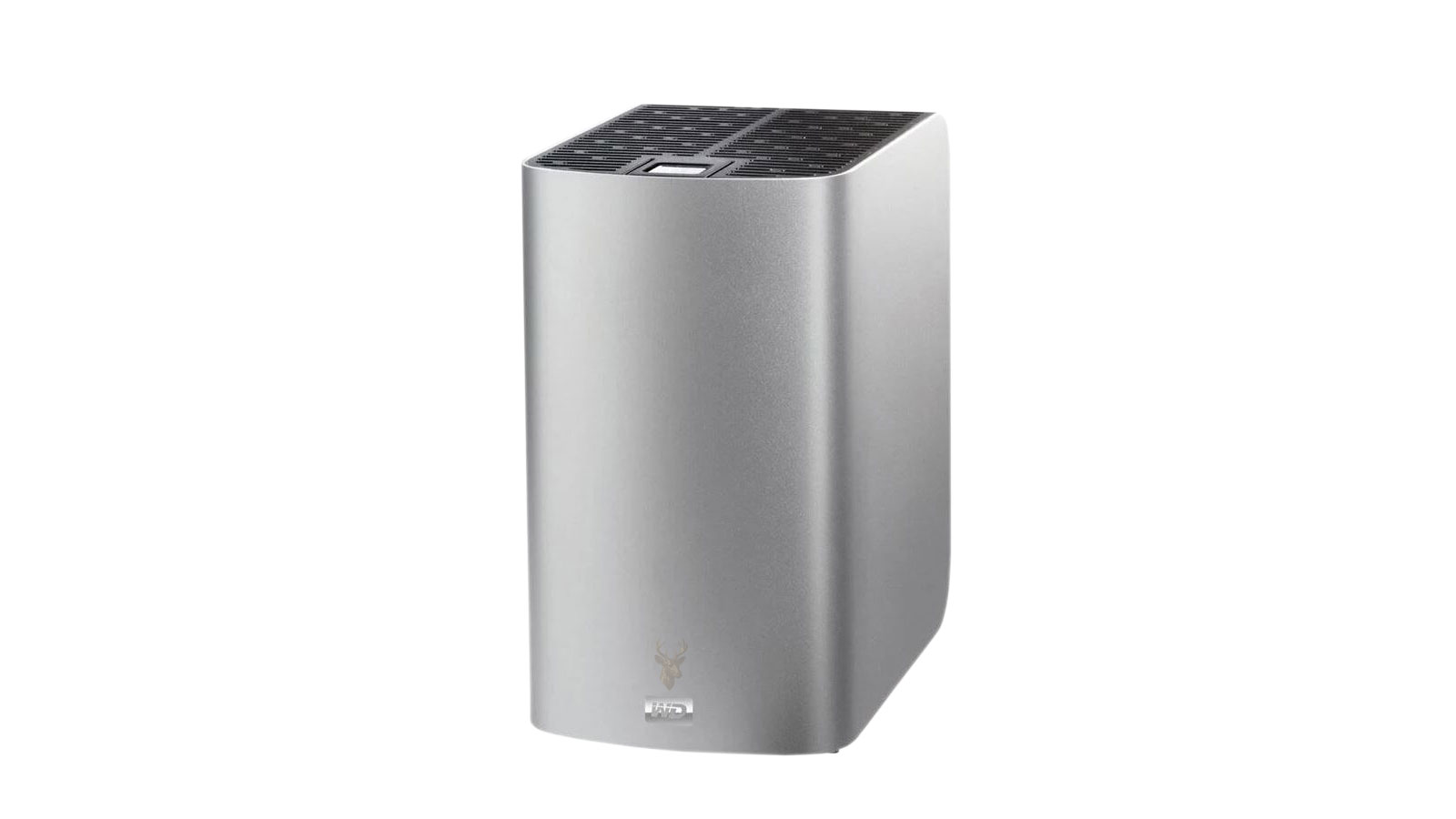
External storage devices can become inaccessible because of connection problems, accidental disconnection, file corruption, enclosure failures, electrical damage, or physical wear. Determining whether the problem is related to the storage device itself or the external interface helps identify the safest recovery approach.
- External hard drives and SSDs
- USB connection and enclosure failures
- Files affected by corruption or formatting
- Backup drives that no longer open
USB Flash Drive and Memory Card Recovery
USB flash drives and memory cards can become inaccessible after accidental formatting, file corruption, improper removal, electrical damage, or physical wear. Because these devices are often used to store important documents, photos, videos, and project files, the recovery method depends on the condition of the storage media and whether the data can still be accessed safely.
- USB flash drives
- SD and microSD memory cards
- Deleted or formatted files
- Photo, video, and document recovery
Recovering Files Safely Starts With a Careful Approach
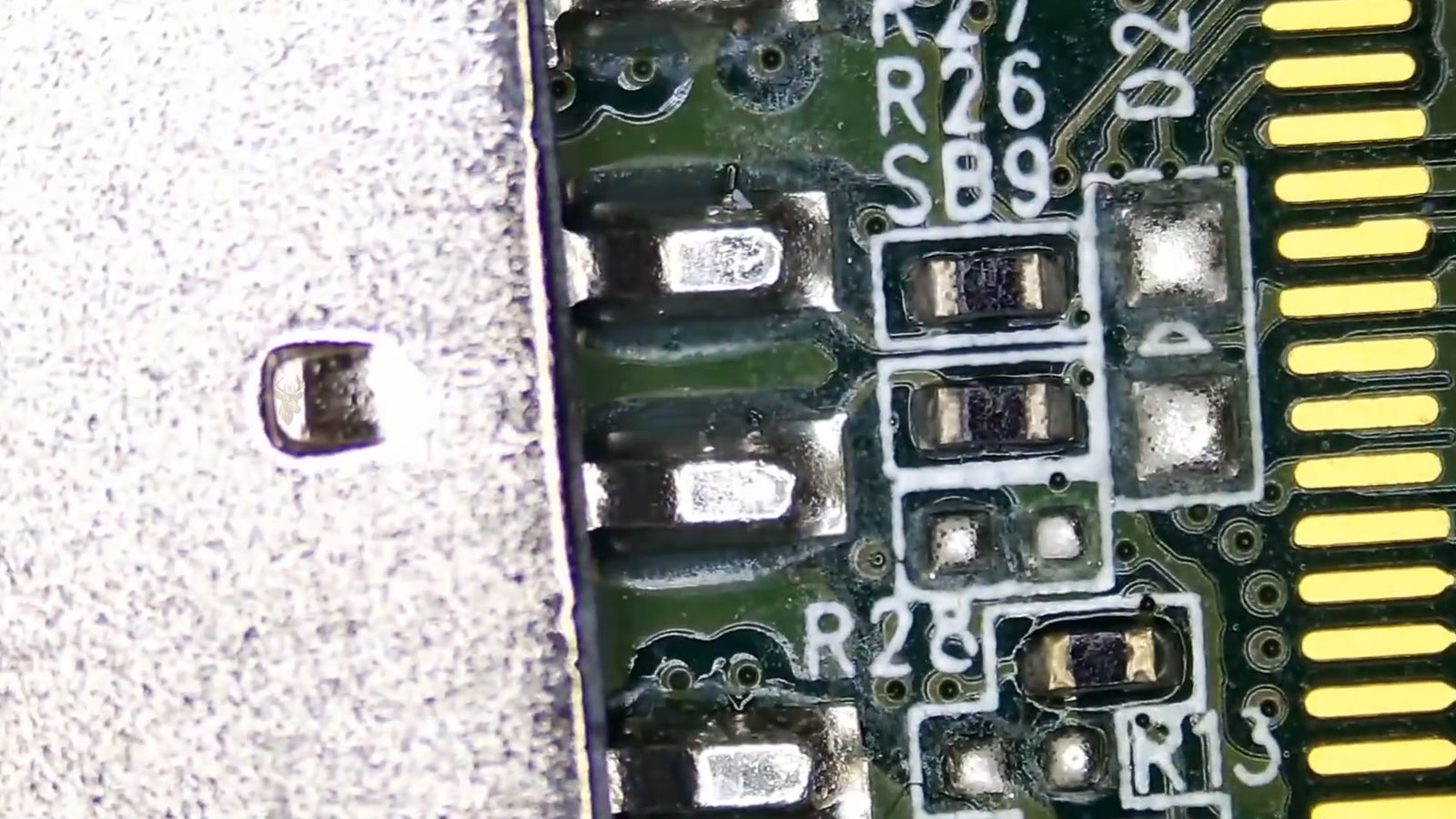
The first recovery attempt can be the most important. Continuing to use a failing storage device, installing new software, or repeatedly reconnecting unstable media may reduce the chances of recovering important files. A careful evaluation helps determine the safest recovery path while minimizing unnecessary changes to the original storage device.
Preserve the Original Storage
Whenever possible, the original device should remain unchanged until its condition has been evaluated. Avoiding unnecessary writes helps reduce the risk of overwriting recoverable information.
Evaluate Before Recovery
The storage device is reviewed to determine whether the problem is physical, logical, or electronic before selecting the most appropriate recovery approach.
Verify Recovered Files
Recovered data should be checked for accessibility and completeness before being transferred to another storage device, helping confirm that the recovered files can be opened and used normally.
A Controlled Process From Device Evaluation to File Transfer
Inspect the Storage and Confirm Its Current Condition
The storage device is reviewed for detection problems, unusual behavior, physical damage, file-system errors, and signs of previous recovery attempts. This helps determine whether the issue appears logical, electronic, or physical before recovery work begins.
Select the Safest Method for Accessing the Data
The recovery direction is chosen according to the device type, failure symptoms, and importance of the files. The goal is to avoid unnecessary changes to the original storage while deciding whether imaging, software recovery, hardware repair, or another controlled method is appropriate.
Recover Accessible Files to Separate Storage
Recoverable information is copied or reconstructed and transferred away from the original device. The process may focus first on the most important folders and files when the storage is unstable or access is limited.
Review the Recovered Data Before Final Delivery
Recovered files are checked to confirm that they can be opened and used normally. The verified data is then organized and transferred to a separate storage device rather than returned to the original failed media.
The Condition of the Storage Device Influences the Recovery Process
Better Recovery Potential
Storage devices that have not been repeatedly used after the failure, overwritten with new data, or subjected to unsuccessful repair attempts often provide a better starting point for recovery. Isolated file-system problems, accidental deletion, formatting, and some electronic faults may also offer more recovery possibilities depending on the condition of the device and the affected data.
More Complex Recovery Situations
Recovery can become more challenging when a device has extensive physical damage, severe electronic failure, widespread corruption, repeated overwrite activity, or multiple unsuccessful recovery attempts. Encryption, damaged storage controllers, failed memory components, or media that is no longer detected can also affect the available recovery options and the final outcome.
Data Recovery Questions Customers Often Ask
Can data be recovered from a drive that is no longer detected?
Sometimes. A drive that does not appear in Windows, macOS, or the BIOS may have an electronic, firmware, connection, controller, or physical problem. Recovery possibilities depend on the type of storage, the cause of the failure, and whether the device can still be accessed safely.
Should I keep trying to open or reconnect the failing drive?
It is usually better to stop using an unstable device until its condition has been evaluated. Repeated power cycles, scanning attempts, repair utilities, and continued use may place additional stress on failing hardware or overwrite information that could otherwise remain recoverable.
Can deleted or formatted files always be recovered?
Not always. Deleted and formatted files may remain recoverable until new information overwrites the same storage space. Recovery potential also depends on the file system, the type of device, whether encryption is involved, and how the computer or storage media was used afterward.
Can files be recovered from an SSD?
SSD recovery may be possible, but solid-state drives behave differently from mechanical hard drives. Controller failure, damaged memory chips, firmware problems, encryption, and the way deleted data is managed can all affect what remains accessible.
Will the recovered files be placed back on the original device?
Recovered data should normally be transferred to a separate working storage device. Returning files to the original failed or unstable media could place the recovered information at risk and make verification more difficult.
Can you guarantee that every file will be recovered?
No responsible recovery service can guarantee every file before the device has been evaluated. Some files may be intact, while others may be corrupted, overwritten, encrypted, or stored in damaged areas. The condition of the device and the history of the failure influence the final result.
What information should I provide before requesting data recovery?
Provide the device type, storage type, original symptoms, what happened before access was lost, and whether anyone has already attempted recovery or repair. It is also helpful to identify the files or folders that are most important and whether another storage device is available for the recovered data.
Recovering Important Files Starts With Understanding the Storage Device
Every data recovery situation is different because the condition of the storage device, the type of failure, and what has happened since the files became inaccessible all influence the recovery path. Careful evaluation helps determine the safest approach before unnecessary changes are made to the original media. The objective is to recover accessible information while protecting the remaining data and providing a realistic understanding of the available recovery options.