
IT Support for Small Businesses in Miami
Reliable business technology depends on more than fixing one computer after something stops working. We help small businesses with workstations, networks, printers, backups, accounts, software, and other day-to-day systems that keep employees connected and productive. The first step is understanding the current environment, the problems affecting operations, and which improvements will provide the most practical support.
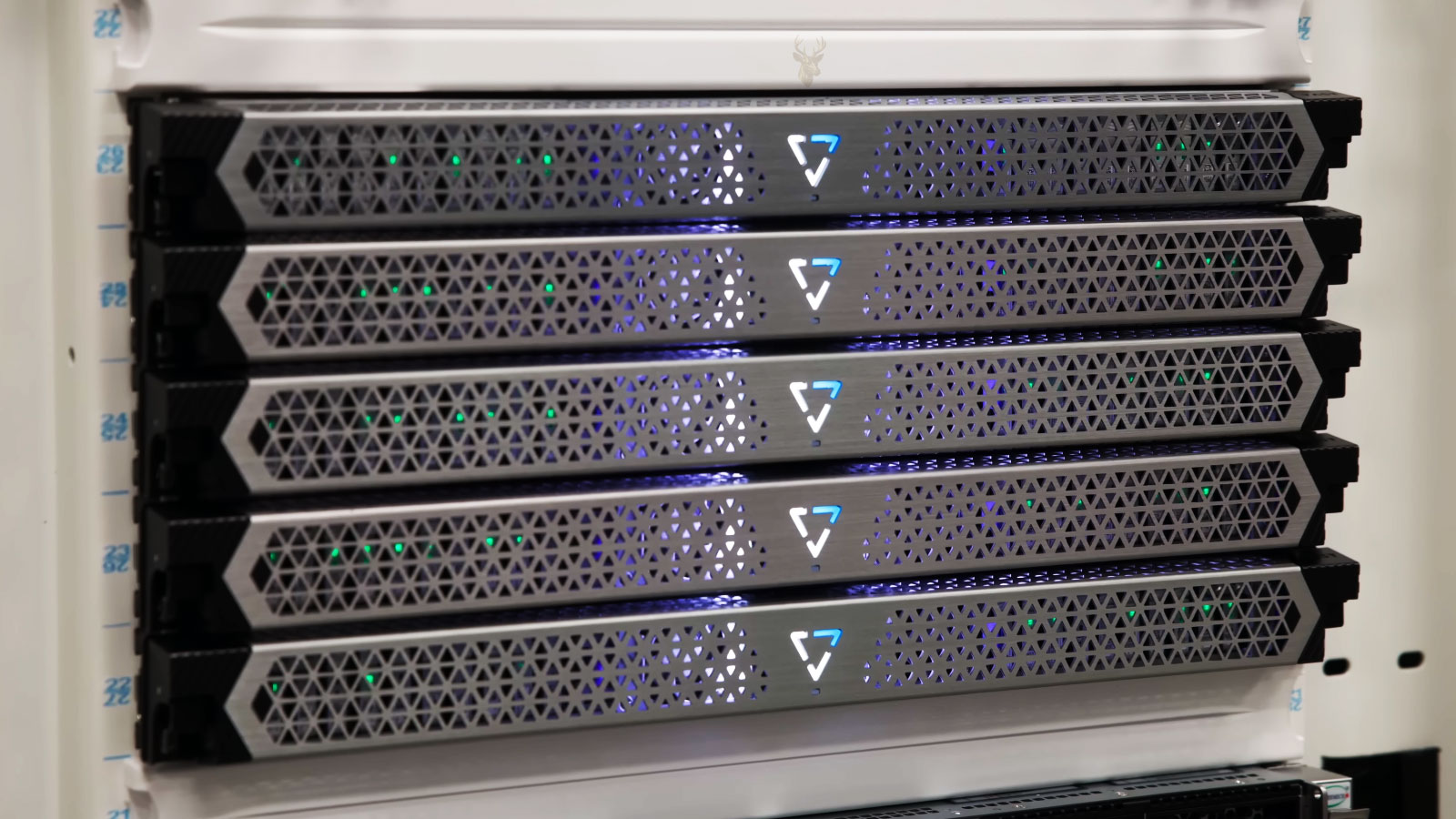
Business Computer and Workstation Support
Office computers need to remain stable enough for employees to work without repeated interruptions, slowdowns, startup problems, or software conflicts. We help evaluate desktop and laptop systems used for daily business tasks, including performance issues, hardware concerns, Windows problems, user access, software configuration, and replacement planning when older equipment is no longer dependable.
- Desktop and laptop troubleshooting
- Windows and software support
- New workstation setup
- Hardware upgrades and replacement planning
Business Network and Connectivity
A stable business network allows computers, printers, shared storage, and internet services to work together efficiently. Connection problems, unreliable Wi-Fi, network interruptions, or incorrect configuration can affect productivity throughout the office. Evaluating the network environment helps identify issues that may be limiting day-to-day operations.
- Office Wi-Fi and wired networks
- Router and network configuration
- Shared printers and network devices
- Internet connectivity troubleshooting
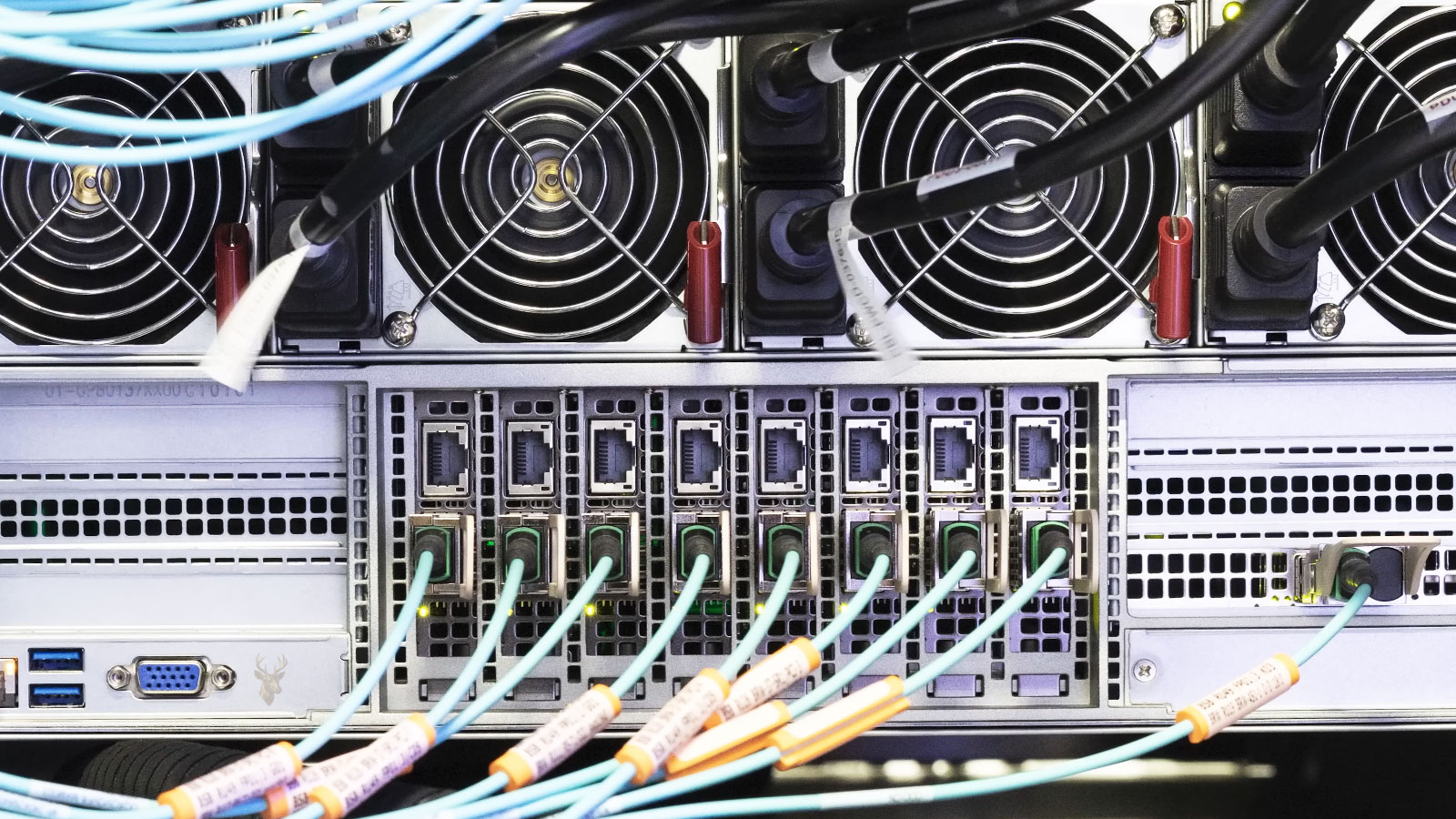
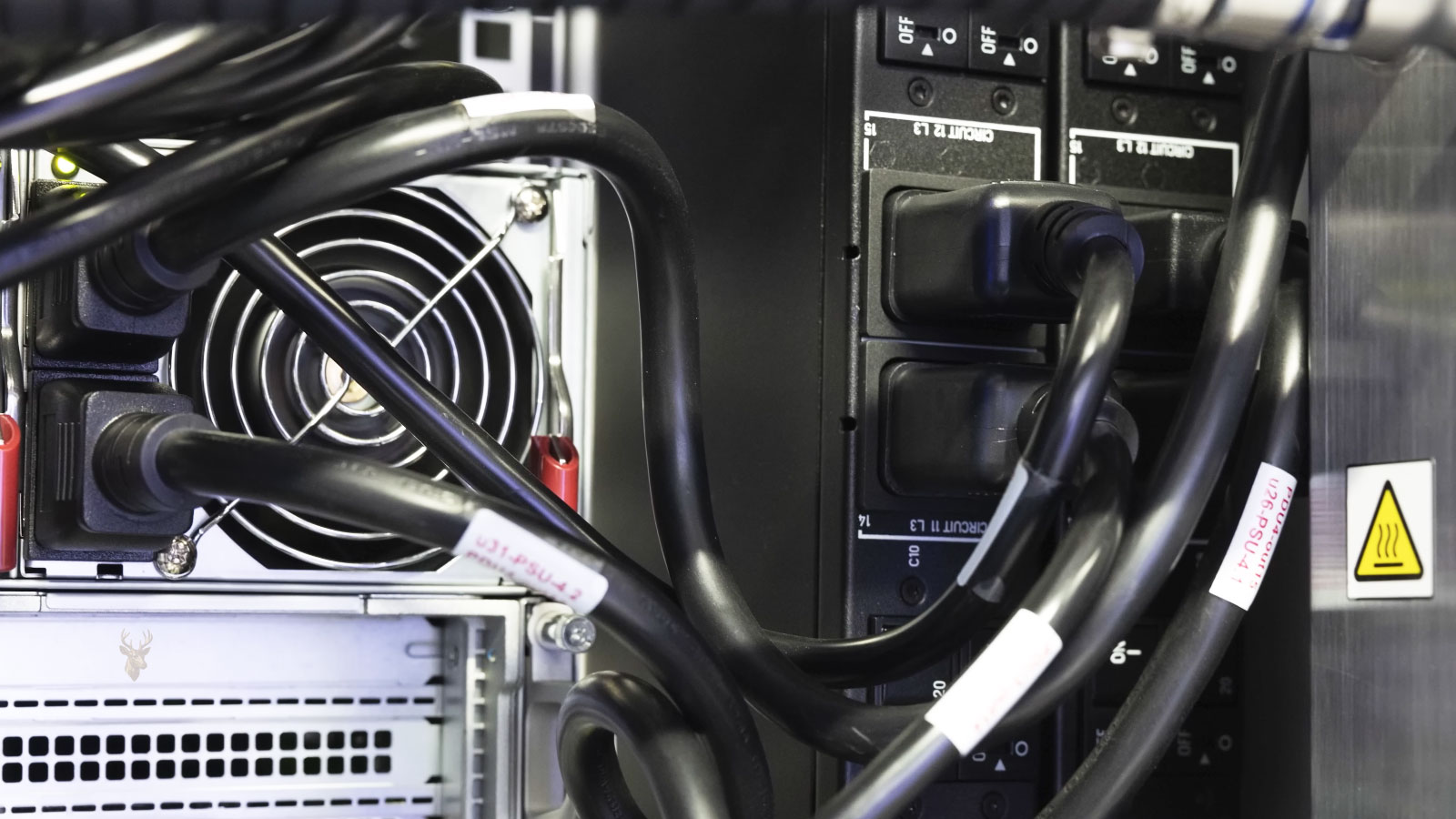
Business Backup and Data Protection
Business files, customer records, financial information, and shared documents represent valuable assets that should be protected against hardware failure, accidental deletion, ransomware, and other unexpected events. Reviewing backup practices and recovery options helps reduce downtime and improves the ability to restore important information when problems occur.
- Backup strategy evaluation
- External and network storage
- Data recovery planning
- Business continuity support
Business Accounts and Cloud Services
Modern businesses often rely on cloud platforms, business email, shared calendars, file synchronization, and user accounts to keep employees connected across multiple devices. Proper configuration and account management help improve security, collaboration, and day-to-day productivity while reducing access problems that interrupt normal operations.
- Microsoft 365 and Google Workspace
- Business email configuration
- User account management
- Cloud file synchronization
Technology Solutions Should Match the Way Your Business Operates
Every business has different workflows, software requirements, security priorities, and daily operational demands. A small office, retail business, professional practice, or growing company may all depend on technology differently, so support should be based on how the equipment is actually used rather than applying the same solution to every environment. Understanding the existing infrastructure, identifying recurring issues, and planning practical improvements helps create a more stable and efficient technology environment.
- Evaluate the current technology environment.
- Identify recurring operational issues.
- Recommend practical long-term improvements.
- Support future business growth and expansion.
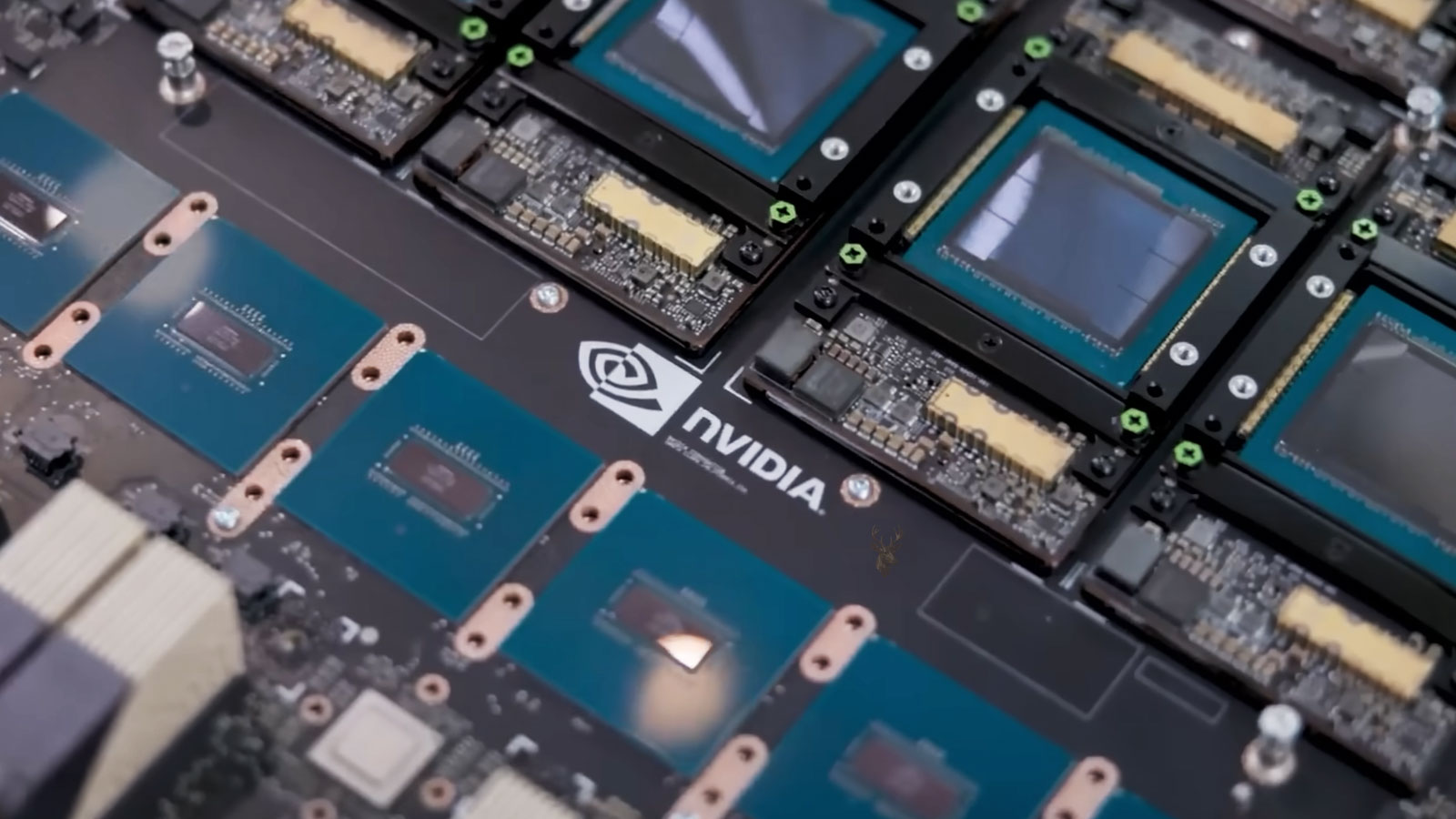
Reliable IT Support Extends Beyond Individual Computer Repairs
Supporting a business involves more than resolving isolated technical problems. Stable technology depends on preventive attention, dependable security practices, timely assistance for employees, and planning that keeps systems aligned with the way the business operates. These areas help reduce downtime while providing a stronger foundation for daily operations.
PROACTIVE SUPPORT
Regular attention helps reduce unexpected technology interruptions.
SYSTEM SECURITY
Essential security practices help protect business systems and data.
USER ASSISTANCE
Employees receive help with everyday technology questions and issues.
FUTURE PLANNING
Technology decisions can be aligned with business growth and operational needs.
A Structured Approach to Supporting Business Technology
Understand the Existing Technology
Business computers, networks, software, user accounts, and connected devices are reviewed to identify the current environment, recurring issues, and operational requirements before recommendations are made.
Identify the Most Important Needs
Technology concerns are organized according to their impact on daily operations, helping determine which issues should be addressed first to reduce interruptions and improve reliability.
Apply Practical IT Improvements
Configuration changes, hardware upgrades, software adjustments, network improvements, and other technical solutions are implemented according to the needs of the business while minimizing disruption whenever possible.
Maintain Reliable Business Operations
Continued support helps address new technology challenges, accommodate business growth, and keep workstations, networks, and connected systems operating as efficiently as possible over time.
Technology Requirements Change as a Business Continues to Grow
Building a Reliable Foundation
Organized workstations, stable networks, and properly configured systems create a stronger starting point for daily business activities.
Supporting Business Expansion
As staff, equipment, and software increase, technology should continue to support productivity without becoming a source of unnecessary interruptions.
Planning for the Future
Regular evaluation helps businesses prepare for equipment upgrades, changing software requirements, improved security practices, and future operational growth.
Reducing Technology Problems Is Often More Effective Than Responding to Unexpected Failures
Proactive Technology Support
Regular monitoring, software updates, security reviews, backup verification, and routine maintenance help identify potential issues before they interrupt business operations. A proactive approach can improve system reliability, reduce downtime, and make future technology planning more predictable.
Reactive Problem Resolution
Some situations require immediate attention after a computer, network, or business system has already failed. Hardware breakdowns, unexpected outages, software failures, security incidents, or connectivity problems may require prompt diagnosis and repair to restore normal business operations as quickly as possible.
Business IT Support Questions Customers Often Ask
Do you provide IT support for small businesses?
Yes. Support can be provided for small offices, professional practices, retail businesses, home-based companies, and other organizations that depend on computers, networks, printers, accounts, and shared business systems.
Can you support more than one computer?
Yes. Business IT support may include multiple desktops, laptops, user accounts, printers, shared storage devices, and other connected equipment. The exact support approach depends on the size and complexity of the environment.
Do you offer remote and on-site support?
Yes. Many software, account, printer, and configuration issues can be handled remotely, while hardware failures, network installation, equipment setup, and other physical problems may require on-site or workshop service.
Can you help set up new workstations for employees?
Yes. New workstation setup can include Windows configuration, user accounts, software installation, email access, printers, cloud services, data transfer, and other settings needed for the employee’s role.
Do you help with backups and data protection?
Yes. Backup practices can be reviewed and improved based on the type of business data, available storage, recovery priorities, and current technology environment. This may include external storage, network storage, cloud services, and recovery planning.
Can you help with business email and Microsoft 365?
Yes. Assistance may include Microsoft 365, Google Workspace, business email configuration, user accounts, password and sign-in problems, file synchronization, shared calendars, and related cloud services.
What information should I provide before requesting business IT support?
Provide the business type, number of computers, main technology problems, software or cloud services in use, and whether the issue affects one employee or the entire workplace. It is also helpful to describe any recent changes, outages, equipment additions, or previous repair attempts.
Email: info@miami–computerrepair.com
Location: Miami, Florida
Business support requests are reviewed according to the number of affected systems, the impact on daily operations, and whether remote, on-site, or workshop service is the most appropriate next step.
Request Business IT Support
Provide a few details about the business environment and the technology issue affecting your operations. You will receive a direct response with the recommended service direction and the information needed to move forward.