
Laptops are used every day for work, school, business, travel, communication, and personal files. When one starts freezing, overheating, charging poorly, showing a damaged screen, or refusing to turn on, the repair needs to focus on the real condition of the machine, not just the first symptom that appears. Our service is built around that kind of careful check, so the repair direction is based on what the laptop actually needs.
Power health
Port response
Display issues
Input problems
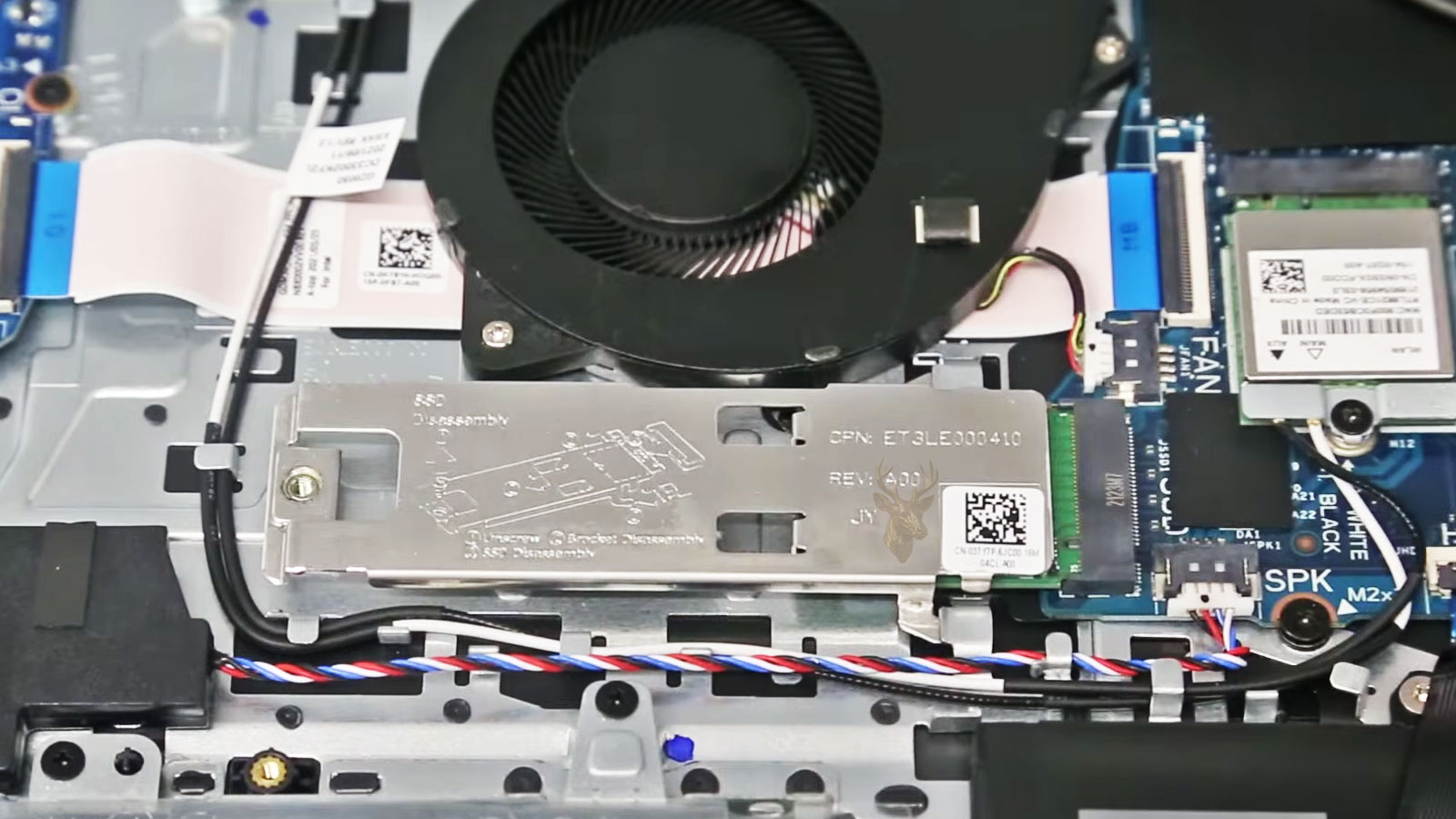
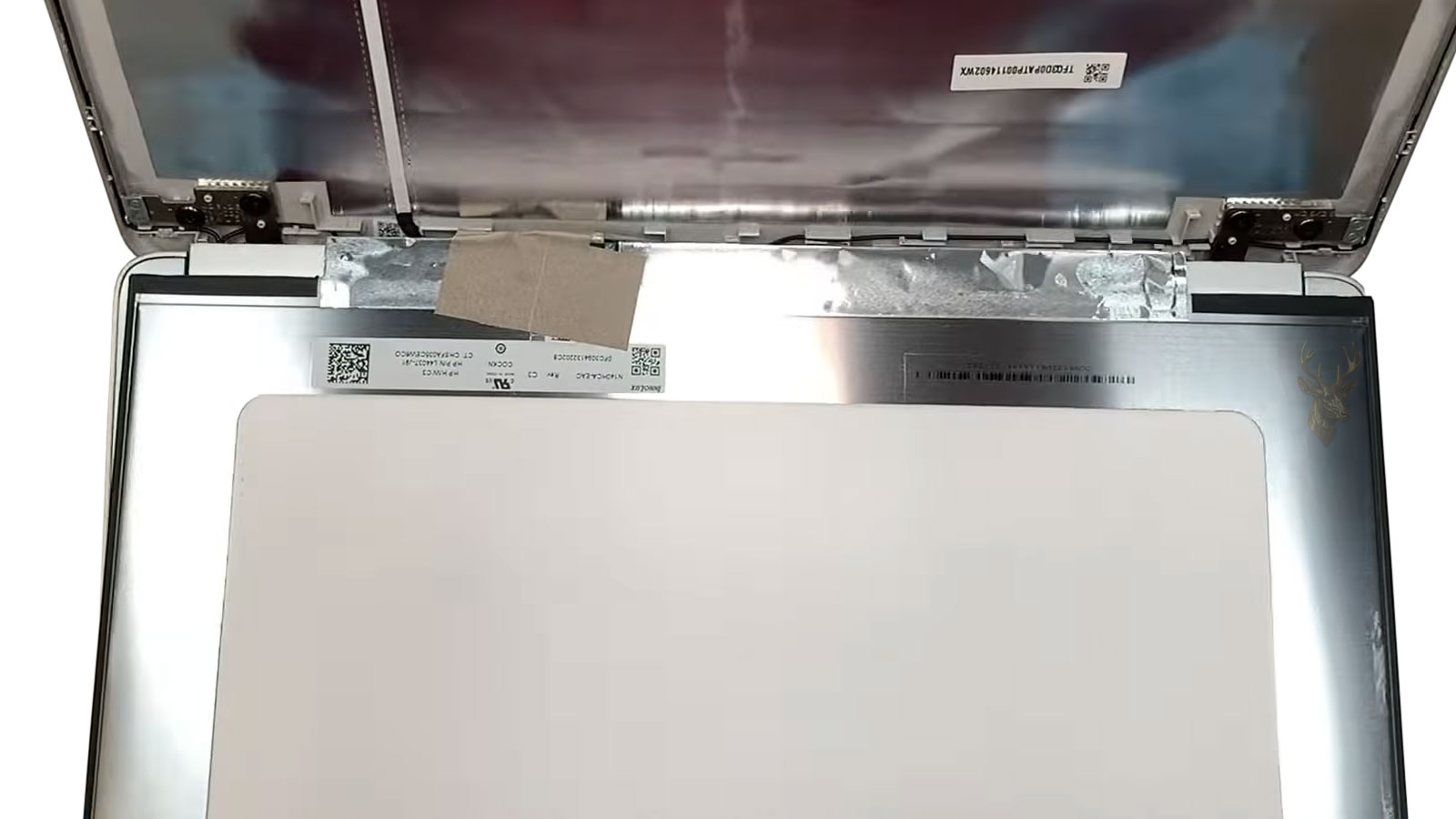
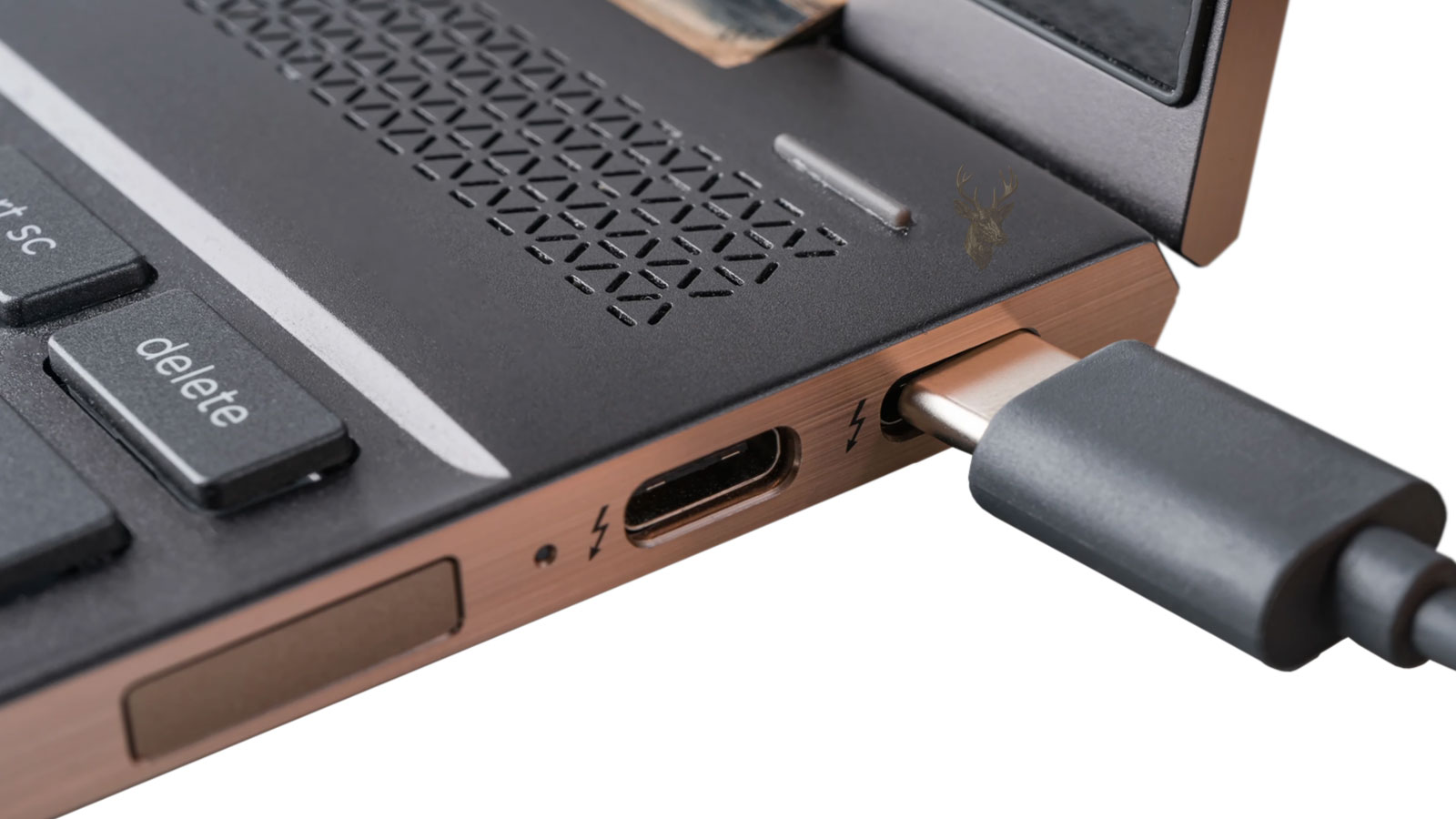
Laptop repair often starts by looking at how the machine is built and where the symptom appears. Internal parts, screen assemblies, charging ports, storage, cooling, and board connections can all affect the final repair direction. A careful inspection helps separate a simple part replacement from a deeper hardware issue before time and money are spent on the wrong part.
Small laptop symptoms can reveal important details while the machine is still partly working. A flicker, fan change, loose charging feel, slow startup, or key that responds only sometimes may point to wear, heat, board stress, cable movement, or a part beginning to fail. When these signs are brought in early, we can examine the laptop while there is still useful behavior to test instead of waiting until the machine gives no response at all.
Physical wear
Daily needs
File importance
Repair value
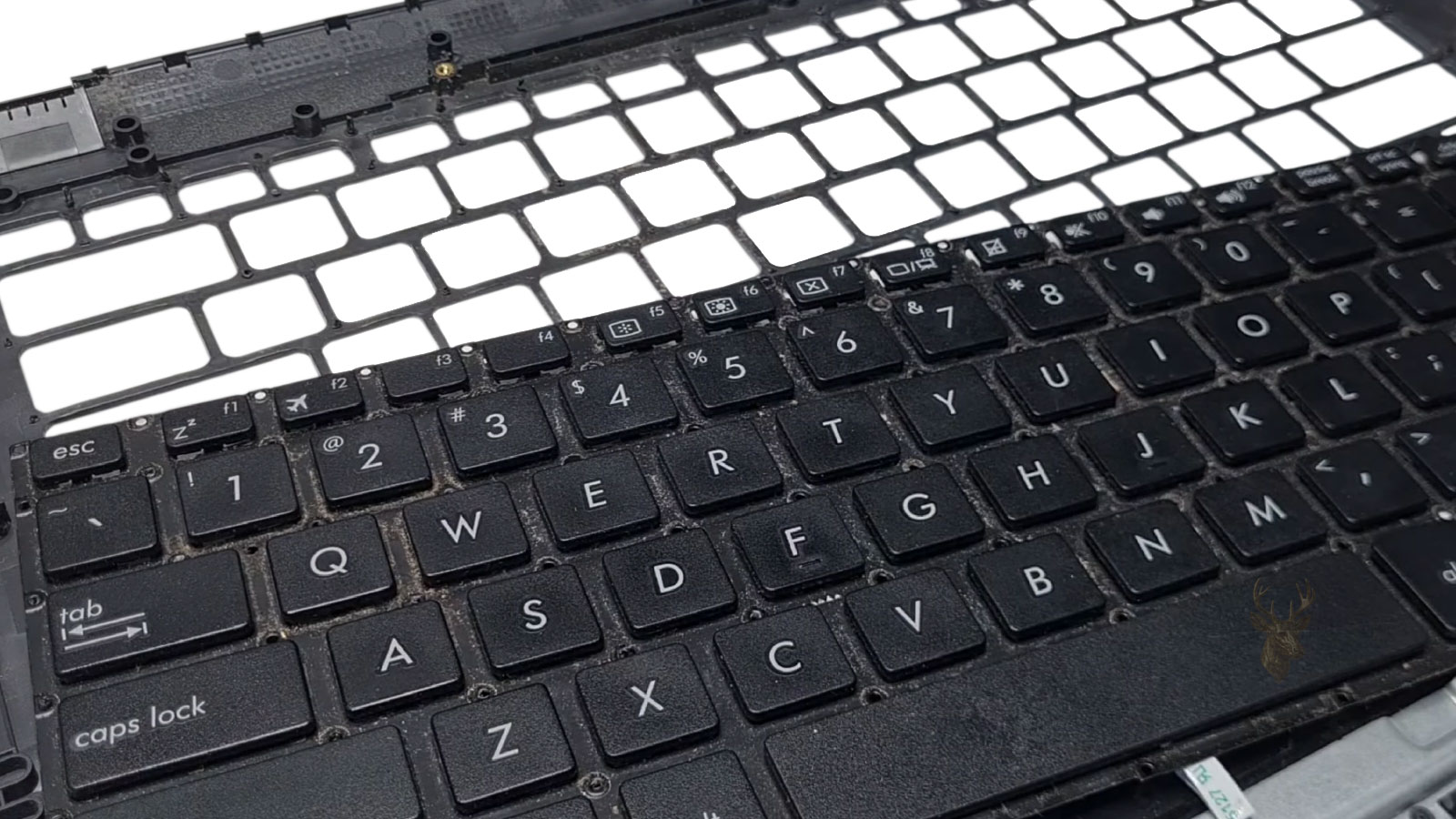
Keyboard issues can require palmrest access when the input layer is bonded, damaged, or no longer responding correctly.
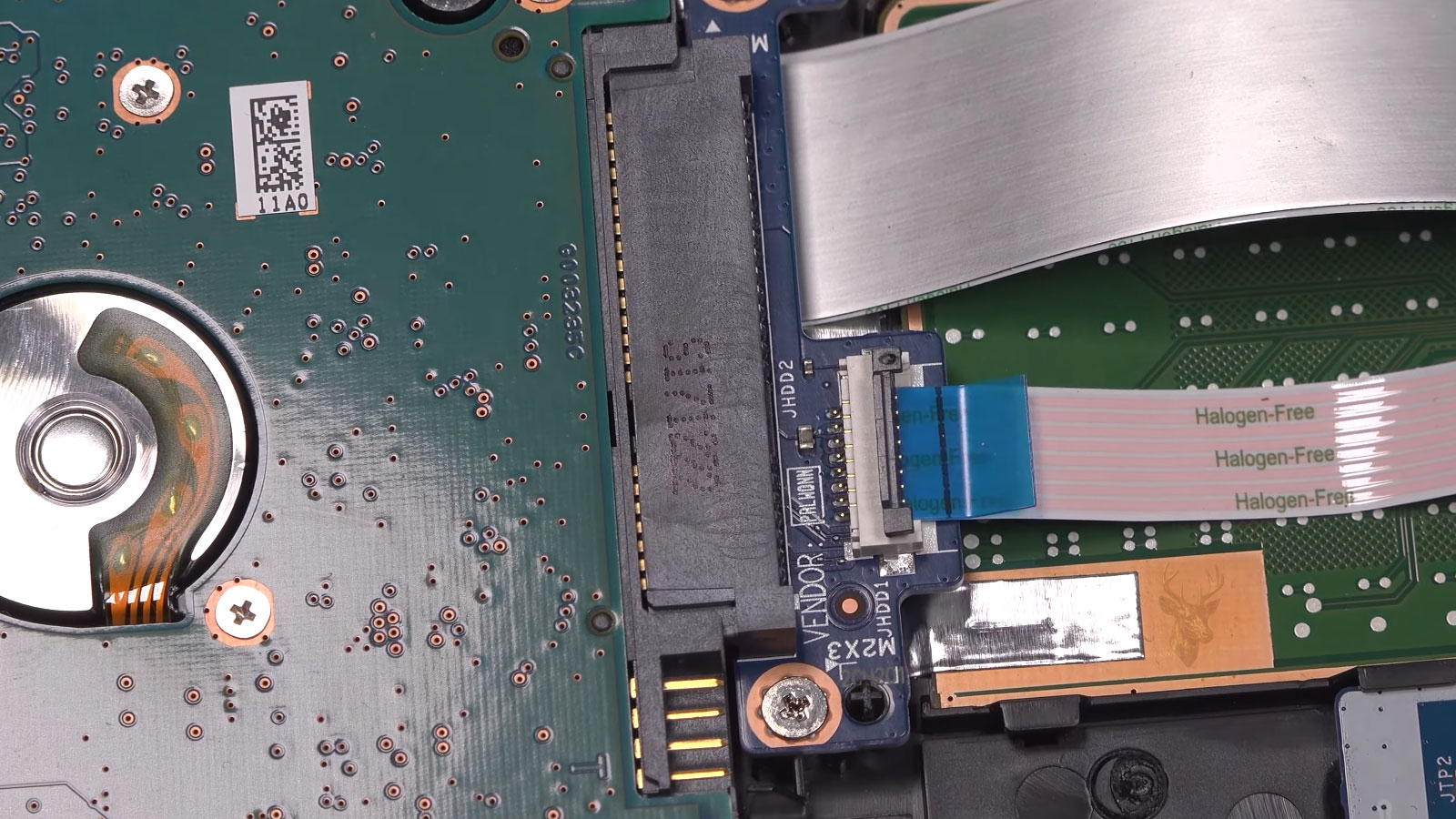
Older laptop hard drives can be replaced with SSD storage to improve speed, reliability, and file access.
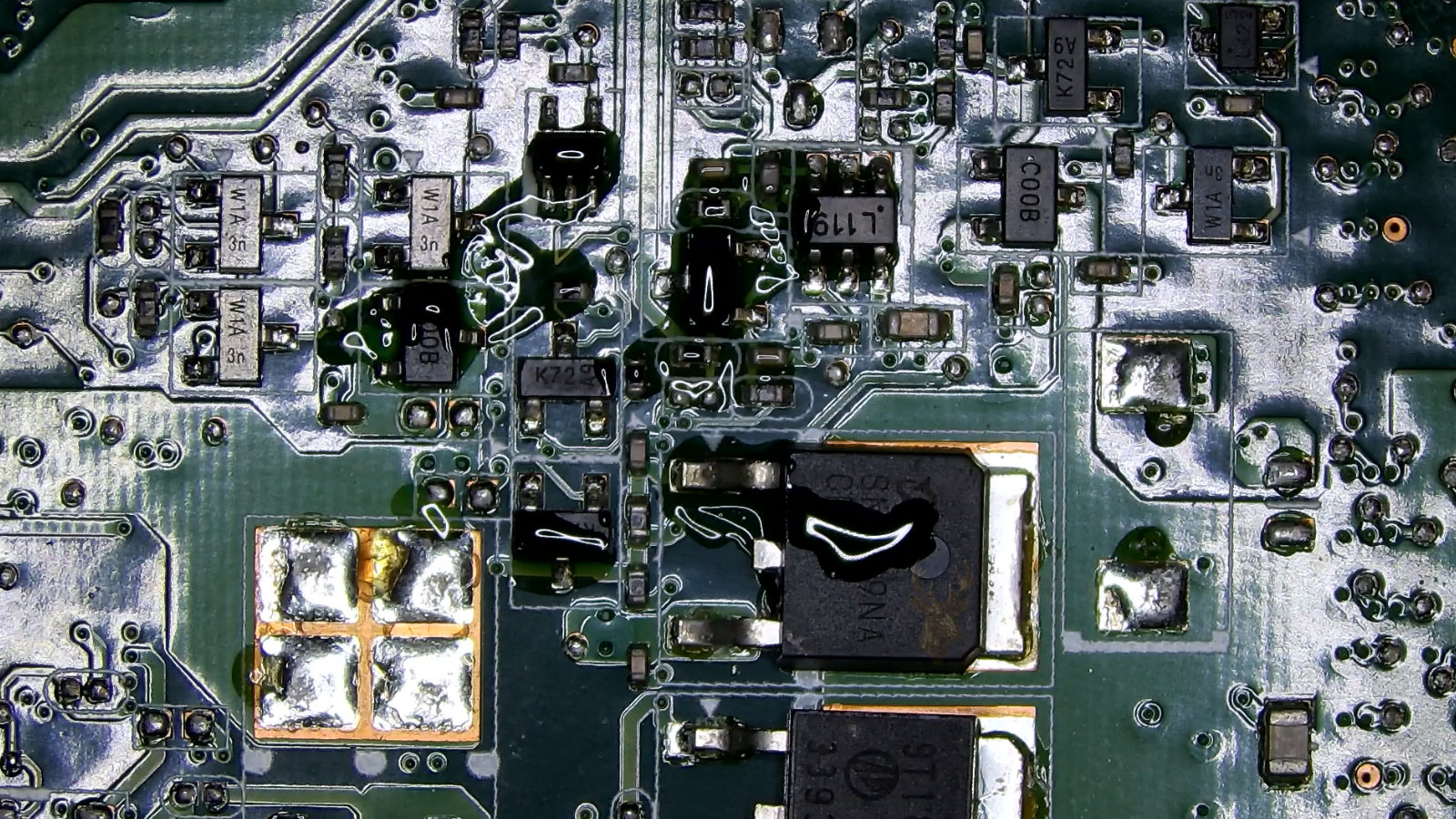
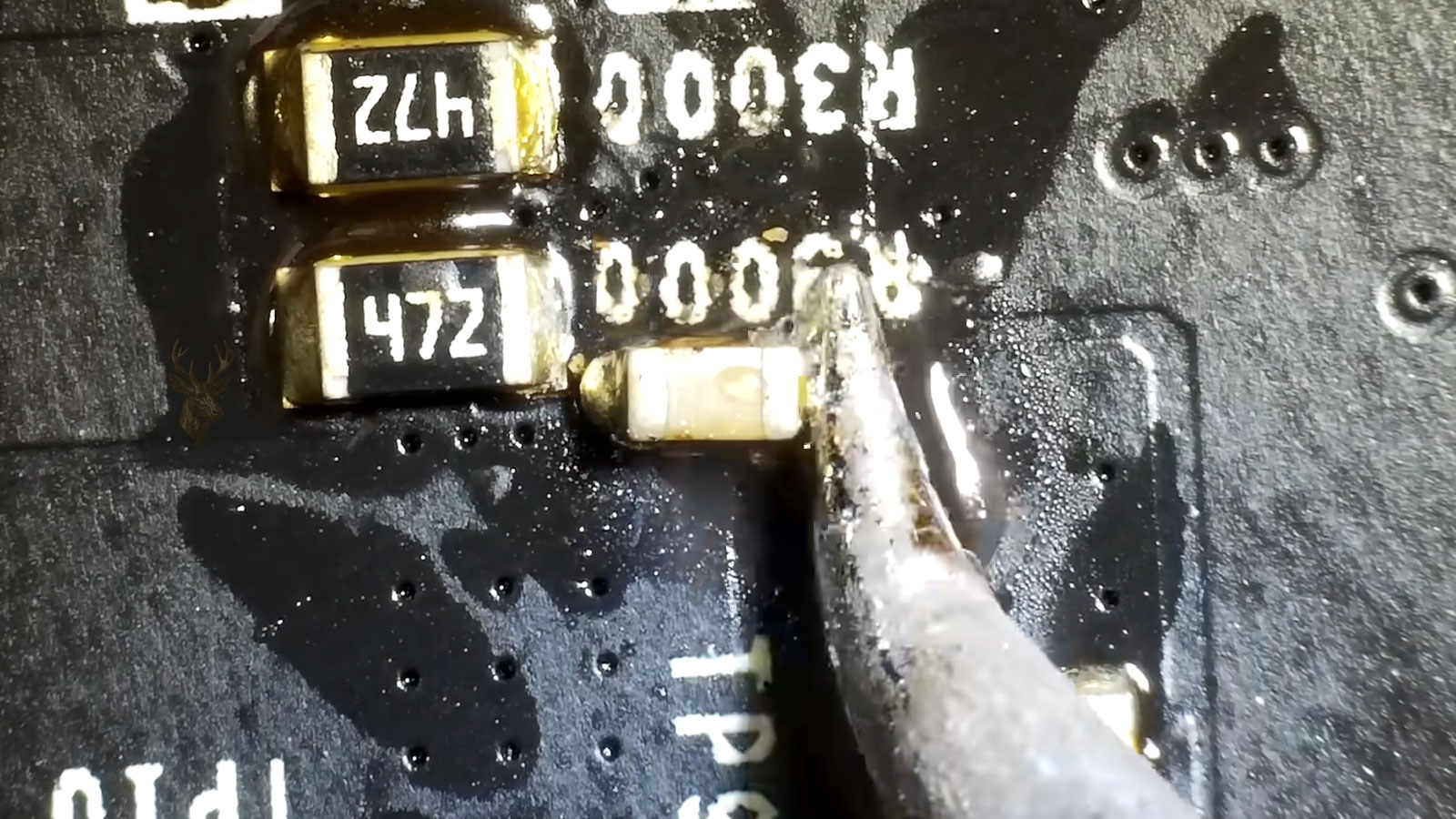
Visible liquid residue near board components can affect power behavior, stability, and long-term repair value.
Inside a laptop, one damaged part may sit near fragile cables, brackets, covers, boards, and connected assemblies. During service, those surrounding areas need to be handled carefully so a keyboard, storage drive, charging issue, or liquid-damaged section can be addressed without creating new problems. Completed repair work is backed by our 30-day service guarantee.
Lorem ipsum dolor sit amet, consectetur adipiscing elit. Ut elit tellus, luctus nec ullamcorper mattis, pulvinar dapibus leo.
Battery
Cooling
Performance
Compact system optimization
Compact system optimization
Compact system optimization
Compact system optimization
Lorem ipsum dolor sit amet, consectetur adipiscing elit. Ut elit tellus, luctus nec ullamcorper mattis, pulvinar dapibus leo.
Got questions? Ideas? Fill out the form below & our specialist will contact you.